
Vansuny 128GB USB C Flash Drive
4.3Editor score
Dual USB 3.0 and Type C
Supports OTG function
Compact keychain design
This guide compares the best extra storage for tablet devices including microSD cards and portable SSDs to help you choose the right option for your needs.
In today's digital landscape, tablets serve as powerful tools for work, creativity, and entertainment. However, limited internal storage can quickly become a bottleneck for users who download large apps or capture high-resolution media. Expanding your tablet's capacity ensures smooth performance and freedom to store all your essential files without constant management.
We have evaluated a wide range of external storage solutions specifically designed to complement modern tablet ecosystems. Our selection includes high-speed microSD cards, versatile dual-interface flash drives, and robust portable solid-state drives. Each product was assessed based on compatibility, transfer speeds, durability, and overall value for everyday users and professionals alike.
Every recommendation in this list highlights key strengths and potential trade-offs to help you make an informed decision. Please note that availability and specific model configurations may vary by region and retailer. We recommend checking current listings for the most up-to-date specifications and compatibility details before making your final purchase decision for your device.
4.3Editor score

4.5Editor score

4.5Editor score
The following comparison table provides a detailed overview of the top ten extra storage solutions for tablets. It highlights key specifications such as interface types, transfer speeds, and unique features to help you quickly identify the right fit for your specific device and usage requirements.

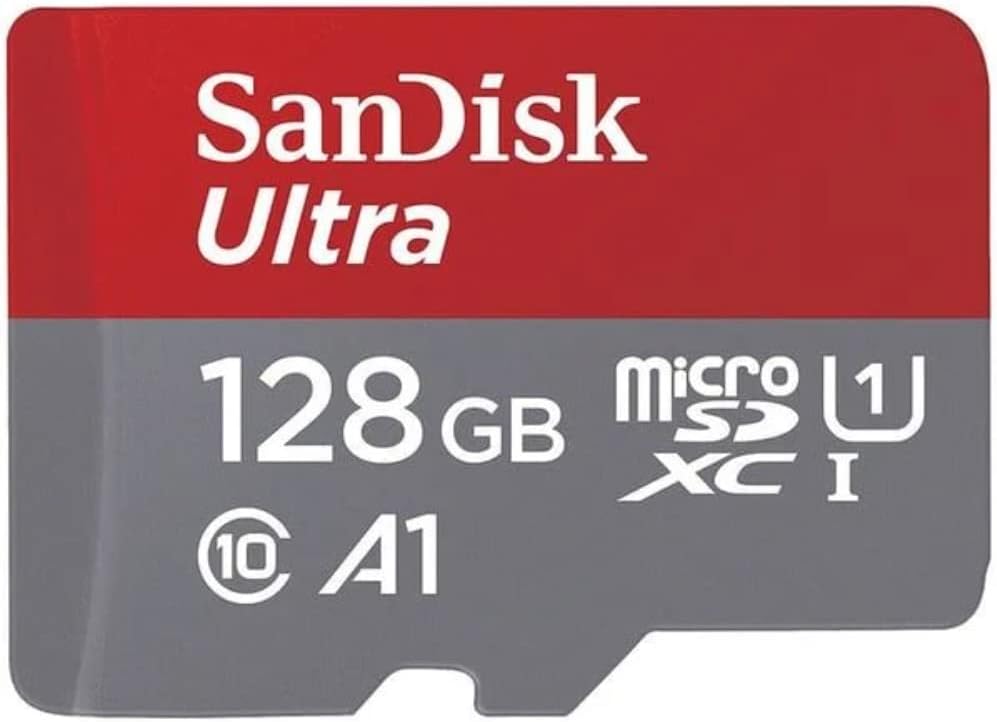


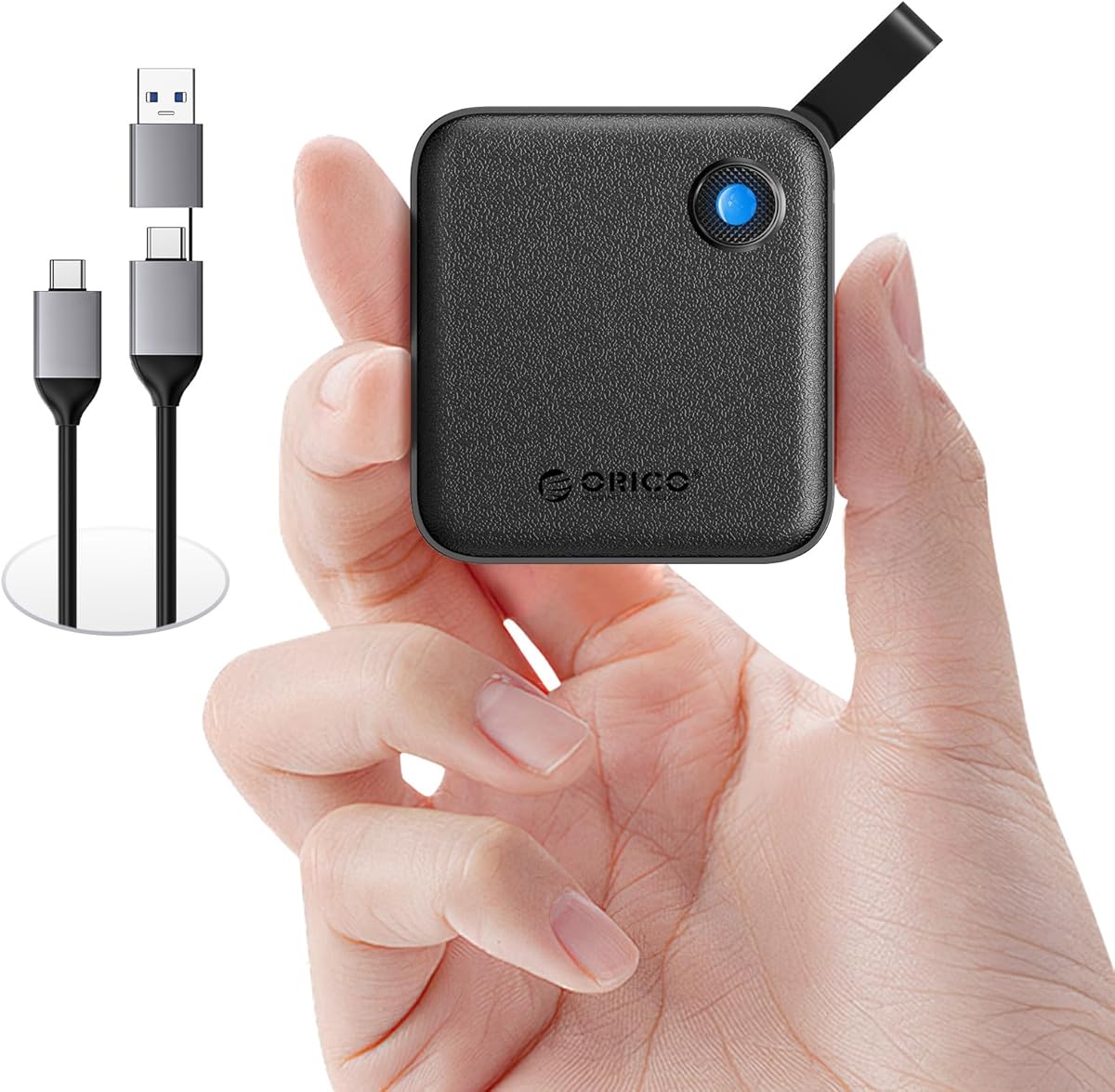
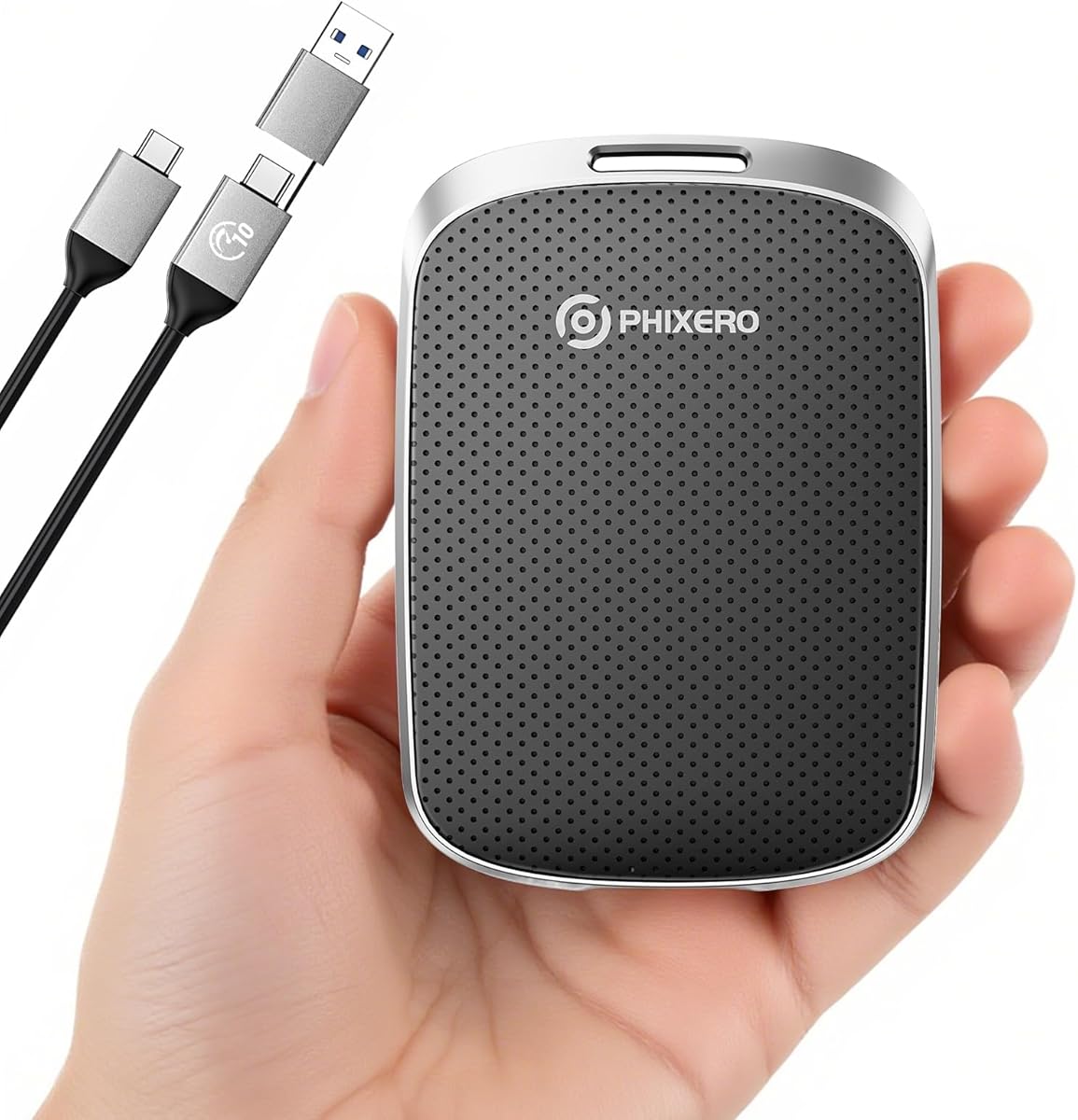
This microSD card is specifically designed for Amazon Fire Tablets and Fire TV devices, ensuring seamless integration without compatibility issues. It holds a strong rating of 4.6 stars from users who value reliability and ease of use for storing media content.
We may earn a commission when you buy through this link, at no additional cost to you.
The exclusive Made for Amazon certification means it is tested to work perfectly with Fire tablets, allowing you to download apps and games directly to the card. Its Class 10 performance supports Full HD video recording and playback, making it ideal for streaming and storing high-quality content without lag.
While it is optimized for Amazon devices, this specialization can be a limitation if you plan to use the card with other Android tablets or cameras. Additionally, handling small microSD cards requires care to prevent loss or damage during insertion and removal from the device slot.
Users who primarily own Fire tablets will find this to be the most reliable and hassle-free option for expanding their device storage. It offers a solid balance of performance and cost for those looking to store photos, music, and apps locally.
The card is tested and certified to work exclusively with Fire tablets and Fire TV, ensuring no compatibility errors or performance drops.
Class 10 speed class ensures smooth Full HD video recording and playback, allowing you to enjoy multimedia content without interruptions.
We may earn a commission when you buy through this link, at no additional cost to you.
The SanDisk Ultra Dual Drive offers a massive 256GB of storage in a compact package designed for both modern USB-C devices and traditional USB-A computers. It is highly rated for its ability to transfer files quickly between smartphones, tablets, and PCs with ease.
We may earn a commission when you buy through this link, at no additional cost to you.
Its retractable design protects the connectors when not in use, making it a durable choice for daily carrying. The drive supports high-speed USB 3.1 performance with read speeds up to 150MB/s, which is sufficient for moving large video files or backing up photos efficiently.
The only minor drawback is the lack of explicit write speed guarantees, though read speeds are highlighted as a primary feature. Also, users must ensure their mobile devices support USB On-The-Go functionality to utilize the drive with Android tablets or phones.
This drive is perfect for users who need a reliable bridge between their tablet and computer for file transfers. It provides ample space for media and documents, making it a cost-effective choice for expanding tablet storage without internal modifications.
Features both USB Type-C and traditional USB connectors to allow easy file transfers between modern mobile devices and older computers.
The retractable design ensures the connectors are protected from dust and damage when the drive is stored in a pocket or bag.
We may earn a commission when you buy through this link, at no additional cost to you.
This portable SSD delivers professional-grade performance with read speeds up to 1050MB/s and write speeds up to 1000MB/s, making it ideal for handling large media files. It is highly rated by users who require fast access to data and reliable performance on the go.
We may earn a commission when you buy through this link, at no additional cost to you.
The 1TB capacity provides ample space for high-resolution photos and 4K video projects, while the aluminum alloy case ensures efficient heat dissipation during intensive transfers. It includes both USB-C and USB-A cables, ensuring compatibility with a wide range of tablets and computers.
While it is a premium option, the speed and capacity justify the cost for power users. Windows systems may display slightly less than 1TB due to binary calculation differences, but this is standard for all SSDs and does not affect actual physical storage capacity.
Creative professionals and heavy tablet users will benefit most from this drive due to its speed and reliability. It is a top choice for those who need to edit or transfer 4K video directly from their tablet without lag or slowdowns.
Blazing-fast read and write speeds allow for immediate access to large files, significantly reducing wait times during data transfers.
The aluminum alloy case dissipates heat effectively, ensuring the drive stays cool and performs reliably even during long file transfer sessions.
We may earn a commission when you buy through this link, at no additional cost to you.
This microSD card offers versatile compatibility with Android tablets, Chromebooks, and Windows laptops, making it a versatile choice for mixed environments. With a rating of 4.7 stars, it is praised for its speed and reliability in everyday storage tasks.
We may earn a commission when you buy through this link, at no additional cost to you.
The A1 rating ensures that apps loaded from the card run smoothly, which is crucial for tablet users who store frequently used applications on external storage. Transfer speeds of up to 140MB/s allow for quick movement of thousands of photos per minute, enhancing productivity.
One minor inconvenience is that you may need a separate card reader to access files on a computer since most PCs do not have built-in microSD slots. However, the 10-year limited warranty from SanDisk provides peace of mind regarding long-term durability and reliability.
This card is highly recommended for users who need a fast and reliable storage solution for both media and applications. It strikes a great balance between performance and compatibility for a wide variety of tablets and laptops.
The A1 rating ensures apps run faster when stored on the card, providing a smoother experience for mobile multitasking and productivity.
Backed by a 10-year limited warranty, this card offers long-term reliability and protection for your valuable data and files.
We may earn a commission when you buy through this link, at no additional cost to you.
This flash drive features a dual design with both Type-C and USB-A plugs, allowing you to connect directly to modern tablets, iPhones, and traditional computers. It is rated 4.4 stars and is known for being a convenient and portable storage solution for daily tasks.
We may earn a commission when you buy through this link, at no additional cost to you.
The drive supports high-speed USB 3.0 technology with read speeds up to 130MB/s, making file transfers significantly faster than older USB 2.0 drives. It is plug-and-play, meaning no software installation is needed to use it with Windows, Android, or Mac systems.
While the read speeds are impressive, the write speeds are noted to be lower, which might affect how quickly data is saved to the drive. Additionally, the plastic casing is lightweight but can be more prone to scratches compared to metal drives over time.
This drive is ideal for users who need a simple and effective way to move files between a tablet and a computer. Its compact design makes it easy to carry, and it works seamlessly with the latest iPhone models and USB-C tablets.
Features both Type-C and USB-A plugs to work with virtually any device, from modern smartphones to legacy computers.
Plug-and-play functionality means you can start transferring files immediately without needing to install drivers or software.
We may earn a commission when you buy through this link, at no additional cost to you.
This dual-drive solution offers a convenient way to back up photos and transfer files between tablets, Macs, and USB-A computers. With a rating of 4.5 stars, users appreciate its compact design and the added value of the SanDisk Memory Zone app for automation.
We may earn a commission when you buy through this link, at no additional cost to you.
The reversible USB Type-C connector ensures easy insertion without worrying about orientation, while the traditional Type-A connector provides compatibility with older systems. It supports read speeds of up to 150MB/s, which is fast enough for quick backups and file exchanges.
The automatic photo backup feature requires downloading the Memory Zone app, which may be a slight hurdle for users who prefer immediate plug-and-play use. Additionally, mobile devices must support On-The-Go functionality to access the drive directly.
It is a solid choice for users who want a simple tool to free up space on their tablets by backing up media. The combination of hardware reliability and software support makes it a versatile addition to any mobile storage setup.
The reversible USB-C plug can be inserted either way, reducing frustration and speeding up the process of connecting to your tablet.
The Memory Zone app allows for automatic photo backups, helping you manage storage space on your device without manual effort.
We may earn a commission when you buy through this link, at no additional cost to you.
This Samsung drive delivers high performance with read speeds up to 400MB/s, making it capable of transferring large files in seconds. It holds a strong rating of 4.5 stars from users who value durability and speed for their daily storage needs.
We may earn a commission when you buy through this link, at no additional cost to you.
The drive is built to withstand tough conditions, being waterproof, shock-proof, magnet-proof, temperature-proof, and X-ray-proof. This ruggedness ensures your data remains safe even if the drive is exposed to harsh environments during travel or outdoor use.
One limitation is that it uses a single USB-C connector, meaning you will need an adapter if you want to connect it to a traditional USB-A port. However, its reversible design simplifies plugging it into modern devices like tablets and laptops with USB-C ports.
For users seeking a reliable and fast storage option with strong protection features, this drive is an excellent choice. It is ideal for those who often travel with their devices and need to ensure their data is safe from physical and environmental damage.
The drive is resistant to water, shocks, magnets, temperature, and X-rays, ensuring your data is safe from various physical threats.
With read speeds up to 400MB/s, you can transfer large video or image files in just seconds, saving valuable time.
We may earn a commission when you buy through this link, at no additional cost to you.
This portable SSD offers fast read speeds up to 460MB/s and is designed for users who need reliable storage for photos and videos. It is rated 4.5 stars and praised for its portability and ease of use across a wide range of devices.
We may earn a commission when you buy through this link, at no additional cost to you.
The drive comes with a 2-in-1 USB C and USB A cable, ensuring you can connect to most tablets and computers without needing extra adapters. At just 0.9 pounds, it is incredibly lightweight and easy to slip into a pocket or laptop bag for daily carry.
While the 256GB capacity is sufficient for many users, it may not be enough for those storing massive 4K video libraries. The write speeds are not explicitly stated, which could be a consideration for heavy write workloads.
This SSD is perfect for photographers, videographers, and students who need quick access to files on the go. Its combination of speed, portability, and connectivity options makes it a versatile storage tool for creative professionals.
Includes a dual-interface cable to connect with both USB-C and USB-A devices, ensuring compatibility with various gadgets.
With read speeds up to 460MB/s, you can share and access large files quickly, reducing waiting time during transfers.
We may earn a commission when you buy through this link, at no additional cost to you.
This external SSD offers continuous read speeds of 550MB/s and write speeds of 500MB/s, providing a balanced performance for various file transfers. With a rating of 4.6 stars, it is well-regarded for its durability and seamless cross-device usability.
We may earn a commission when you buy through this link, at no additional cost to you.
The anti-drop and anti-vibration aluminum alloy frame protects the drive from physical damage, while the hanging loop makes it easy to attach to a backpack or belt. It supports Windows, Mac, Linux, and Android systems, making it highly versatile for different ecosystems.
The cable provided may be shorter than desired for some desktop setups, but it works well for portable use. While the design is sturdy, the plastic ends on the cable might show wear over years of heavy usage in rough conditions.
This SSD is a reliable choice for users who need consistent performance for work or entertainment. Its durability and broad compatibility make it a great option for anyone looking to expand storage on multiple devices without compatibility issues.
Compatible with almost all major operating systems, allowing you to use the drive across PCs, Macs, and mobile devices effortlessly.
Built with an aluminum alloy frame that resists drops and vibrations, protecting your data during daily travel and use.
We may earn a commission when you buy through this link, at no additional cost to you.
This flash drive offers a budget-friendly solution for expanding tablet storage with dual USB 3.0 and Type C connectors. It is rated 4.3 stars and is a popular choice for users looking for an affordable way to store photos and documents on the go.
We may earn a commission when you buy through this link, at no additional cost to you.
It supports OTG functionality on Android smartphones, allowing you to read and write files directly without an adapter. The keychain attachment ensures you can keep the drive with your keys, reducing the risk of losing it in your bag.
Performance is adequate for basic tasks, but it is not as fast as premium SSDs. Users should note that the default format is exFAT, which is recognized by most systems but may need reformatting for specific legacy devices.
This drive is perfect for students or casual users who need simple storage expansion without breaking the bank. It is a practical tool for transferring files between a tablet and a computer efficiently and affordably.
Supports OTG on Android devices, allowing direct file transfer to and from your smartphone or tablet without extra hardware.
Includes a keychain attachment to keep the drive with your keys, ensuring it stays secure and easy to carry every day.
We may earn a commission when you buy through this link, at no additional cost to you.
Selecting the right storage solution depends on your specific needs, device compatibility, and budget. This guide outlines key factors to consider before making a purchase.
Choose a capacity that aligns with your typical usage. For basic media storage, 128GB to 256GB is usually sufficient. Professionals working with large video files should opt for 1TB or higher.
Assess your current storage usage to ensure you purchase enough space to grow with your needs.
Ensure the storage device matches your tablet's ports. Modern tablets use USB-C, while older models may use micro-USB or legacy ports. Dual-interface drives offer flexibility.
Check your device specs to confirm which connector type is supported.
Transfer speeds impact how quickly files move between devices. Look for USB 3.0 or higher standards with speeds over 100MB/s for efficient workflows.
Higher speeds are essential for working with video or large datasets regularly.
Durability matters if you travel frequently. SSDs and rugged flash drives offer better shock and water resistance than standard microSD cards.
Select devices with protective casings if you plan to carry them daily.
Verify that the drive is compatible with your tablet's operating system. Most devices work with Windows, Android, and iOS, but some require specific apps.
Check product descriptions for OS-specific compatibility notes.
Look for plug-and-play options that require no installation. Software-free drives simplify the experience for non-technical users.
Drives with intuitive apps can help manage files more efficiently.
A longer warranty period indicates manufacturer confidence in product quality. Standard coverage ranges from one to five years depending on the brand.
Prioritize brands offering extended warranties for peace of mind.
Balance performance with cost. Premium options offer speed but may not be necessary for basic storage needs.
Compare features to ensure the best value for your specific use case.
Insert the storage device directly into your tablet's port. Ensure the connector is fully seated to maintain a stable connection. If using an adapter, check compatibility before plugging in.
Access files through your tablet's file manager or specific apps like SanDisk Memory Zone. Organize folders to locate documents and media quickly. Always eject devices properly before unplugging.
Store devices in cool, dry places to prevent overheating or moisture damage. Keep connectors clean by using caps or covers when not in use. Regularly check for firmware updates to ensure compatibility and performance.
Not all tablets have microSD slots, especially iPads and premium Android models. Check your device specs first to confirm physical compatibility. If your tablet lacks a slot, use a USB-C flash drive instead.
Most devices work plug-and-play without extra software. However, manufacturers often include apps for backup or file management. These apps are optional but can streamline specific workflows on your tablet.
USB-C is the standard for modern tablets and laptops with reversible connectors. USB-A is found on older computers. Dual-interface drives include both to bridge the gap between device generations.
Check your device specifications or settings menu for On-The-Go (OTG) support. Most Android tablets have this feature enabled by default but some require manual activation.
Yes, external SSDs generally offer significantly higher read and write speeds than standard flash drives. They are better suited for transferring large files quickly or running applications directly.
Yes, most tablets allow you to copy files directly to an external drive for backup. Use the file manager app to select media and documents to move to the storage device.
Unplugging without ejecting can corrupt files or damage data. Always use the eject option in your system settings before physically removing the drive.
High-speed SSDs or microSD cards with U3/V30 ratings are suitable for 4K video. Ensure the drive supports fast enough write speeds to handle continuous recording without dropping frames.
The best extra storage for tablet depends on your specific workflow and device capabilities. For budget-conscious users, dual-interface flash drives offer excellent versatility and value.
Consider speed and capacity based on whether you are storing documents or editing video. Premium SSDs deliver the performance needed for professional tasks without compromising mobility.
Check current listings for availability and compatibility details before purchasing. Regularly maintain your storage devices to ensure long-term reliability and data safety.