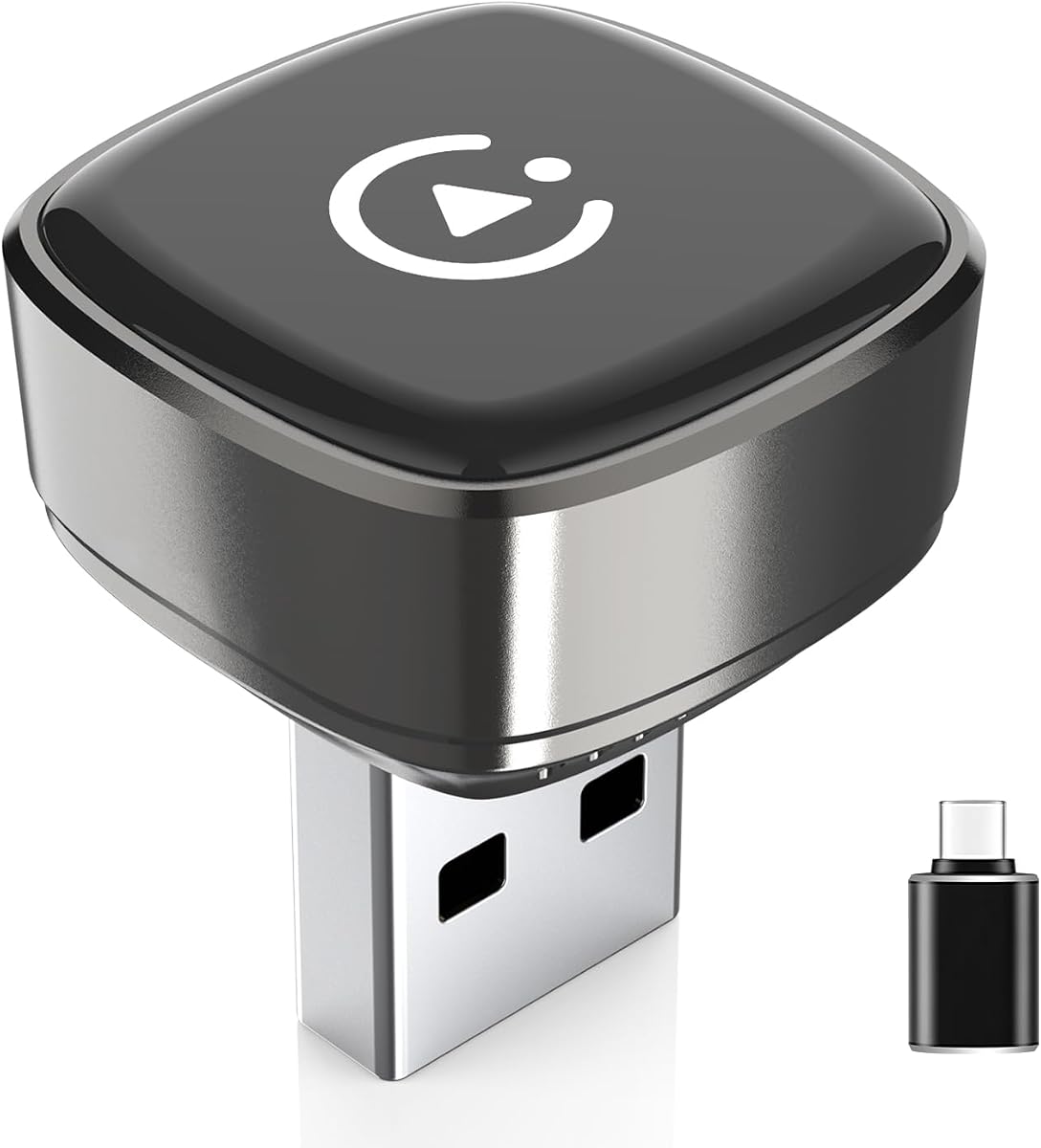
Wireless Carplay Adapter for Vehicles
4.2Editor score
Mini Stylish Design
Plug and Play
Automatic Reconnection
We compare the top Carplay Adapter for Tesla options to help you find the best wireless solution for your vehicle's infotainment system needs.
Driving a modern electric vehicle means you expect seamless connectivity. A reliable Carplay Adapter for Tesla brings your iPhone features directly to your screen without cables.
We analyzed real user feedback and technical specs to rank these adapters. Our list covers wireless dongles that convert wired systems into seamless mobile experiences for drivers.
Each pick shows key specs and performance traits to help you decide. Remember that prices change often so verify the current cost before you purchase your new adapter.
4.2Editor score

4.3Editor score

4.5Editor score
This side-by-side comparison helps you evaluate the core specifications of every adapter we reviewed. Find the perfect fit for your car needs here.


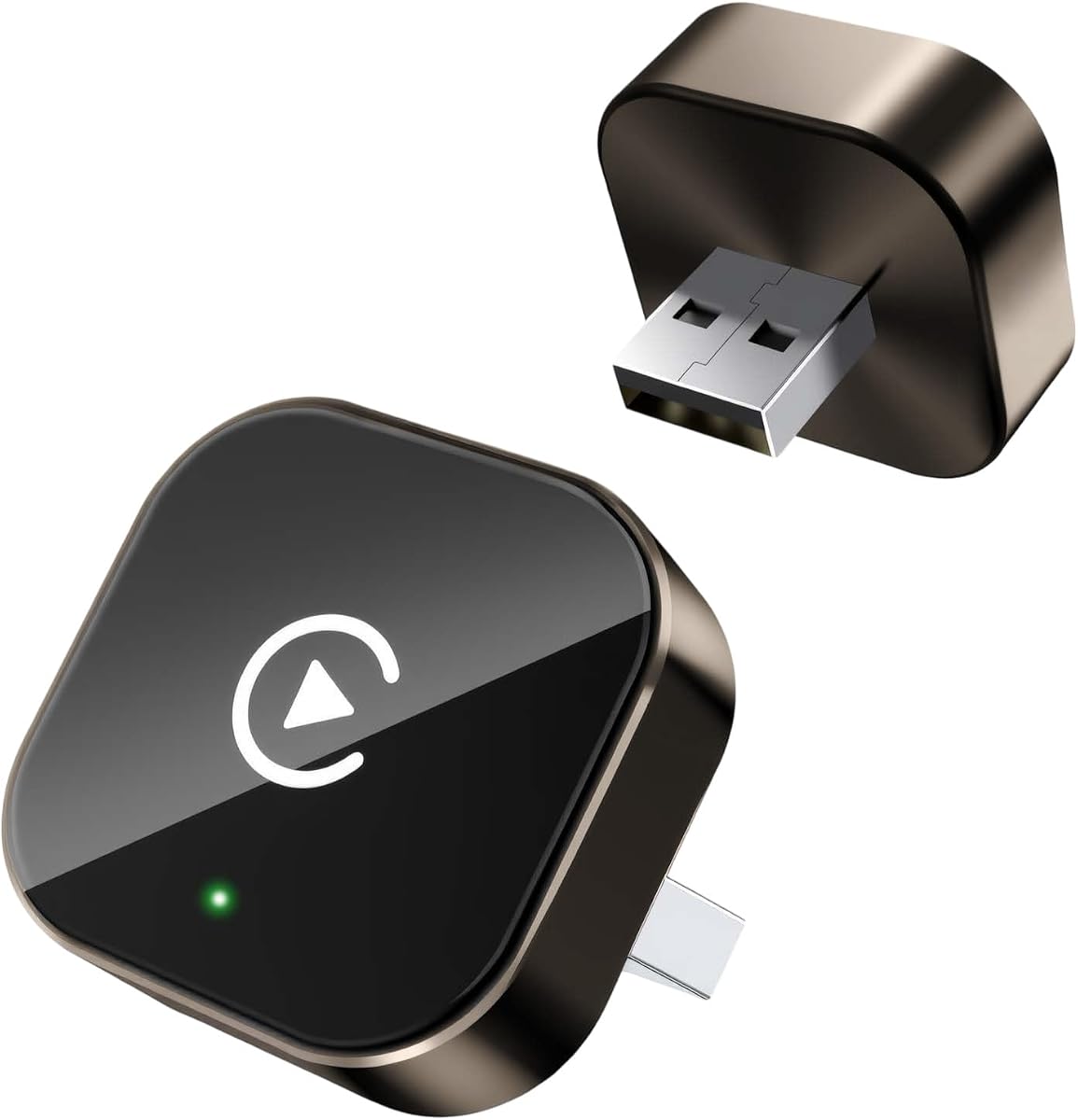


This Jemluse adapter is a top choice for drivers seeking a reliable connection. It holds a 4.3 rating and stands out for its multi-user capability and fast performance.
We may earn a commission when you buy through this link, at no additional cost to you.
The adapter uses a 7A Microchip Tech and 5.8 GHz Wi-Fi to deliver quick transmission rates. This ensures smooth navigation and music streaming without lag. The metal housing adds durability.
While the price is higher than basic options, the multi-user feature justifies the cost for shared vehicles. The auto-connect function works well after the initial setup.
Buy this adapter if you need reliability and shared access. It is a solid pick for modern cars needing a stable wireless link.
Multiple drivers can switch phones easily without needing manual re-pairing.
The advanced chip ensures high-speed data transfer for responsive navigation.
We may earn a commission when you buy through this link, at no additional cost to you.
This adapter offers a simple solution for converting wired connections to wireless. It holds a 4.2 rating and is known for its low cost and ease of use.
We may earn a commission when you buy through this link, at no additional cost to you.
The setup process takes just minutes. The auto-reconnect function works reliably. Its small size makes it easy to hide. This makes it a great choice for budget conscious drivers.
It lacks advanced features like multi-user support. However, it provides a stable connection for basic needs. The value proposition is strong for most users.
Buy this if you want a no-fuss upgrade. It is perfect for single-driver cars with limited budgets.
Provides essential wireless functionality at an entry-level price point.
Minimal setup steps make it accessible for any user.
We may earn a commission when you buy through this link, at no additional cost to you.
This AI Box offers a premium in-car entertainment experience. With a 4.5 rating, it stands out for its built-in video apps and robust construction.
We may earn a commission when you buy through this link, at no additional cost to you.
It supports streaming services directly on the car screen. The aluminum alloy build ensures durability. Connectivity is stable and fast due to the advanced chip.
The price is significantly higher than other options. The larger size may not fit all USB ports. These trade-offs are acceptable for the extra features.
Buy this for entertainment and performance. It is ideal for road trips and tech enthusiasts.
Enjoy movies and media directly on the car display without a phone.
Metal construction handles heat and wear better than plastic.
We may earn a commission when you buy through this link, at no additional cost to you.
This adapter is upgraded for 2026 and focuses on stability. It holds a 4.3 rating and is great for GPS and navigation needs.
We may earn a commission when you buy through this link, at no additional cost to you.
The design is ultra-mini and stylish. It auto-connects without setup. It is stable for GPS use. This makes it useful for daily commuting.
It is not compatible with Tesla vehicles. Users must verify their car model before buying. The compact size is a plus.
Buy this for a small and stable link. It is good for standard cars without Tesla models.
Optimized for reliable navigation and positioning accuracy.
Tiny size ensures it stays out of sight.
We may earn a commission when you buy through this link, at no additional cost to you.
This 2026 upgraded adapter delivers solid performance. With a 4.6 rating, it is known for its compact design and reliable connection.
We may earn a commission when you buy through this link, at no additional cost to you.
It uses dual-chip technology for efficiency. The metal shell enhances durability. It fits many car models easily. This makes it a strong contender.
It lacks extra apps like Netflix. The features are standard but reliable. The high rating indicates user satisfaction.
Buy this for a reliable upgrade. It is suitable for most cars needing wireless CarPlay.
Combined chips ensure stable transmission and low latency.
Small form factor protects against wear and tear.
We may earn a commission when you buy through this link, at no additional cost to you.
This adapter supports both iPhone and Android devices. It holds a 3.8 rating and offers FCC certification and lifetime updates.
We may earn a commission when you buy through this link, at no additional cost to you.
Setup is quick and simple. The compact design is easy to carry. It is certified for safety and performance.
The rating is lower than top picks. It lacks advanced features. It is a solid choice for Android users.
Buy this for cross-platform support. It is good for mixed-device households.
Works with both iOS and Android devices for flexibility.
FCC certification ensures reliable and safe performance.
We may earn a commission when you buy through this link, at no additional cost to you.
This adapter focuses on zero-lag performance. With a 4.4 rating, it is excellent for media and GPS tasks.
We may earn a commission when you buy through this link, at no additional cost to you.
It uses dual-band Wi-Fi and Bluetooth. Multi-core processor ensures stable performance. Lifetime support adds value. This makes it a great choice.
It is standard in features. The auto-connect is reliable. It works well for 2016+ cars.
Buy this for smooth media playback. It is good for drivers who prioritize stability.
Ensures smooth streaming without buffering during playback.
Automatically links to your phone every time you enter the car.
We may earn a commission when you buy through this link, at no additional cost to you.
This adapter is great for families with mixed phones. It holds a 4.1 rating and supports both CarPlay and Android Auto.
We may earn a commission when you buy through this link, at no additional cost to you.
Switching between devices is easy. The auto-reconnection is fast. It fits well in the port. This makes it great for multiple users.
It is not for Tesla. The setup is simple but needed. It is a strong value.
Buy this for household flexibility. It is perfect for iPhone and Android users.
Eliminates the need to swap cables between different phone types.
Prevents overheating during long drives or hot weather.
We may earn a commission when you buy through this link, at no additional cost to you.
This adapter is reliable for iPhone users. With a 4.5 rating, it is known for fast connection and a strong warranty.
We may earn a commission when you buy through this link, at no additional cost to you.
It auto-reconnects in seconds. The A7S chip ensures performance. It includes a USB-C cable. This makes setup easy.
It is only for iPhone. The features are standard. The price is fair.
Buy this for speed and value. It is good for iPhone users needing quick setup.
Reconnects in under 3 seconds for instant use.
USB-C cable ensures you can use modern ports.
We may earn a commission when you buy through this link, at no additional cost to you.
This adapter offers wide compatibility. It holds a 4.2 rating and supports both CarPlay and Android Auto.
We may earn a commission when you buy through this link, at no additional cost to you.
The chipset is upgraded for 2026. Auto-connect works well. The design is compact. This makes it a practical choice.
It is not for Tesla. It is simple to use. The performance is solid.
Buy this for versatile use. It is good for drivers needing both systems.
Compatible with both iPhone and Android devices.
Ensures responsive navigation and media streaming.
We may earn a commission when you buy through this link, at no additional cost to you.
Choosing the right adapter depends on your car model and needs. Consider these factors before you buy.
Ensure the adapter works with your specific car model. Some adapters do not work with Tesla or BMW vehicles.
Check the product page for your car model before you buy to avoid issues.
Low latency is vital for navigation and media. Look for adapters with dual-band Wi-Fi to minimize lag.
A lag-free connection ensures you stay focused on the road safely.
Choose an adapter that offers plug and play simplicity. You should not need complex apps to pair it.
Simple setup saves time and frustration during your daily drives.
Metal housings dissipate heat better than plastic. This extends the lifespan of the adapter.
Look for durable materials that can withstand temperature changes.
Ensure the adapter supports Bluetooth 5.3 or higher. This ensures a stable connection to your phone.
Stable connectivity prevents drops during navigation or calls.
A warranty protects your investment. Look for at least a one-year coverage period.
Good customer service can resolve issues quickly if they arise.
If you share your car, check for multi-user features. This allows multiple phones to connect easily.
This feature saves time for households with multiple drivers.
Budget adapters are affordable but may lack features. Premium ones offer stability and extra apps.
Choose a price point that matches your needs and budget.
Plug the adapter into your car's USB port to begin. Ensure the port provides power for the device.
Pair your phone via Bluetooth to connect. This usually takes a few minutes for the first setup.
Keep the adapter clean and dry to ensure longevity. Regularly check for firmware updates to improve performance.
Most adapters are plug-and-play and do not need phone apps. You connect via Bluetooth to set up. This keeps your phone simple.
Many adapters are not compatible with Tesla. Check the product details carefully. Some models specifically state incompatibility with Tesla vehicles.
Initial setup takes a few minutes. Auto-reconnect usually happens within seconds. This is fast for daily use.
Yes, adapters support navigation. The connection should be stable for safe driving. Keep hands free for safety.
Some adapters work for both Android and iPhone. Others are iPhone only. Check the specs before you buy.
The adapter reconnects when you restart the car. It uses auto-connect to pair with your phone. This is seamless.
This guide has reviewed 10 top adapters. Each has unique strengths for different needs.
Choose one with low latency and good build quality. These factors ensure a smooth experience.
Remember to check prices before you buy. Good luck with your upgrade.