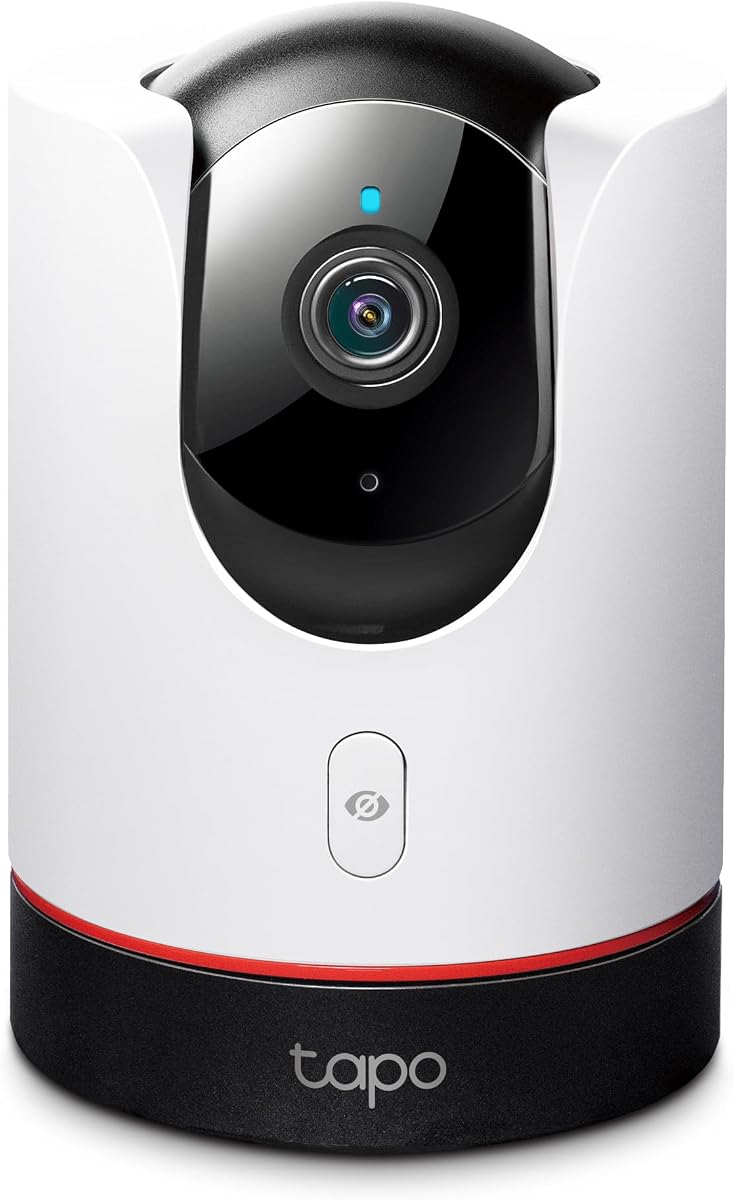
TP-Link Tapo 2K+ Pan/Tilt Security Camera Apple HomeKit, C225
4.5Editor score
360-degree pan and tilt view
2K QHD live video resolution
Physical privacy mode shutter
AI person pet and vehicle detection
Explore our comprehensive guide comparing the top 10 Apple Homekit security cameras for 2026, evaluating resolution, smart detection features, storage options
Securing your home with smart technology requires careful selection of cameras that integrate seamlessly with your existing ecosystem. Apple Homekit security cameras offer robust encryption and privacy features, ensuring your video data stays within your control. This guide explores the leading options available today for modern households seeking reliable surveillance.
We have evaluated ten top-rated models based on resolution, field of view, night vision capabilities, and smart detection accuracy. Each camera supports Homekit Secure Video, providing end-to-end encryption and automated event recording. Our analysis highlights key strengths and trade-offs to help you make an informed decision for your specific setup.
Each pick includes detailed specifications, pros and cons, and real-world performance insights based on manufacturer data and user feedback. Prices and availability can fluctuate over time, so checking current listings is recommended before purchase. We aim to provide clear, honest comparisons to streamline your shopping experience for home security devices.
4.5Editor score
4.2Editor score
4.3Editor score
This side-by-side comparison highlights the core specifications and capabilities of the ten leading Homekit security cameras on the market. Each model brings unique strengths in resolution, smart home integration, and privacy features to help you find the best fit.



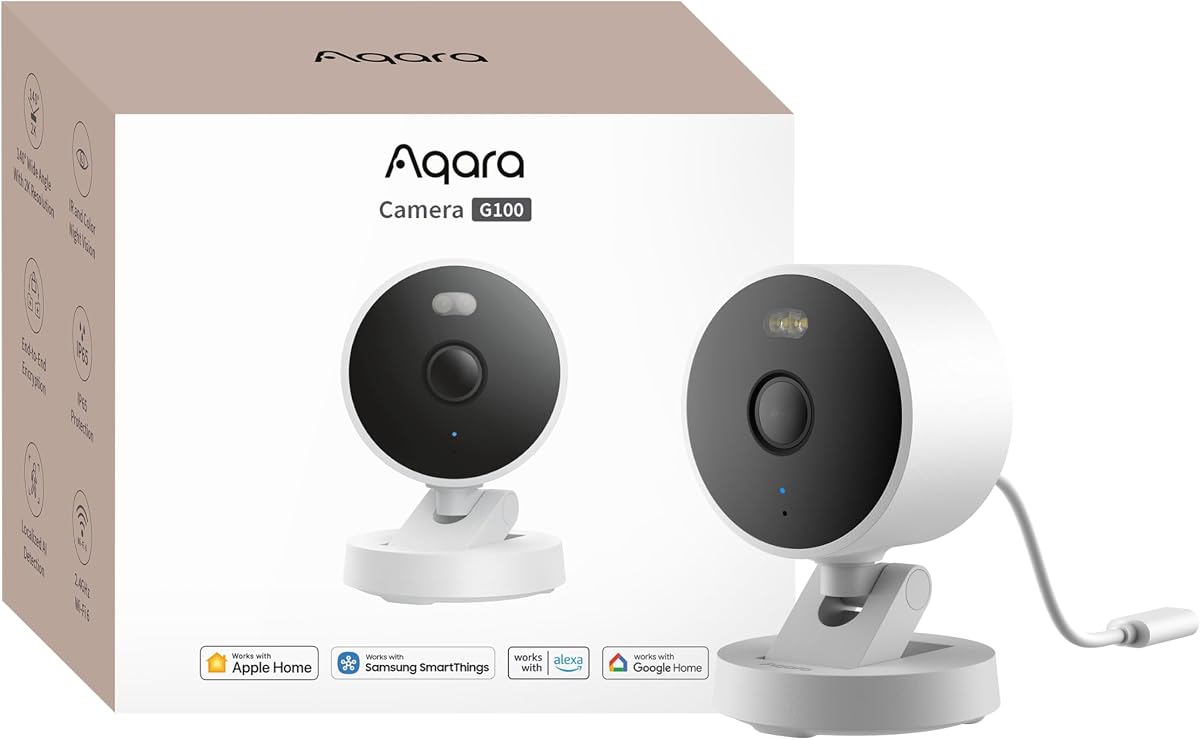
The Aqara G100 stands out as a top contender for Homekit Secure Video users seeking a versatile surveillance solution. With a solid 4.2 rating, it delivers crisp 2K clarity and robust AI detection capabilities. Its dual indoor and outdoor readiness makes it an ideal starting point for expanding your home security network.
We may earn a commission when you buy through this link, at no additional cost to you.
Its 2304×1296 resolution ensures detailed daytime footage, while the dual night vision modes offer flexibility for low-light scenarios. The IP65 rating ensures durability against rain and dust. Local AI detection reduces reliance on cloud subscriptions for basic motion alerts, enhancing privacy and response times.
One trade-off is the resolution limitation when connected to Homekit, which caps output at 1080p despite the 2K sensor. Night vision also requires manual activation in the app, which may not suit all users. These are minor inconveniences given the overall value and feature set provided.
This camera is perfect for homeowners who want reliable, encrypted recording across multiple locations without breaking the bank. It balances performance and privacy well. If you prioritize Homekit integration and flexible storage, the G100 is a strong recommendation for your system.
Spotlight and IR modes allow color or covert recording based on your specific privacy needs at night.
Beyond Apple, it streams to Google, Alexa, and Home Assistant for broader connectivity options.
We may earn a commission when you buy through this link, at no additional cost to you.
The Eve Cam is designed exclusively for Apple users who prioritize maximum privacy and data security. It operates solely within the Homekit Secure Video ecosystem, ensuring no data leaves your home without your explicit consent. This focus makes it a trusted choice for sensitive indoor monitoring.
We may earn a commission when you buy through this link, at no additional cost to you.
Video analysis happens locally on your network, reducing latency and keeping footage private. The device supports instant notifications on iPhones, iPads, and Apple Watches. Automation features allow it to deactivate when you are home, preventing unnecessary recording.
While secure, it lacks broader smart home compatibility beyond Apple. The price is higher than some competitors, reflecting its specialized design. This trade-off is acceptable if you want absolute control over your video data within the Apple ecosystem.
Choose the Eve Cam if privacy is your primary concern and you are fully invested in Apple hardware. It offers peace of mind with end-to-end encryption and no cloud dependencies. For Apple-centric homes, it is a reliable and secure surveillance option.
Built from the ground up for Apple, ensuring seamless integration with your existing setup.
Smart detection runs on your home network, not in the cloud, enhancing security and speed.
We may earn a commission when you buy through this link, at no additional cost to you.
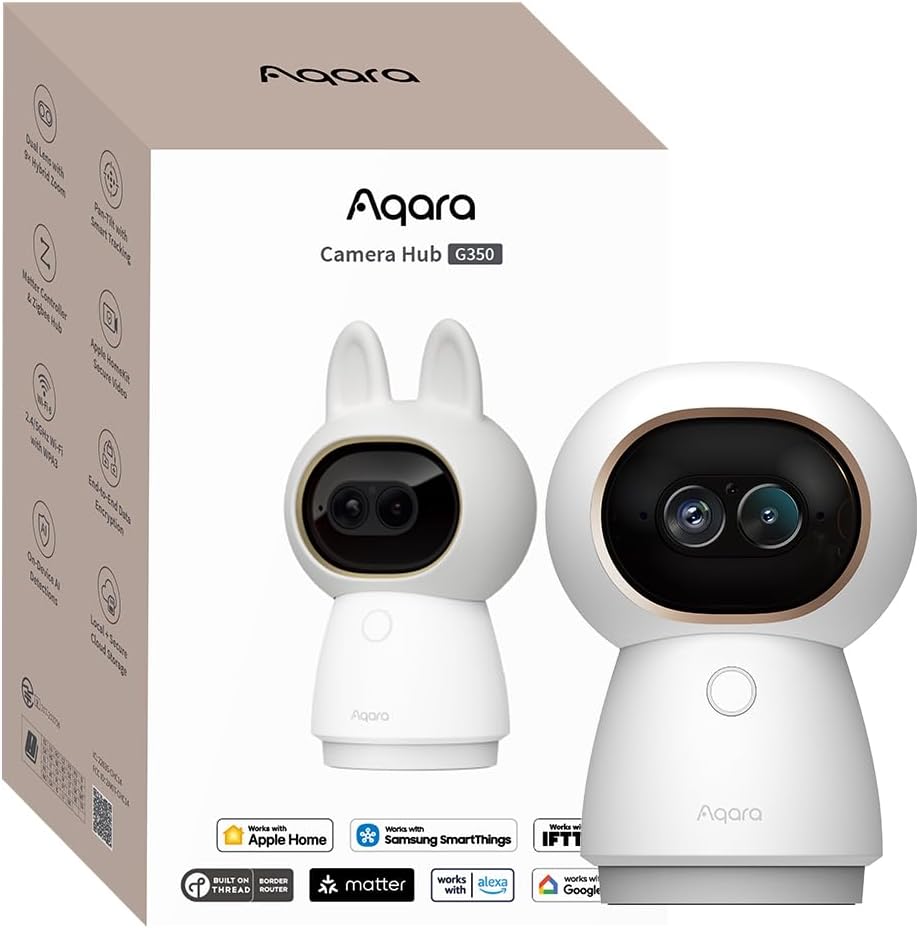
The Aqara G350 pushes the boundaries of indoor security with 4K UHD dual-lens technology. This camera captures sweeping views and zoomed details, allowing you to monitor specific areas without losing clarity. Its rating of 4.3 reflects strong performance in image quality and smart detection.
We may earn a commission when you buy through this link, at no additional cost to you.
AI processing happens locally on the device, supporting face, pet, and sound detection without cloud uploads. The Matter bridge capability allows you to integrate other smart devices into the Aqara app, expanding your home automation. This dual role as camera and hub adds significant value.
It is limited to indoor use, which may not suit all security needs. The advanced features require using the Aqara Home app for configuration. Despite this, the 360-degree pan-tilt and physical privacy shutter make it a high-end choice for private monitoring.
Ideal for tech-savvy users seeking the highest resolution and smart home flexibility. The G350 is excellent for nurseries or living rooms where detail matters. If you want a premium camera that doubles as a smart hub, this is a top contender.
Combines wide-angle and telephoto lenses to deliver panoramic and zoomed views simultaneously.
Trigger scenes with a wave or OK sign, adding a hands-free control layer.
We may earn a commission when you buy through this link, at no additional cost to you.
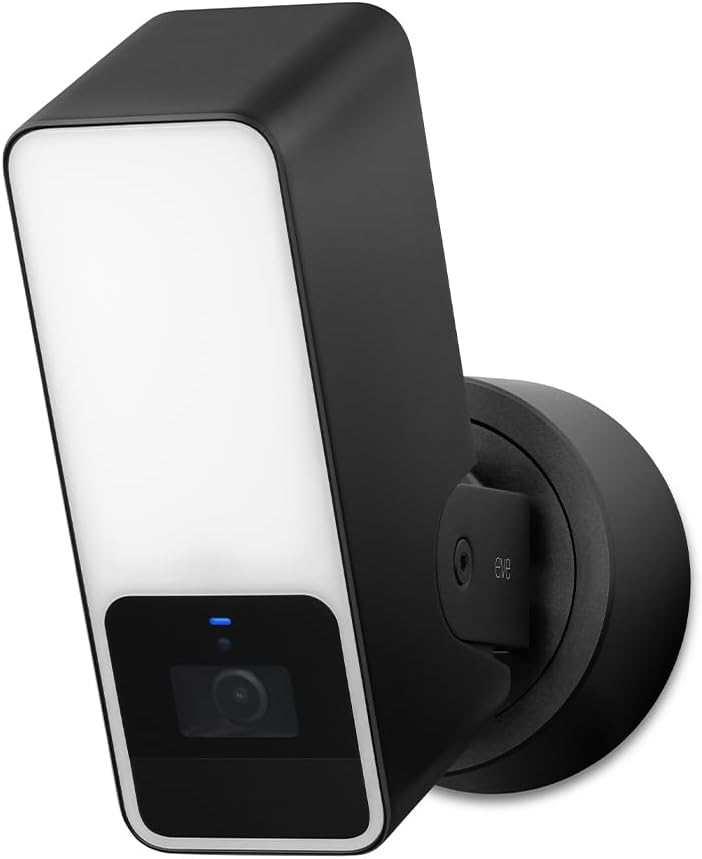
The Eve Outdoor Cam is built for homeowners who want a powerful deterrent integrated with their surveillance. As a floodlight camera, it illuminates areas upon detection while recording 1080p video. Its focus on privacy means no cloud storage or registration, keeping everything local to your home.
We may earn a commission when you buy through this link, at no additional cost to you.
The system requires a neutral wire and ground connection, making installation more involved than battery models. The 157-degree field of view covers wide entry areas. Detection distinguishes between people, pets, and vehicles, reducing false alarms in your notifications.
The higher price point and wiring requirements may deter casual users. However, the built-in local intelligence and maximum security design justify the investment for serious homeowners. It excels in entryway protection where lighting and recording are equally important.
Choose this model if you need a wired solution with a strong light deterrent. It is perfect for driveways or front doors. If you value privacy and integrated lighting, the Eve Outdoor Cam offers robust protection for your property.
All processing happens locally, ensuring your video data remains private and secure.
The dimmable light boost helps identify visitors and discourage intruders effectively.
We may earn a commission when you buy through this link, at no additional cost to you.
The TP-Link Tapo C225 offers incredible value for budget-conscious buyers. Its 4.5 rating reflects high satisfaction with its 2K QHD resolution and pan-tilt movement. It brings award-winning design and essential privacy features to the Homekit ecosystem at a low entry cost.
We may earn a commission when you buy through this link, at no additional cost to you.
The physical privacy mode blocks the lens with a shutter, giving you total control over recording. Starlight sensor technology ensures clear low-light performance. AI detection identifies people, pets, and vehicles to reduce false alerts and notifications.
It is limited to indoor installation and 2.4GHz networks. While not as feature-rich as premium models, it delivers core security tasks efficiently. This trade-off is acceptable for those seeking reliable monitoring without high monthly fees or expensive hardware.
This camera is best for apartments or small homes needing versatile indoor coverage. If you want a secure, high-value option that integrates with Apple Home, the Tapo C225 is an excellent starting point for your setup.
Recognized by international experts for its aesthetic appeal and functional build.
Captures superior images in low light, ensuring visibility even at night.
We may earn a commission when you buy through this link, at no additional cost to you.
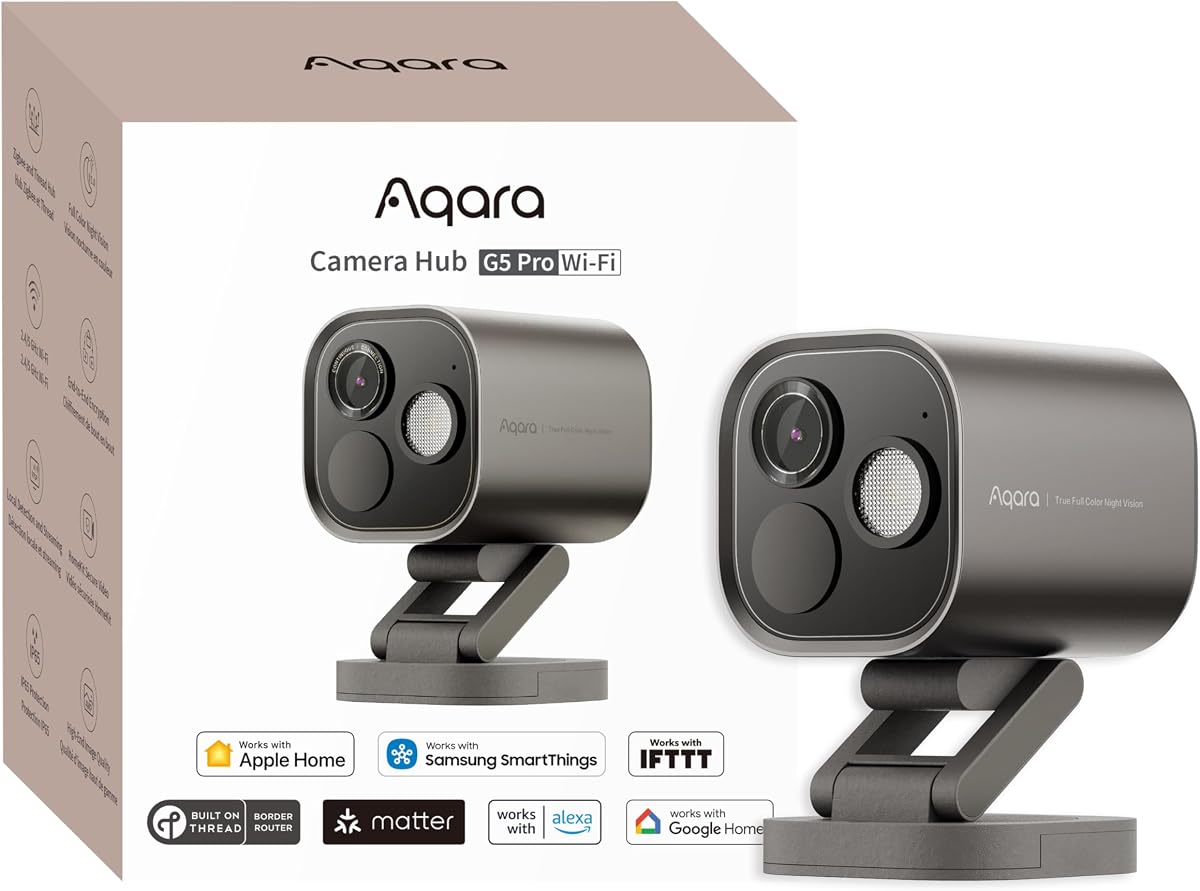
The Aqara G5 Pro WiFi shines with its true color night vision capabilities, using a large aperture to capture details in low light. It supports 4MP resolution and local AI detection for faces and sounds. This outdoor camera bridges the gap between surveillance and smart home integration.
We may earn a commission when you buy through this link, at no additional cost to you.
It includes an 8GB encrypted eMMC for internal recording, reducing reliance on cloud storage. The dual-band Wi-Fi ensures stable connectivity even in congested areas. Local processing allows event recording even during internet outages, enhancing reliability.
The lack of infrared light means it relies on ambient light for color night vision. While powerful, the setup for Matter integration can be complex. However, its performance and storage options make it a strong choice for outdoor monitoring.
Choose this camera if you want color detail at night without a bright spotlight. It is ideal for driveways or yards. With its encryption and bridge features, it offers privacy and flexibility for advanced home security setups.
Captures full color footage in low light using advanced sensor technology.
Local processing enables automations even when your internet connection is down.
We may earn a commission when you buy through this link, at no additional cost to you.
The Logitech Circle View is designed for outdoor use with a durable weatherproof body. Its 180-degree field of view captures wide entry areas effectively. Built exclusively for Homekit, it ensures seamless integration and end-to-end encryption for your video data.
We may earn a commission when you buy through this link, at no additional cost to you.
The TrueView technology handles high-contrast scenes well, maintaining clarity in bright sunlight and shadows. It includes a physical privacy switch to deactivate the lens. The metal base adds a premium feel and durability to the design.
It relies on motion detection rather than continuous recording, which saves storage. The device is compatible only with the Home app, not the Logitech Circle app. While functional, some users may prefer broader ecosystem support.
This camera suits homeowners needing a wide outdoor view with strong privacy. It is perfect for front porches or driveways. If you want a reliable, Apple-focused outdoor security option, Circle View offers a solid and secure solution.
Handles harsh light conditions better, ensuring clear images in shadows.
A physical button allows instant privacy, giving you visual assurance.
We may earn a commission when you buy through this link, at no additional cost to you.
The Aqara E1 is a compact indoor camera offering full 360-degree coverage. With 2K resolution and person tracking, it keeps an eye on specific areas efficiently. Its rating of 4.2 highlights strong performance for a mid-range security solution.
We may earn a commission when you buy through this link, at no additional cost to you.
Privacy is managed through automated modes and lens pivoting. Local AI detection supports sound alerts for crying or alarms. The camera supports Wi-Fi 6 for smoother streaming and better performance in busy networks.
It does not include a power supply, requiring you to provide a compatible USB source. The features are robust for indoor use but lack outdoor capabilities. This makes it a versatile choice for living rooms or nurseries.
Select the E1 for reliable indoor monitoring with privacy features. It offers value with 360-degree viewing and Homekit integration. If you need a simple, secure indoor camera, this is a practical and effective option.
The pan tilt motor follows movement to keep subjects centered.
Supports advanced audio detection for alarms and coughing events.
We may earn a commission when you buy through this link, at no additional cost to you.
The eufy Security E30 delivers stunning 4K clarity for indoor monitoring. It includes pan-tilt movement and AI tracking, making it ideal for pets or active rooms. With no mandatory monthly fees, local storage provides cost-effective continuous recording.
We may earn a commission when you buy through this link, at no additional cost to you.
Color night vision offers clear details in low light. The camera integrates with Homekit, but note that Apple limits output to 1080p. Despite this, the local features remain powerful for direct viewing on the app.
Cloud storage is optional, meaning you can rely on an SD card for savings. The integration with Homekit is smooth but caps resolution. This trade-off is acceptable for users who prioritize local control.
Perfect for pet owners or nurseries, the E30 offers detailed views. It balances premium features with affordability. If you want high resolution without ongoing costs, this camera is a top choice for indoor use.
Full functionality works with local storage, avoiding subscription costs.
Automatically follows movement to ensure you never miss an action.
We may earn a commission when you buy through this link, at no additional cost to you.
The Aqara G5 Pro PoE offers a streamlined setup for outdoor security using Power over Ethernet. It provides 4MP resolution and true color night vision with a bright spotlight. Its high rating reflects strong performance for wired systems.
We may earn a commission when you buy through this link, at no additional cost to you.
Local AI detection identifies people, pets, and packages without cloud reliance. The Matter bridge allows integration with other smart devices. 8GB internal storage ensures privacy even during internet outages.
You need a PoE switch to power the camera, adding hardware requirements. No infrared light means it relies on ambient light. For a clean install, these trade-offs are manageable.
Ideal for tech-savvy users seeking a reliable wired camera. It is perfect for outdoor areas needing color recording. If you want simplicity and robust privacy features, this is a top outdoor choice.
Power and data flow through one cable, reducing wiring needs.
Onboard encryption ensures data safety without external hard drives.
We may earn a commission when you buy through this link, at no additional cost to you.
Selecting the right Homekit camera requires balancing resolution, connectivity, and privacy features. This guide outlines critical factors to ensure your system meets your specific security needs.
Higher resolution like 2K or 4K provides clearer details for identification. Note that Homekit Secure Video limits output to 1080p for most devices. Always check if the camera offers local access to higher resolutions.
Prioritize 2K or 4K sensors if you need detailed local views beyond Homekit limits.
Outdoor cameras need weather ratings like IP65 or IP64 to resist rain and dust. Indoor models may lack this protection but often offer better aesthetics and privacy features. Match the rating to your intended installation environment.
Choose IP65 for outdoor and ensure indoor models have privacy modes.
Homekit Secure Video requires an iCloud subscription and an Apple Home hub. It offers end-to-end encryption but limits resolution. Ensure your Apple ecosystem supports this feature before purchasing.
Verify you have an iCloud plan and Home hub for full functionality.
Look for infrared or true color night vision. True color uses spotlights but may be intrusive. Infrared offers covert recording but lacks color. Some models need manual enable for night modes.
Decide between covert infrared or visible color night vision based on privacy needs.
Cameras may support microSD cards, NAS, or cloud storage. Local storage reduces costs and enhances privacy. Cloud options like Homekit Secure Video simplify access but require subscriptions. Check if the camera supports 24/7 local recording.
Prefer local microSD or NAS if you want to avoid monthly fees.
AI detection for people, pets, and vehicles reduces false alerts. Local processing speeds up notifications and keeps data private. Ensure the detection works for your specific use cases without constant cloud uploads.
Look for local AI detection to improve privacy and alert accuracy.
Wi-Fi 6 and dual-band support ensure stable streams in congested networks. Some cameras require 2.4GHz only, while others support 5GHz. PoE options offer reliability but need additional hardware. Check router compatibility before buying.
Prioritize Wi-Fi 6 or PoE for stability in high-traffic networks.
Physical privacy shutters or pivoting lenses give you control over recording. Audio and video can often be disabled locally. Check if the app allows manual privacy controls for added peace of mind.
Choose models with physical privacy features for maximum control.
Begin by installing the camera in a secure position with clear power and network access. Ensure your Apple Home hub and iCloud subscription are active for Homekit Secure Video to function. Download the manufacturer app and follow the pairing instructions for integration.
Configure detection zones and notifications to avoid unnecessary alerts. Use local storage options like microSD for cost-effective recording. Adjust night vision modes based on your privacy needs and lighting conditions in the app.
Regularly update firmware for security and performance. Clean lenses with a soft cloth to prevent dust interference. Check storage space periodically to ensure recordings are saved properly without interruption.
Yes, Homekit Secure Video requires an iCloud+ subscription to store and view recorded clips. The number of cameras supported depends on your iCloud plan. Without this, local storage or manufacturer cloud options are alternatives.
Most Homekit Secure Video cameras are optimized for Apple devices. However, some models offer companion apps for Android with limited features. Always check manufacturer compatibility before purchasing for non-Apple systems.
Live views often require a Home hub for remote access. Local playback may be possible via the app without a hub. Ensure you have a HomePod or Apple TV for full remote functionality.
Homekit Secure Video caps output at 1080p for most cameras. Look for 2K or 4K models to ensure detailed local access outside Homekit. Higher sensors improve quality when viewing locally.
Not all models require cloud subscriptions. Many support microSD or NAS storage for local recording. Check if the manufacturer offers cloud options like HomeGuardian or Tapo Care for remote access.
Ensure night vision is enabled and lights are clear. Use true color night vision for details if you can tolerate lights. Position cameras to avoid direct light interference for better results.
Matter allows cameras to work across ecosystems like Apple, Alexa, and Google. It simplifies setup and expands automation. Check if the camera acts as a hub to support other devices.
Local recording often continues during outages. Some models support offline automations and detection. Ensure you have local storage and hub support for functionality without internet.
Choosing a Homekit camera involves balancing privacy, resolution, and features. The Aqara G100 and Eve Cam stand out for their privacy focus. Budget models like the Tapo C225 offer great value for basic needs.
Prioritize local storage and AI detection to reduce costs and improve alert accuracy. Ensure your Homekit ecosystem supports Secure Video. Look for physical privacy controls to manage when recording happens.
Prices fluctuate frequently, so verify current listings before purchasing. Check your network stability for reliable streaming. With the right setup, these cameras provide peace of mind and security for your home.