
Canon Canoscan Lide 300
4.2Editor score
Auto Scan Mode detection
USB connectivity support
Compact document scanner
Finding the right scanning solution is essential for digitizing documents and preserving memories. A reliable flatbed scanner offers versatility for photos, books, and large formats without compromising on quality or speed.
We evaluated ten leading models based on resolution, speed, and usability. Our analysis covers everything from budget-friendly options to professional-grade devices suitable for offices and creative studios.
Each pick highlights key strengths and ideal use cases. Please note that product availability and pricing can change frequently, so verify current details before making your final purchase decision today.
4.2Editor score

3.7Editor score

3.8Editor score
As an Amazon Associate we earn from qualifying purchases.
This side-by-side comparison highlights the core specifications and capabilities of each model to help you quickly identify which device meets your specific scanning needs.




The Epson Perfection V39 II is a dedicated photo scanner designed to deliver high clarity and detail. With a strong rating and solid features, it stands out for enthusiasts looking to digitize prints.
We may earn a commission when you buy through this link, at no additional cost to you.
Its 4800 dpi optical resolution ensures that even small details in your photos are captured accurately. The included Easy Photo Fix technology allows you to restore color to faded images with a single click.
While it offers versatility for documents and artwork, the scanning speed is not the fastest on the market. However, for photo archiving where quality is paramount, this trade-off is often acceptable.
This scanner is ideal for home users and small offices that need to preserve memories and create digital backups. We recommend it for anyone prioritizing image quality over rapid throughput.
Easy Photo Fix technology simplifies the process of bringing old images back to life by automatically adjusting colors.
The device draws power directly from your computer via USB, eliminating the need for extra cables or outlets.
We may earn a commission when you buy through this link, at no additional cost to you.
The Canon Canoscan Lide 300 is a straightforward document scanner that offers great value for money. It is highly rated for its ease of use and ability to digitize text efficiently.
We may earn a commission when you buy through this link, at no additional cost to you.
Its Auto Scan Mode detects what you are placing on the glass and adjusts settings accordingly. This reduces the need for manual configuration and speeds up your workflow.
While it lacks advanced features like large format scanning, it performs admirably for standard documents and photos. Users appreciate its compact footprint which fits easily on any desk.
We recommend this model for students and home offices that need a reliable, entry-level scanner. It is a practical choice for basic digitization tasks without breaking the budget.
The scanner automatically identifies the content type to optimize settings without requiring user intervention.
Connecting via USB ensures simple plug and play functionality with most modern computers.
We may earn a commission when you buy through this link, at no additional cost to you.
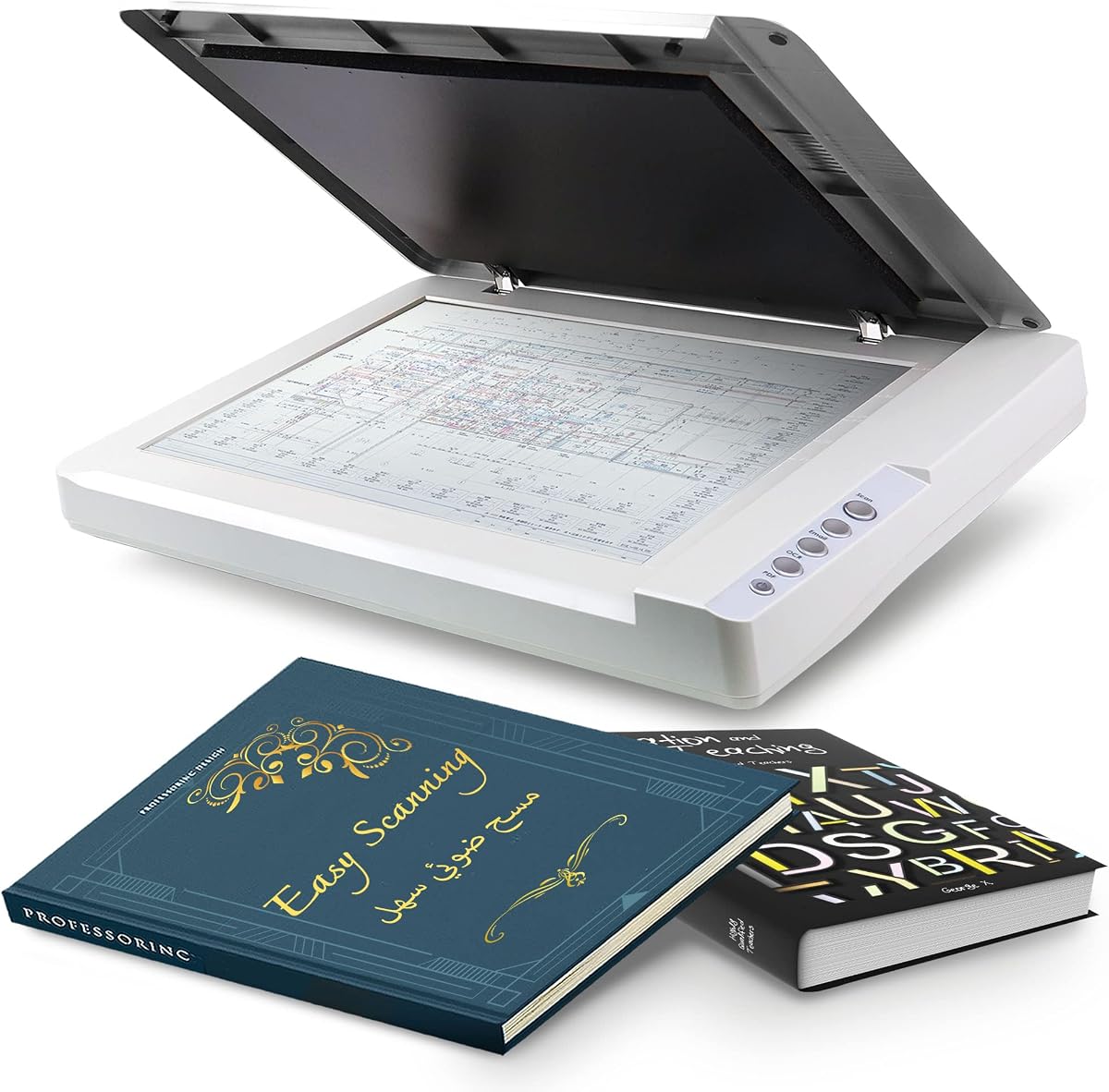
The VIISAN 3120 A3 is designed specifically for scanning larger documents up to A3 size. It offers a balance of speed and resolution that suits school and office environments well.
We may earn a commission when you buy through this link, at no additional cost to you.
Its frameless design allows you to scan documents edge to edge without worrying about borders. The auto-scan function triggers automatically when the lid is closed, enhancing productivity.
While the CIS sensor is excellent for flat paper, it cannot handle 3D objects effectively. Additionally, some driver functions are limited depending on the operating system you use.
This device is perfect for libraries and schools that need to digitize books and newspapers. We suggest it for users who require a larger scanning area at a reasonable price.
The narrow boundary design ensures that you capture the full content of large pages easily.
Included universal power adapter supports standard voltage requirements in most countries worldwide.
We may earn a commission when you buy through this link, at no additional cost to you.
The VIISAN VF3240 A3 is engineered for efficiency with a rapid four second scan time for A3 color documents. It provides high resolution output suitable for technical drawings and business reports.
We may earn a commission when you buy through this link, at no additional cost to you.
Users benefit from the frameless design which allows for edge to edge scanning of oversized materials. The auto-scan feature further streamlines the process for continuous workflows.
While the speed is impressive, the software experience can vary depending on your operating system. Some users may need to use specific tools to unlock full resolution capabilities.
This scanner is best suited for engineers and architects who need to digitize blueprints quickly. We recommend it for high volume environments where speed is a critical factor.
Achieve a maximum scanning speed of four seconds for A3 color documents at standard resolutions.
Universal adapter ensures worldwide compatibility without needing extra converters or accessories.
We may earn a commission when you buy through this link, at no additional cost to you.
The Epson Perfection V19 II combines portability with high resolution scanning for home use. It is an excellent choice for users who need to scan photos and documents on the go.
We may earn a commission when you buy through this link, at no additional cost to you.
Its kickstand allows for vertical storage which saves valuable desk space. The high rise lid makes it easy to scan books and albums without damaging the spine.
While it lacks the speed of dedicated office models, it offers sufficient performance for personal projects. The included software supports searchable PDFs and editable Office documents.
We recommend this scanner for travelers and small home offices with limited space. It balances quality and convenience effectively for everyday digitization needs.
Built-in kickstand allows you to store the scanner vertically when not in use.
High rise removable lid allows scanning of thick books without bending pages.
We may earn a commission when you buy through this link, at no additional cost to you.
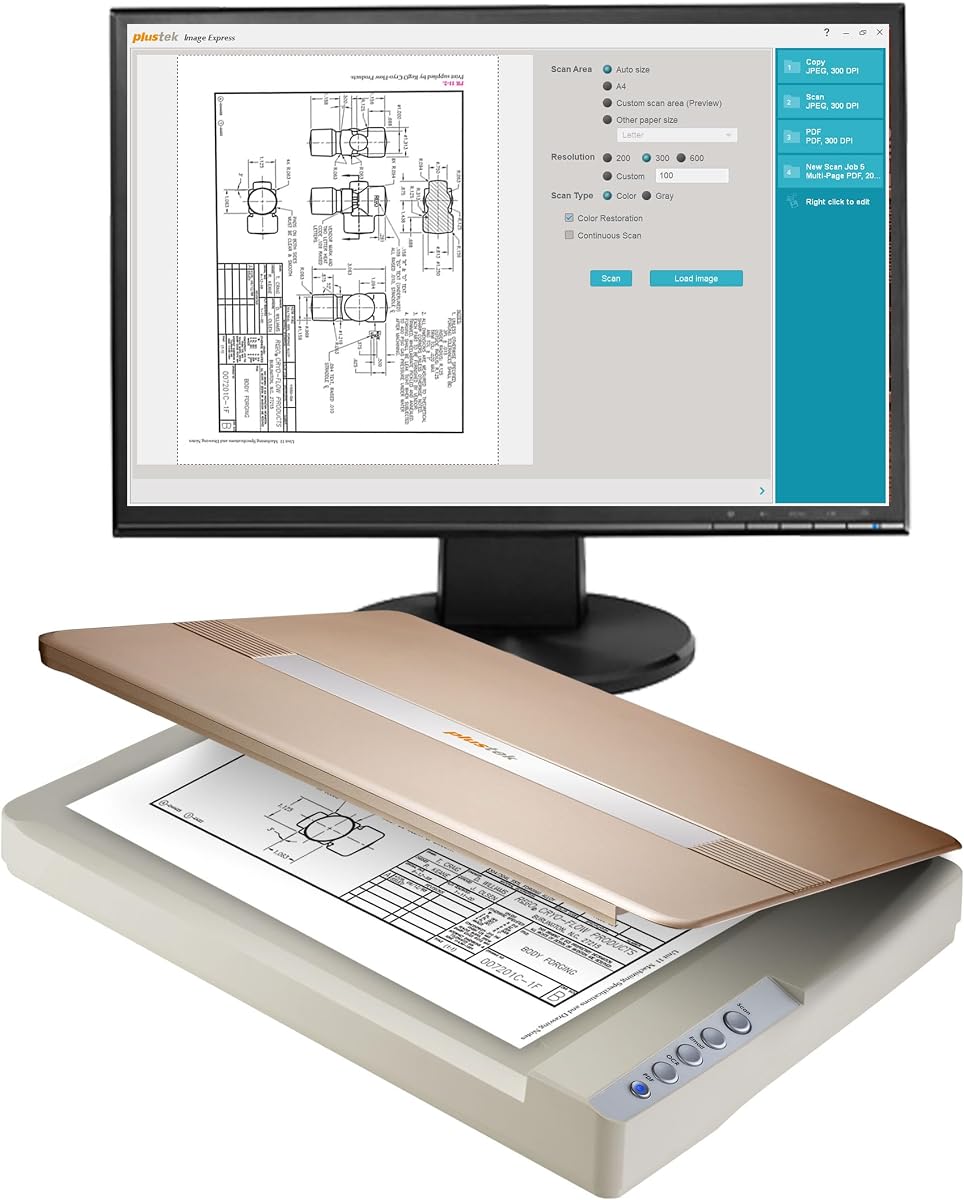
The Plustek OpticPro A320E is a professional grade large format scanner designed for maps and drawings. It offers robust file management tools that improve productivity in business settings.
We may earn a commission when you buy through this link, at no additional cost to you.
Its Doc Action software simplifies saving files to various destinations including cloud folders. The OCR function enables searchable content which is crucial for document archives.
While it requires a higher investment, the ability to scan oversized materials reliably justifies the cost. Batch scanning allows you to process multiple images without constant user interaction.
This device is ideal for professionals who need to digitize legal or architectural documents. We recommend it for offices that require high reliability and broad compatibility.
Scan multiple printed images at one time and save them to multiple PDF files easily.
Provides quick access to post-scan destinations including email, print, and public folders.
We may earn a commission when you buy through this link, at no additional cost to you.
The Plustek OpticSlim 1680 delivers high speed scanning for tabloid size documents in just a few seconds. It is designed for users who value efficiency and ease of operation.
We may earn a commission when you buy through this link, at no additional cost to you.
Its pre-configured buttons allow you to finish all jobs with a single touch. The intuitive interface ensures that even non-technical users can operate it without a learning curve.
While it lacks advanced automation, it performs consistently for standard scanning tasks. Dual view advanced settings let you check image adjustments quickly before saving.
We recommend this scanner for small offices that need quick access to large document archives. It offers a great balance of speed and usability for daily tasks.
You can just touch a button to finish all jobs with file type and destination set.
Dual view advanced settings allow you to quickly check image adjustment effects.
We may earn a commission when you buy through this link, at no additional cost to you.
The Plustek OS1180 is a reliable scanner for graphics and documents in A3 format. It is designed for environments like libraries and schools where consistent performance is key.
We may earn a commission when you buy through this link, at no additional cost to you.
Its LED light source saves energy and requires no warm up time. The one-touch buttons simplify operation so you can start scanning immediately without complex settings.
While the interface is straightforward, the included software provides powerful OCR accuracy for searchable files. This makes it easier to find specific text within scanned archives.
We recommend this model for educational institutions that need to digitize textbooks. It offers a solid mix of speed and software features for archival work.
LED light source allows you to scan immediately without waiting for warm up.
Enhanced OCR accuracy with ABBYY enables powerful searchable content for better productivity.
We may earn a commission when you buy through this link, at no additional cost to you.
The Epson DS-1630 is a versatile document scanner that combines a flatbed with an auto document feeder. It is designed for high volume offices that need to process stacks of paper quickly.
We may earn a commission when you buy through this link, at no additional cost to you.
Its 50-page ADF allows you to scan both sides automatically to save time. You can also scan directly to online storage accounts like Dropbox and Google Drive.
While it is not a traditional flatbed, the combination of features makes it highly efficient for text. Intelligent color adjustments ensure clean scans without manual tweaking.
We recommend this scanner for businesses that need robust document management solutions. It is ideal for offices processing large volumes of text based documents daily.
Feature auto-duplex scanning through the Auto Document Feeder to process both sides.
Scan to online storage accounts intuitively with Epson Document Capture software included.
We may earn a commission when you buy through this link, at no additional cost to you.
The Plustek OpticSlim 2700 is one of the fastest flatbed scanners available for quick tasks. It scans documents in just three seconds making it highly efficient for busy users.
We may earn a commission when you buy through this link, at no additional cost to you.
Its built-in PDF button creates files that are both editable and searchable. Software tools also help you save time by automatically rotating and cropping images.
While the design is simple, the performance is reliable for standard documents. The four one-touch buttons let you copy, scan, or save as PDF with a single press.
We recommend this scanner for users who need speed and simplicity in their workflow. It is an excellent choice for quick digitization tasks at home or work.
Easily scans and saves PDFs that are editable and searchable with a single button.
Software can auto rotate, deskew, and crop images to save you time.
We may earn a commission when you buy through this link, at no additional cost to you.
Selecting the right scanner requires understanding key features and performance metrics. Here are the essential factors to consider before making your final decision.
Optical resolution determines the level of detail your scanner can capture. For photos and artwork, look for models with at least 4800 dpi to ensure crisp enlargements. Higher resolutions are generally better for preserving fine textures.
For standard documents, 600 dpi is usually sufficient. Always check if the maximum resolution is optical or interpolated to avoid misleading specifications.
Scanning speed varies significantly between models. Some devices take only three seconds per page while others take ten or more. Faster speeds are crucial for high volume offices.
Consider your typical workload. If you scan rarely, speed is less important. If you archive hundreds of pages, invest in a device with optimized processing times.
Standard scanners handle letter size documents easily. However, if you need to scan books or large documents, choose a model with an A3 or 12 x 17 inch flatbed.
Larger areas prevent the need to stitch images together manually. Ensure the dimensions match your largest typical scanning requirement before purchasing.
Most flatbed scanners connect via USB for simple setup. Some models include network ports for shared office use. Verify that your computer ports match the scanner cables.
Network connections allow multiple users to access the device. USB is generally more reliable for home users who do not need shared access.
The included software suite can make or break your experience. Look for tools that support OCR to make PDFs searchable. Check if the drivers support your operating system.
Compatibility with common apps like Word or cloud storage is a major plus. Ensure you can edit or save your files without using third party tools.
USB powered scanners are easier to transport and store. They do not require extra outlets or adapters. This feature is ideal for students or remote workers.
Portable units save desk space and reduce cable clutter. If you move frequently, prioritize lightweight designs with integrated stands.
A scanner with a solid build lasts longer under frequent use. Check the warranty terms to see if they cover defects or accidental damage. Professional models often come with longer support.
Glass quality also matters for image clarity. A scratch resistant surface ensures your documents stay intact over time.
Price does not always equal quality. Compare features against your actual needs to avoid paying for capabilities you will not use. Budget models often perform well for basic tasks.
Invest in higher tiers only if you need specialized features like large formats or network sharing. Calculate cost per page to gauge long term value.
To begin, place your document face down on the glass platen aligning it with the corner guide. Close the lid gently to ensure no gaps appear between the surface and your item.
Launch the scanner software on your computer and select your preferred file format. Use the preview function to adjust settings like brightness or color depth before saving the final output.
Regular maintenance includes cleaning the glass with a soft lint free cloth to prevent streaks. Keep the lid closed when not in use to avoid dust accumulation on the scanning surface.
Optical resolution refers to the physical capability of the scanner hardware. Interpolated resolution uses software to estimate missing pixels which does not add true detail. Always prioritize optical resolution for quality scans.
Yes if your scanner has a high-rise removable lid or a specialized book mode. This allows you to lay thick items flat without applying excessive pressure to the binding.
Most models listed support both Mac and Windows operating systems. However verify the driver version is compatible with your specific OS update before connecting.
Use the built-in OCR feature in your scanner software to convert images to text. This allows you to search for keywords inside PDF files using a standard search bar.
Yes all these models can handle mixed media types. Adjust the settings in the software to match the material you are scanning at that moment.
Most come with basic scanning utilities and OCR tools. For advanced editing you may need to install third party image management software to get full functionality.
We have reviewed ten top models that cover various needs from basic photo archiving to professional large format scanning. Each pick offers a unique balance of resolution and speed.
Prioritize resolution for image quality and speed for document volume. Ensure the software matches your workflow needs before finalizing your purchase decision today.
Prices and availability change frequently so double check current details on Amazon before you buy. This guide helps you find the right tool for your specific digitization goals.