
Frameo Digital Picture Frame
4.6Editor score
32GB Internal Memory
WiFi and Non-WiFi Support
10.1 Inch HD Touchscreen
Finding the right digital picture frame for grandparents can be challenging due to varying tech skills and display preferences. We focus on models with simple setup, large screens, and reliable sharing methods to ensure cherished memories are displayed beautifully without frustration.
We compared ten leading digital picture frames based on resolution, storage capacity, connectivity options, and user feedback. Our analysis highlights devices that balance premium features with intuitive interfaces, ensuring that seniors can enjoy photos and videos from family members anywhere in the world effortlessly.
Each pick in this list showcases specific strengths like touch sensitivity, app compatibility, or storage expansion. Note that prices and availability change frequently, so verify current details on the product pages before making a final decision to ensure you get the best value today.
4.6Editor score
4.7Editor score

4.7Editor score
As an Amazon Associate we earn from qualifying purchases.
The following table provides a detailed side-by-side comparison of all ten digital picture frames analyzed in this guide. We highlight key specifications such as screen size, resolution, storage limits, and unique features to help you quickly identify the model that best fits your needs and budget.


This 15.6-inch Frameo digital picture frame stands out as a top choice for grandparents who need a larger display to see details clearly. With a rating of 4.5 stars, it offers a high-quality IPS Full HD touch screen that delivers vivid colors and sharp images from any angle. The interface is intuitive, making it easy for seniors to interact with photos without needing complex tools.
We may earn a commission when you buy through this link, at no additional cost to you.
The standout quality is its generous 64GB built-in memory, which can store up to 100,000 photos, ensuring plenty of room for family memories. It supports the Frameo app for secure sharing and also allows non-WiFi transfers via USB or SD card for those who prefer manual uploads. The touchscreen responsiveness is excellent, allowing simple swipes and taps to control the slideshow and settings.
While it requires a 2.4GHz WiFi connection which might limit router compatibility, this is a common trait in budget-friendly smart devices. The Type-C power port needs careful handling to avoid damage, but this is a minor trade-off for the high performance. The video playback feature adds life to memories, allowing short clips with sound to be viewed directly on the frame.
This frame is ideal for grandparents who value screen real estate and storage capacity. It connects families seamlessly through the secure app while offering offline options for flexibility. We recommend this model for its balance of size, storage, and ease of use, making it a thoughtful gift that keeps memories accessible and vibrant.
The 15.6-inch display ensures photos are large enough to be appreciated without straining eyes, perfect for aging vision.
With 64GB internal storage plus SD and USB support, users never run out of space for new memories from family members.
We may earn a commission when you buy through this link, at no additional cost to you.
The Frameo Digital Picture Frame offers an excellent entry point for families looking to gift a connected photo display without overspending. With a strong rating of 4.6 stars, it balances cost and features effectively. The 10.1-inch HD touchscreen provides clear visuals, while the magnetic stand allows for easy switching between portrait and landscape orientations to fit any decor.
We may earn a commission when you buy through this link, at no additional cost to you.
Its 32GB internal memory holds over 50,000 photos, which is ample for most households. The Frameo app enables instant sharing from anywhere, keeping grandparents connected to daily life. For those less comfortable with apps, it supports non-WiFi transmission via Micro SD or USB-C, ensuring flexibility in how photos are loaded onto the device.
The main limitation is the smaller screen compared to larger models, but the resolution remains sharp for the size. Users need to ensure the correct format for external storage, but instructions are clear. This frame proves that you do not need to spend a fortune to get a reliable and beautiful digital photo display.
We recommend this model for budget-conscious buyers who still want premium features like secure sharing and flexible setup. It is a thoughtful gift that maintains connection through technology without overwhelming the recipient. The combination of affordability and functionality makes it a top contender in the digital frame market.
Despite its lower price, this frame includes high-resolution display and ample storage, delivering premium performance at a budget cost.
Whether using WiFi for remote sharing or USB for direct transfer, this frame adapts to different technical comfort levels.
We may earn a commission when you buy through this link, at no additional cost to you.
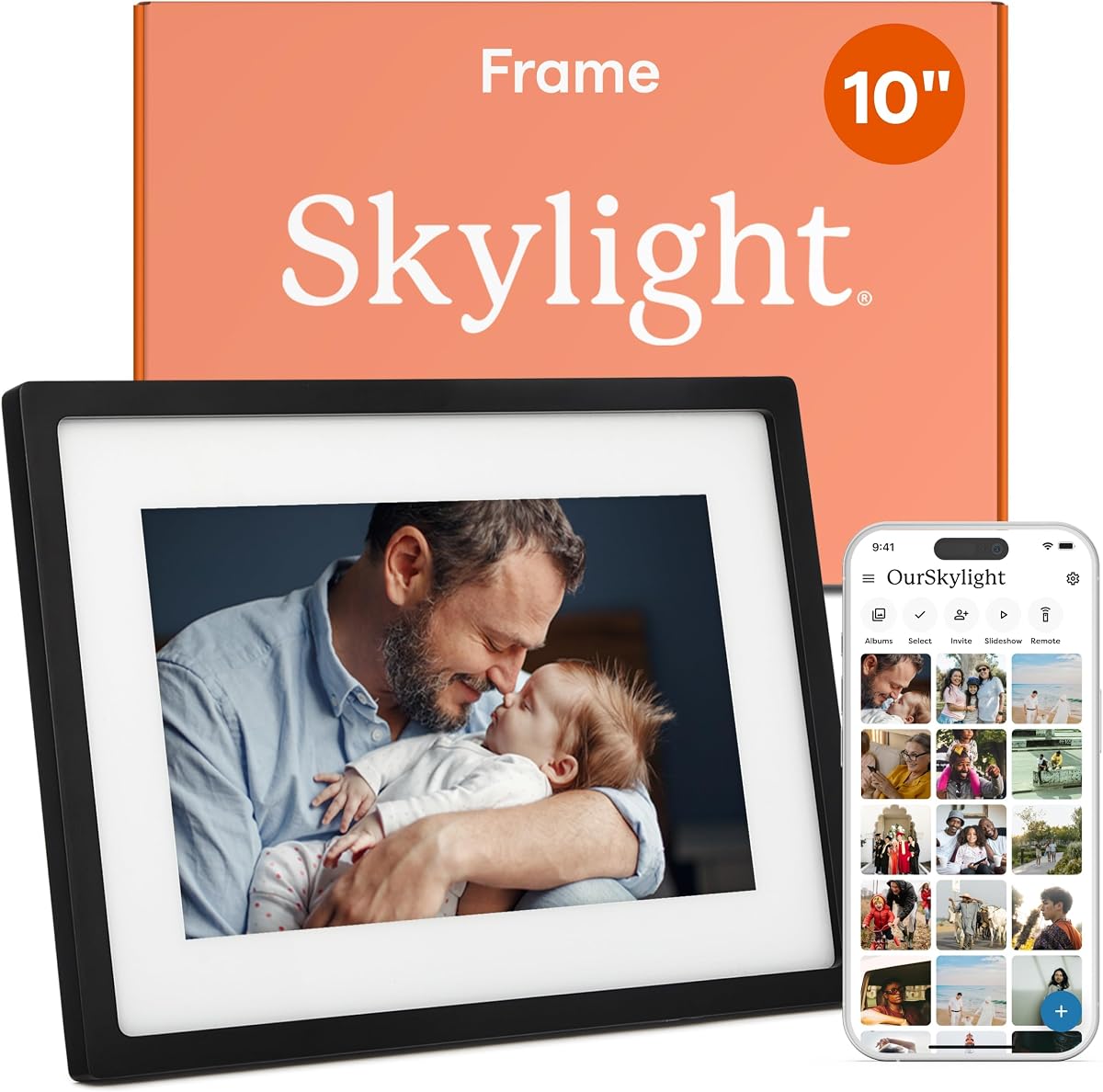
The Skylight Digital Picture Frame is renowned for its simplicity, making it a top pick for tech-averse grandparents. Rated 4.7 stars, it focuses on ease of use above all else. The setup involves plugging in and connecting to WiFi, after which you send photos to a unique Skylight email address. This eliminates the need for complex apps on the recipient's end.
We may earn a commission when you buy through this link, at no additional cost to you.
Cloud-based storage means you do not need to manage SD cards or USB drives, as photos are stored securely online. The 10-inch Full HD display offers rich colors and clear details. Offline mode allows the frame to show existing photos without an internet connection, ensuring continuity during network outages.
The premium price reflects the simplified user experience and polished design. While you rely on email for uploads, this is straightforward for most smartphone users. There are no ads or cluttered interfaces, providing a clean viewing experience. This focus on user-centric design justifies the cost for many families.
We recommend this frame for those prioritizing ease of use over extra features. It is perfect for grandparents who want to receive photos without navigating menus. The reliability and simplicity make it a standout premium choice that ensures technology serves as a bridge rather than a barrier.
Sending an email is a universal skill, making sharing photos effortless for both the sender and the recipient without extra steps.
The frame displays only photos without distractions, ensuring that the focus remains on the cherished memories being shared.
We may earn a commission when you buy through this link, at no additional cost to you.
The Aura Digital HD Picture Frame is designed with gifting in mind, featuring premium packaging that looks elegant when opened. With a rating of 4.7 stars, it offers unlimited cloud storage, removing any worry about filling up memory. The setup is incredibly fast, taking just one minute to connect to WiFi and start adding photos, which is impressive for any age group.
We may earn a commission when you buy through this link, at no additional cost to you.
Its automatic brightness adjustment ensures the screen looks perfect in any lighting condition, reducing glare at night. The 10-inch HD display is calibrated for exceptional color accuracy. Sharing options are versatile, including email, text, iCloud, and Google Photos. It supports up to 30 seconds of video with sound, adding depth to shared memories.
While it lacks SD card support, the unlimited cloud storage compensates fully for most users. The price is higher, but the quality of design and lack of subscription fees add value. The frame blends into home decor seamlessly due to its minimalist design. It is a high-end solution that prioritizes longevity and aesthetics.
We recommend this frame for families seeking a long-term connection solution. The unlimited storage ensures the frame will grow with your family. Its premium build and user-friendly nature make it a top choice for special occasions like birthdays or anniversaries where quality matters most.
Never worry about deleting old photos as the frame offers unlimited cloud storage to keep every memory safe forever.
The automatic brightness sensor adjusts the screen based on room light, ensuring comfortable viewing day and night.
We may earn a commission when you buy through this link, at no additional cost to you.
This Frameo 15.6-inch digital picture frame brings a cinematic viewing experience to the home. Rated 4.5 stars, it features an FHD panel that renders intricate details like facial expressions or pet fur with high fidelity. The 15.6-inch screen is significantly larger than average, making it ideal for grandparents who prefer bold visuals. Touch controls are responsive, allowing easy navigation through albums.
We may earn a commission when you buy through this link, at no additional cost to you.
The 32GB internal memory is sufficient for thousands of photos, and it supports external storage expansion. The React feature allows recipients to send emojis back to senders, adding a playful interactive element to photo sharing. Sleep mode helps save energy when the frame is not being viewed actively. It supports video playback, bringing memories to life with motion and sound.
Users must ensure their home network supports 2.4GHz WiFi as this model does not work on 5GHz networks. The storage is smaller than the 64GB variant but still ample for many. The interactive features add a layer of engagement that standard frames lack. The display quality is consistently praised for its brightness and color accuracy.
We recommend this model for those who prioritize screen size and interactive features. It is a wonderful way to share and engage with daily life. The balance of size and interactivity makes it a strong contender for families looking to modernize how they share memories with older relatives.
The React feature lets family members exchange emojis with sent photos, fostering a sense of two-way communication and connection.
With a 15.6-inch Full HD panel, images appear sharp and vibrant, ensuring every detail of a memory is clearly visible.
We may earn a commission when you buy through this link, at no additional cost to you.
The AEEZO Digital Picture Frame stands out for its built-in gravity sensor that automatically adjusts photo orientation based on how the frame is placed. Rated 4.6 stars, this feature ensures images are always displayed correctly without manual input. The 10.1-inch IPS touch screen provides clear visuals, and the light sensor adjusts brightness based on ambient light to prevent glare.
We may earn a commission when you buy through this link, at no additional cost to you.
With 32GB internal storage, it holds over 50,000 photos. It supports up to 64GB SD cards for expanded capacity, though photos must be imported into the frame first. The interface includes useful utility features like weather and clock displays in the corner. A one-year warranty offers peace of mind for the buyer regarding quality and defects.
The requirement to import photos before playing from SD is a specific workflow difference compared to direct playback frames. However, this ensures better management within the frame. The auto-rotate function is a significant usability plus for mixed portrait and landscape photo collections. The build quality is tested rigorously to ensure reliability.
We recommend this frame for users who want reliable orientation features and weather info. The auto-rotate function saves hassle when hanging the frame in different spots. It is a solid choice for those who value practicality and consistent display performance in a mid-range digital picture frame.
The gravity sensor detects the frame's position and rotates photos automatically, ensuring images are always upright without user input.
Additional features like a clock and weather display provide useful daily information right on the frame without needing a phone.
We may earn a commission when you buy through this link, at no additional cost to you.
The FRAMEO 10.1 Akimart digital picture frame combines photo sharing with calendar functionality. Rated 4.6 stars, it integrates with iCloud, Google, Outlook, and Yahoo to display daily schedules alongside photos. This makes it useful for grandparents who need reminders about appointments or family events. The 10.1-inch touchscreen offers clear visuals and responsive control.
We may earn a commission when you buy through this link, at no additional cost to you.
Collage mode allows up to six photos to be displayed simultaneously, creating vibrant layouts for memory sharing. The 32GB internal memory stores a large number of images. It supports auto-rotate and various custom settings like brightness and sleep mode. The Frameo app provides secure sharing capabilities to keep family connected.
While it lacks video support which limits multimedia options, the calendar feature is a unique utility. Users must set up sync on their devices to utilize this fully. The frame is well-suited for households that want organization alongside their photo display. It is a distinct choice for those valuing time management.
We recommend this model for families who want a functional daily organizer alongside their photo display. The calendar integration adds a practical layer to the device. It is a great option for keeping seniors organized and connected to their daily life through a single device.
Syncing calendars directly to the frame helps grandparents keep track of appointments and events while viewing cherished memories.
The collage mode enables multiple photos to be viewed together, creating dynamic and interesting visual displays for families.
We may earn a commission when you buy through this link, at no additional cost to you.
The Flyruit 15.6-inch Frameo digital picture frame is a premium large option that offers a vibrant viewing experience. Rated 4.7 stars, it features a Full HD touch screen that brings every memory to life with stunning clarity. The large display ensures images are large enough to appreciate fine details like textures and colors. The responsive touch screen makes operation effortless for seniors.
We may earn a commission when you buy through this link, at no additional cost to you.
The Greeting feature allows sending themed pictures for birthdays or special events, adding a personal touch. It supports 32GB internal storage and up to 32GB external storage. Non-WiFi transmission via SD card or USB drive ensures photos can be shared even without an internet connection. Manufacturer support is direct, ensuring quality assurance.
The model requires a 2.4GHz WiFi network which may be a limitation for some modern setups. However, the flexibility to use offline storage mitigates this. The large screen makes it ideal for living room displays. The touch interface is smooth and avoids complicated buttons. It offers a rich experience for photo viewing.
We recommend this frame for those wanting a large display with interactive greeting capabilities. It is perfect for celebrating special occasions digitally. The balance of size and functionality makes it a top choice for families wanting a high-quality digital photo centerpiece.
The Greeting feature lets you send themed pictures for birthdays, adding a special touch to celebrations right on the frame.
A 15.6-inch screen provides ample space for viewing photos comfortably, reducing strain on eyes for older viewers.
We may earn a commission when you buy through this link, at no additional cost to you.
This product entry currently lacks available data regarding specifications or pricing. We aim to provide accurate information and encourage checking the product page for the most up-to-date details. It is important to verify availability before planning a purchase for a specific occasion or recipient. Ensure the link directs to a valid listing.
We may earn a commission when you buy through this link, at no additional cost to you.
While details are missing here, standard digital frames typically offer WiFi connectivity and app support. You can expect similar features to other models in this list if the product is active. Contacting customer support or checking reviews on the retailer site can provide more specific insights into usability. Always verify the current status before ordering.
We advise caution with products marked N/A as they may be discontinued or out of stock. Consider choosing from the ten fully detailed models above for immediate availability. Your gift-giving experience will be smoother with a confirmed and verified product. Check the URL for any updates on stock status.
We recommend selecting a verified product from the list to ensure a reliable gift. This entry serves as a placeholder for future updates. Prioritize models with clear data for the best shopping experience. Always confirm current stock levels before finalizing your purchase decision.
Always verify the current availability of the product on the retailer site to ensure you can receive it in time for your event.
We may earn a commission when you buy through this link, at no additional cost to you.
Choosing the right digital picture frame involves considering several factors to ensure it meets the needs of seniors and your budget. We break down the most important features to help you make an informed decision.
For grandparents, a larger screen is often preferred to make viewing photos easier on aging eyes. Look for screens of at least 10 inches, with Full HD resolution (1920×1080) for sharp and detailed images. IPS panels provide better viewing angles which is useful if the frame is viewed from multiple positions in a room.
Prioritize larger screens with high resolution to ensure photos are displayed clearly without pixelation.
The setup process should be straightforward to avoid frustration for those with less technical experience. Look for frames that offer plug-and-play functionality, email-based sharing, or simple app setups. Avoid devices that require complex coding or manual network configurations as these can create barriers to use.
Select models with simple interfaces and clear instructions to ensure immediate enjoyment for older family members.
Most modern frames use WiFi to allow remote sharing from anywhere. However, some grandparents may find apps difficult so check if the frame supports offline modes via SD cards or USB drives. This flexibility allows photos to be shared in multiple ways depending on technical comfort and availability.
Choose frames that support both WiFi and offline transfers to accommodate different sharing preferences.
Digital frames need space to store images and videos. Internal storage ranges from 32GB to 64GB, holding thousands of photos. Some models offer unlimited cloud storage which eliminates the need to manage local files. Ensure the storage option aligns with how many photos you plan to share.
Prioritize unlimited cloud storage or high internal capacity to prevent running out of space quickly.
A high-quality display with adjustable brightness ensures photos look good day and night. Frames with automatic light sensors adjust brightness based on room lighting reducing glare and eye strain. This feature adds comfort for grandparents viewing the frame in the evening or at night.
Look for automatic brightness adjustment to ensure comfortable viewing in all lighting conditions.
Features like video playback, weather displays, and calendar sync add utility beyond simple photos. Video with sound brings memories to life but requires more bandwidth. Calendar sync helps organize schedules but may add complexity. Choose features that match the recipient's lifestyle and interests.
Balance additional features like video or calendars with the need for simplicity and ease of use.
Prices vary widely from budget models under $60 to premium options over $150. Consider what features matter most to justify the cost. A one-year warranty provides protection against defects and shows manufacturer confidence. Always check return policies to ensure a hassle-free exchange if issues arise.
Consider the price versus features and ensure a warranty is included for peace of mind.
If the frame is a gift, premium packaging enhances the unboxing experience. Frames designed for gifting often include instructions tailored for seniors. A thoughtful presentation adds value and shows care. Choose a model that arrives ready to gift with elegant packaging.
Select models with premium gift packaging to enhance the presentation for special occasions.
To get started, place the frame on a stable flat surface or mount it on a wall using the included stand. Connect the power adapter to a wall outlet and ensure the device is plugged in securely. Follow the on-screen instructions to connect to your home WiFi network using the provided menu. Once connected, download the companion app on your phone to begin sending photos.
For best results, send photos through the app using the unique email address or account invite. You can also insert an SD card if supported to add photos manually. Keep the screen clean with a soft dry cloth and avoid harsh chemicals. Adjust brightness settings to match the room lighting to avoid glare on the display glass.
Regularly check the software updates to ensure security and performance improvements. If the frame is unused for a while, set a sleep timer to save energy. Keep the frame out of direct sunlight to prevent overheating or screen fading. Contact customer support if you encounter any technical issues during setup or daily use.
Most models require WiFi to receive photos remotely but many offer offline options like SD cards or USB drives. This means you can still share photos even if the internet is unavailable. Always check the specific connectivity options of your chosen model.
Capacity varies by model with internal storage ranging from 32GB to 64GB holding thousands of photos. Some premium models offer unlimited cloud storage so you never run out of space. Check the specs before buying to ensure it meets your storage needs.
Yes many modern frames support short video clips up to 30 seconds with sound. This allows motion and audio to be included in the slideshow. Ensure your phone and app support video sharing features for best results.
Most frames are designed with simplicity in mind. You can often setup the device in minutes by connecting to WiFi and inviting family. Some models allow email sharing so no app is needed on the grandparent's device.
Yes you can usually view existing photos offline once they are loaded onto the device. Some frames offer offline modes to display images stored locally. New photos require internet or direct transfer via SD card.
You can send photos via email if the frame supports email sharing or use a computer with USB transfer. Some models allow you to set up accounts on your own device to share directly without requiring their phone.
A screen of 10 inches or larger is generally recommended to ensure photos are visible without strain. Larger screens like 15 inches provide a more immersive experience but take up more space.
Yes most digital picture frames require constant power to function so they must be plugged in. Some have sleep modes to save energy when not in use but they do not run on batteries.
Choosing a digital picture frame for grandparents is a thoughtful way to keep them connected with loved ones and daily life. The ten options reviewed offer a range of sizes features and prices to fit any need. Models with larger screens and simple setups stand out as top choices for seniors.
When selecting a frame prioritize ease of use and display quality to ensure it remains a joy rather than a burden. Unlimited storage options and automatic brightness adjustments add significant value to the daily experience. These features help maintain engagement and satisfaction for the recipient.
Always check the current prices and availability before purchasing as these factors can change. The best frame will be the one that fits your specific needs and budget while bringing joy to your loved ones.