
A-Tech 8GB DDR4
4.7Editor score
Affordable entry level option
Solid 2400MHz speed
Lifetime warranty included
This expert guide compares the top DDR4 Sodimm Laptop RAM options for performance, compatibility, and value to help you upgrade your system effectively.
Upgrading your laptop memory is one of the most effective ways to boost performance for multitasking and productivity. DDR4 Sodimm Laptop RAM modules offer a reliable solution for enhancing system speed and responsiveness across various devices.
We evaluated leading options based on speed, capacity, compatibility with modern processors, and overall reliability. Each product was analyzed to ensure it meets the demands of contemporary computing tasks and professional workflows effectively.
Each pick highlights key strengths and potential limitations to guide your decision. Please note that availability and pricing may fluctuate over time so checking current stock is advisable before making a final purchase decision today.
4.7Editor score
4.8Editor score
4.7Editor score
This table provides a side by side comparison of all ten selected DDR4 Sodimm Laptop RAM modules to help you quickly identify the right fit for your specific laptop model and performance needs.


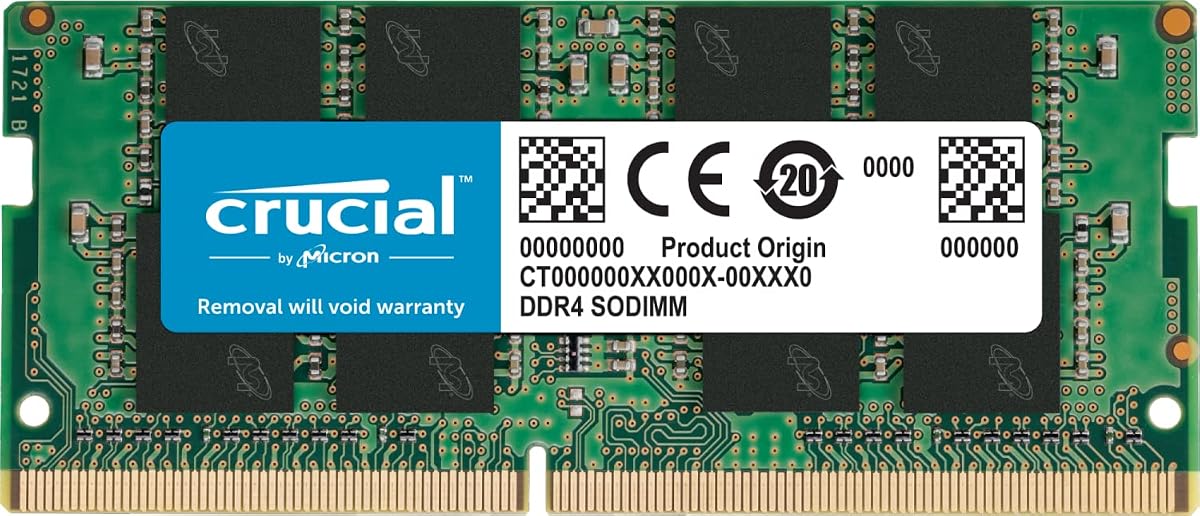
The Crucial 16GB DDR4 RAM stands out as the top choice for users seeking reliable performance upgrades. With a 4.8 rating it delivers consistent speeds up to 3200MHz for smoother workflows.
We may earn a commission when you buy through this link, at no additional cost to you.
Its standout qualities include guaranteed compatibility through Crucial system scanners which eliminates guesswork for buyers. The module supports both Intel and AMD platforms ensuring versatility across modern laptops.
While the price is higher than budget options the performance gains justify the investment for power users. Some laptops may need simple tools for access which is standard for RAM upgrades.
You should buy this if you need a dependable memory boost for work or creative tasks. It remains the recommended pick for balancing speed and reliability in 2026.
The Crucial Scanner tool ensures you pick the exact RAM that fits your laptop model perfectly.
Upgrading to 16GB allows you to run multiple apps without slowdowns or lag during heavy usage.
We may earn a commission when you buy through this link, at no additional cost to you.
A-Tech offers an accessible entry point for upgrading your laptop memory with its 8GB DDR4 module. Users praise its straightforward installation and solid value for everyday computing tasks.
We may earn a commission when you buy through this link, at no additional cost to you.
The key strengths include a lifetime warranty and friendly tech support which adds peace of mind. It maximizes performance for basic multitasking without breaking the bank.
The trade-off is the slower 2400MHz speed compared to newer standards but this suffices for most general use. It is not ideal for heavy gaming or video editing workloads.
Buy this if you need a cost-effective fix for lag on older budget laptops. It is the top choice for those prioritizing affordability over maximum speed.
This module provides a noticeable speed increase for daily tasks like web browsing and document editing.
A-Tech backs this product with lifetime warranty and responsive help for any installation issues.
We may earn a commission when you buy through this link, at no additional cost to you.
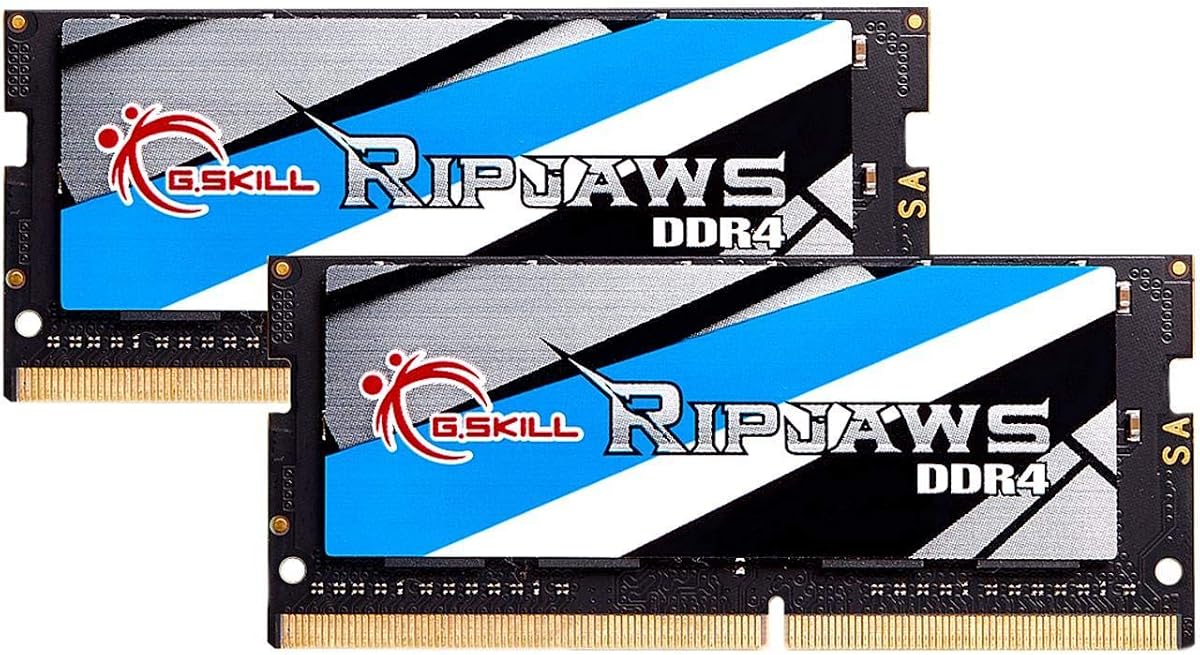
The G.SKILL Ripjaws 32GB Kit delivers top tier capacity for demanding professional environments. It is designed for users who need extensive memory for virtualization or heavy multitasking.
We may earn a commission when you buy through this link, at no additional cost to you.
Its strengths include matched dual channel design which ensures stable performance without compatibility issues. The kit supports high speeds up to 3200MT/s when system BIOS allows.
Potential downsides involve the need for BIOS adjustments to unlock full speeds on some laptops. The price is also higher than standard single modules but justified for power users.
You should buy this if you run memory intensive applications like 3D rendering or data analysis. It is the premier choice for maximizing laptop capability in 2026.
With 32GB total you can handle complex software suites without hitting memory limits frequently.
The matched kit ensures balanced bandwidth usage for smoother data processing across the system.
We may earn a commission when you buy through this link, at no additional cost to you.
The Crucial 8GB DDR4 RAM offers flexible speed options that adapt to various laptop hardware. It runs at 3200MHz but downclocks to 2933 or 2666MHz for older devices.
We may earn a commission when you buy through this link, at no additional cost to you.
Key strengths include seamless compatibility with 13th Gen Intel and Ryzen 7000 processors. This flexibility makes it a safe bet for upgrades across multiple laptop generations.
The trade-off is smaller capacity than 16GB modules which may limit heavy multitasking. However it remains a robust choice for general users needing a quick system boost.
Buy this if you need a reliable 8GB upgrade that future proofs your laptop for newer chips. It is ideal for users who prioritize adaptability over maximum capacity.
The ability to adjust speed ensures compatibility with both older and newer laptop architectures.
Built by Crucial this module undergoes rigorous testing for consistent reliability and performance.
We may earn a commission when you buy through this link, at no additional cost to you.
Samsung brings its renowned manufacturing quality to laptop upgrades with this 16GB DDR4 module. Users report consistent performance improvements in loading times and system responsiveness.
We may earn a commission when you buy through this link, at no additional cost to you.
Its strengths include a 2Rx8 dual rank design which can offer better data handling than single rank modules. It is tested for dependable reliability across various notebook systems.
The trade-off is that it uses standard JEDEC specifications without specialized overclocking features. However this ensures broad compatibility and stability for most business and home laptops.
You should buy this if you value brand reputation and consistent performance for daily tasks. It is a solid choice for users needing a reliable 16GB upgrade.
Dual rank configuration optimizes data transfer paths for better efficiency during memory access.
Samsung memory modules are known for stringent quality control and long term stability.
We may earn a commission when you buy through this link, at no additional cost to you.
TEAMGROUP offers a high capacity solution with this 32GB kit tailored for performance users. It includes lifetime warranty and free technical support which adds significant value to the purchase.
We may earn a commission when you buy through this link, at no additional cost to you.
Its strengths include verified compatibility checks and ROHS compliance ensuring environmental safety. The dual channel design provides efficient data transfer for heavy multitasking scenarios.
The trade-off involves occupying two memory slots which may limit future upgrade paths if only two slots exist. It is also pricier than single modules but justified by capacity and support.
Buy this if you need substantial memory and strong customer support for long term use. It is an excellent choice for professionals using laptop workstations.
TEAMGROUP provides lifetime warranty and accessible technical help for any issues after purchase.
Matched modules ensure stable dual channel performance for consistent system reliability under load.
We may earn a commission when you buy through this link, at no additional cost to you.
GIGASTONE delivers a versatile 32GB kit compatible with a wide range of notebooks and all-in-one systems. It supports speeds up to 3200MHz for efficient performance across different devices.
We may earn a commission when you buy through this link, at no additional cost to you.
Key strengths include broad compatibility for laptops and desktops alike without needing custom configurations. The unbuffered non-ECC design ensures cost effective high capacity upgrades.
The trade-off is that it lacks specialized overclocking profiles found in premium brands. However it provides stable performance for standard computing tasks at a competitive price point.
You should buy this if you want a balanced capacity upgrade for various systems. It is suitable for users needing reliable memory for multi-user environments.
This kit works seamlessly across many laptop and AIO models ensuring broad usability.
The dual stick configuration ensures faster data throughput than single stick options.
We may earn a commission when you buy through this link, at no additional cost to you.
Samsung's 8GB DDR4 module offers fast speeds suitable for modern laptops needing a quick memory boost. Users highlight its genuine quality and smooth integration into existing systems.
We may earn a commission when you buy through this link, at no additional cost to you.
Its strengths include high 3200MHz performance with low voltage requirements for energy efficiency. The single rank design provides flexibility in memory configurations for various hardware.
The trade-off is the 8GB capacity which may not be enough for heavy multitasking alone. However it serves well as a paired module for dual channel setups.
Buy this if you need a fast reliable single module to complement your existing memory. It is ideal for users upgrading to a dual channel 16GB setup.
Operating at standard low voltage helps reduce power consumption during active usage.
The 3200MHz speed ensures quick data access for responsive system performance.
We may earn a commission when you buy through this link, at no additional cost to you.
This Samsung 32GB single module is perfect for laptops that prefer or require single stick upgrades. It provides ultra high density without consuming both available memory slots.
We may earn a commission when you buy through this link, at no additional cost to you.
Its strengths include latest generation 3200MHz speed ensuring compatibility with newer laptop architectures. The 2Rx8 dual rank design offers stability for heavy workloads.
The trade-off is that it commands a premium price due to high density chip technology. It is less versatile if you need to pair it with other modules later.
You should buy this if your laptop supports single high density sticks and you want to preserve the second slot. It is ideal for specialized professional laptops.
A single stick delivers massive capacity allowing for more flexible memory configurations.
Dual rank configuration provides robust data handling capabilities for demanding professional software.
We may earn a commission when you buy through this link, at no additional cost to you.
CORSAIR brings gaming grade reliability to laptops with this sleek 16GB DDR4 module. It offers a slim physical design ensuring compatibility with tight internal laptop spaces.
We may earn a commission when you buy through this link, at no additional cost to you.
Its strengths include auto-overclocking features and excellent stability across different system architectures. The black aesthetic adds a premium look for those who open their laptop cases.
The trade-off involves a higher price point and potential need for BIOS adjustments on some models. However performance stability remains consistent for most everyday use cases.
Buy this if you want a stylish and stable upgrade for performance laptops. It is ideal for users who value aesthetics alongside technical performance.
The slim profile ensures fit within narrow laptop chassis without blocking other components.
Auto-overclocking enables potential speed boosts without complex manual configuration steps.
We may earn a commission when you buy through this link, at no additional cost to you.
Selecting the right DDR4 Sodimm Laptop RAM requires understanding several technical factors to ensure your laptop benefits from the upgrade.
Check your laptop CPU and motherboard to determine the maximum supported RAM speed. Choosing a module faster than your system supports may waste money as it will downclock automatically.
Always match the supported speed like 3200MHz or 2400MHz to ensure optimal performance without extra costs.
Decide on capacity based on your workload needs. Basic users may be fine with 8GB but professionals editing video or running virtual machines often need 16GB or 32GB.
Prioritize higher capacity if you frequently run many applications simultaneously to avoid slowdowns.
Verify how many memory slots your laptop has available. Some ultra-books have one fixed slot limiting you to a single module while others allow for dual sticks.
If you have two slots buying a dual kit like 2x16GB ensures dual channel performance for better speed.
DDR4 modules typically use 1.2V which is standard for most laptops. Ensure you pick modules matching this to avoid stability issues or overheating.
Avoid non-standard voltages unless specifically needed for overclocking which is rare on laptops.
Latency measured as CL timings like CL22 impacts how quickly memory responds to requests. Lower CL numbers indicate faster response but are often more expensive.
For general use standard CL22 is sufficient but lower latency helps gaming and real-time editing tasks.
Choose trusted brands like Crucial Samsung or Corsair known for rigorous quality testing. Reputable manufacturers often provide tools to verify compatibility before purchase.
Reliable brands reduce risks of system crashes and ensure longer product lifespans over time.
Look for products with lifetime warranties and accessible customer support. RAM is durable but warranty coverage protects against rare defects.
Always register your product to activate warranty benefits immediately after installation.
Ensure the module fits inside the laptop casing. Some high capacity modules are thicker and may not fit in slim gaming or ultrabook chassis.
Measure or check dimensions if your laptop manual specifies height limits for RAM modules.
Start by shutting down your laptop and disconnecting the battery if possible to prevent electrical shorts. Remove the back panel carefully using appropriate screwdrivers to access the memory slots.
Align the notch on the RAM module with the slot and insert gently at a 45 degree angle before pressing down until it clicks into place. Avoid touching the gold contacts to prevent static damage.
After installation replace the panel securely and power on the system to verify recognition in BIOS settings. Periodic cleaning of the slots helps maintain good contact and performance over time.
While technically possible mixing brands may cause stability issues or prevent dual channel mode. It is safer to use matched kits from the same brand and batch for best compatibility.
Check your laptop manual or use system tools like CPU-Z to see current RAM speed. If unsure choose a standard 3200MHz module which downclocks to fit most modern laptops automatically.
No it only works with laptops that have DDR4 slots. Older laptops may use DDR3 requiring different modules so always verify your memory generation before buying.
Dual rank modules contain memory chips on both sides providing more capacity and bandwidth. Single rank is thinner but may offer lower performance for heavy multitasking tasks.
For basic browsing and word processing 8GB or 16GB is usually enough. 32GB is more valuable for video editing or running multiple virtual machines simultaneously.
Most laptops allow easy DIY upgrades with basic tools following online guides. Professional help is only recommended if your laptop is sealed or warranty voided by opening.
Yes higher speed RAM can improve frame rates in CPU bound games. For gaming aim for 3200MHz if your system supports it to reduce stuttering during intense scenes.
You typically need a small Phillips head screwdriver and an anti-static wrist strap. Some laptops have user friendly back panels requiring minimal effort for quick upgrades.
The Crucial 16GB DDR4 RAM and G.SKILL Ripjaws 32GB Kit lead the list for reliability and high performance upgrades. These options offer the best balance of speed and capacity for modern workflows.
Prioritize capacity and speed that match your specific laptop hardware to avoid unnecessary costs. Always verify compatibility before purchase to ensure a smooth and successful upgrade process.
Please check current pricing and stock availability on retailer sites as offers change frequently. Investing in quality memory today ensures your laptop remains responsive and capable for future needs.