
Thermalright TL-C14C-S X3
4.7Editor score
Low cost three pack
Silent S-FDB bearing
PWM speed control
This guide compares the top 10 ARGB 140mm fans for cooling and aesthetics, evaluating airflow, noise levels, and lighting sync features.
Choosing the right cooling solution is critical for maintaining peak system performance and longevity. ARGB 140mm fans offer an excellent balance of high airflow capacity and customizable lighting to enhance your build's visual appeal.
We evaluated each model based on real-world specifications including static pressure, noise output, and bearing technology. Our analysis focuses on durability, ease of installation, and compatibility with modern motherboard RGB ecosystems.
Each selection highlights unique strengths such as reverse airflow designs or silent operation. Please note that pricing and availability fluctuate frequently, so verify current offers before purchasing your next cooling component.
4.7Editor score

4.6Editor score
4.6Editor score
The following table provides a side-by-side overview of all ten models selected for this guide to help you quickly identify the best fit for your specific cooling needs.





This three-pack from Thermalright delivers exceptional value for budget-conscious builders seeking reliable cooling. With a 4.7 rating it proves consistent performance across multiple units.
We may earn a commission when you buy through this link, at no additional cost to you.
The fans utilize S-FDB bearings to ensure quiet operation even at speeds up to 1500 RPM. Their 75.8 CFM airflow helps dissipate heat efficiently from radiators or case vents.
While they lack advanced software control the hardware sync works well with most modern motherboards. The lighting effects are soft and visually appealing without being overly bright.
Buyers looking for an affordable way to upgrade case airflow will find this pack ideal. It balances cost with performance effectively making it a top choice for entry builds.
Pricing for a three-pack makes this one of the most cost effective solutions available for standard case cooling needs.
The S-FDB bearing design minimizes friction ensuring that noise levels remain low during typical usage scenarios.
We may earn a commission when you buy through this link, at no additional cost to you.
Corsair's RS140 fans combine high performance with premium build quality for serious system cooling. The dual pack offers solid airflow capacity for demanding thermal loads.
We may earn a commission when you buy through this link, at no additional cost to you.
AirGuide technology directs airflow precisely while the magnetic dome bearing reduces noise. You can chain them together easily using just one set of cables for clean installs.
These fans push air effectively through dense radiators due to high static pressure. The lighting customization is extensive when paired with a compatible motherboard controller.
Enthusiasts who prioritize thermal performance and cable management will appreciate this model. It stands out as a reliable choice for high-end builds needing robust cooling.
The high static pressure rating ensures these fans can push air through restrictive radiators or mesh panels efficiently.
Daisy-chain connectivity simplifies the installation process by reducing clutter and connector usage on your motherboard headers.
We may earn a commission when you buy through this link, at no additional cost to you.
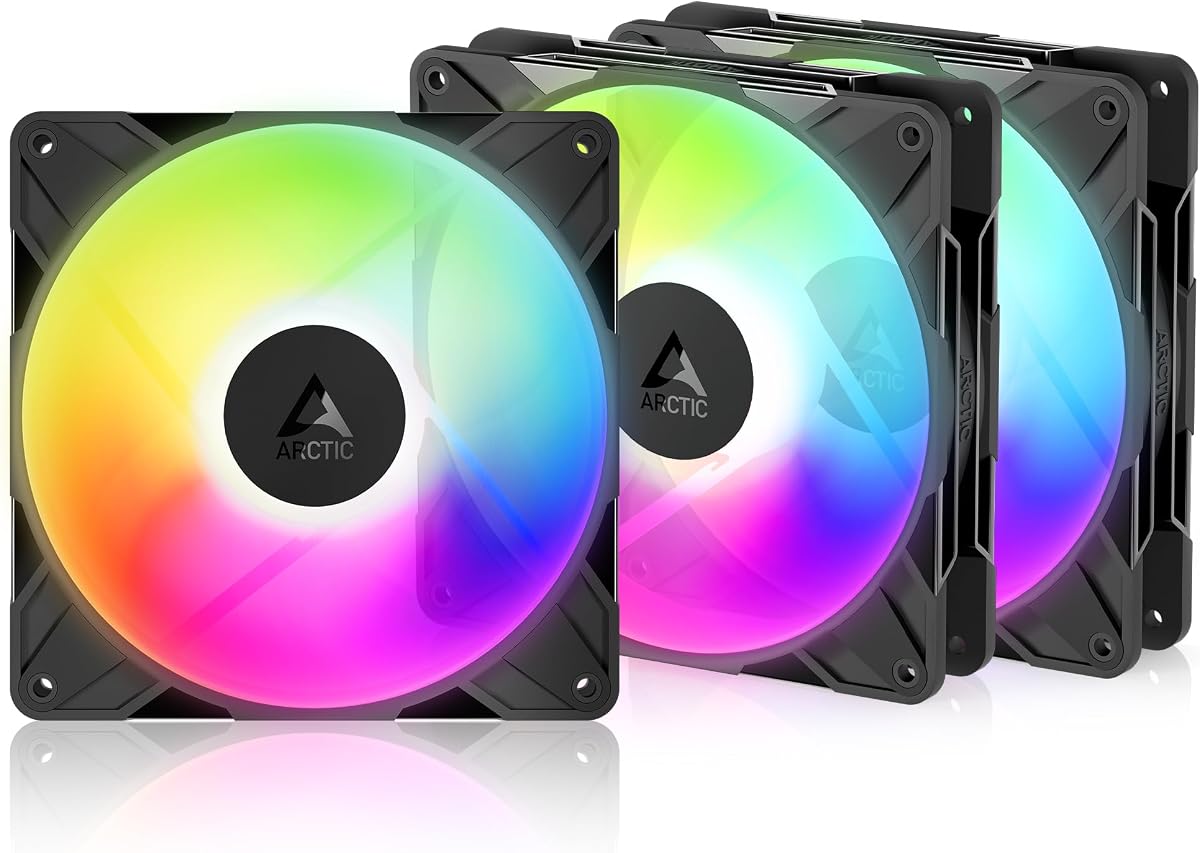
This premium pack from Arctic features reverse airflow designed to prevent visibility issues in modern glass-sided cases. It offers extreme speed control for precise thermal management.
We may earn a commission when you buy through this link, at no additional cost to you.
The hydrodynamic bearing ensures long service life with minimal noise. You can adjust speeds from nearly zero to 2650 RPM depending on your system requirements.
While high speeds can be loud they allow for aggressive cooling when needed. The included splitter helps manage connections for all three units without extra adapters.
Owners of cases with glass fronts will find this unique design very useful. It maintains aesthetics while delivering top-tier cooling performance for your PC components.
The reverse airflow means the fan frame is hidden when installed on the intake side improving overall visual appeal.
With a wide PWM range you can optimize the fan behavior for quiet idle states or maximum performance under load.
We may earn a commission when you buy through this link, at no additional cost to you.
Thermaltake introduces a magnetic connection system to simplify fan daisy-chaining in your build. This pack comes with three units ready for versatile installation configurations.
We may earn a commission when you buy through this link, at no additional cost to you.
The hydraulic bearing provides reliable silent operation over time. You get 16.8 million color options controlled directly via motherboard software for custom lighting themes.
Anti-vibration mounting helps reduce noise transmission to the chassis. However software compatibility is key for full RGB synchronization capabilities.
Those who want easy cabling and bright lighting will enjoy these fans. They are a solid choice for building a visually striking system with minimal fuss.
The magnetic connection design allows you to link fans together without needing additional connectors or adapters.
Nine addressable LEDs per fan provide ample lighting control for creating complex color patterns and effects.
We may earn a commission when you buy through this link, at no additional cost to you.
This model offers a compelling balance of features with an infinity mirror aesthetic that looks great in lighted cases. It delivers strong cooling performance at a budget-friendly price.
We may earn a commission when you buy through this link, at no additional cost to you.
The HDB bearing claims a 50000 hour lifespan ensuring long term reliability. You can sync lighting with major motherboard brands including Asus Aura and MSI.
Airflow is solid for case ventilation though not the highest in this category. The noise levels are kept low through design and balancing adjustments.
If you want a visually appealing fan that costs less than premium brands this is a good option. It provides essential features like PWM control and ARGB support effectively.
The sealed lubrication design protects the bearings from dust extending the operational life of the fan significantly.
The infinity mirror ring creates a unique depth effect that enhances the visual impact of your case interior.
We may earn a commission when you buy through this link, at no additional cost to you.
Cooler Master delivers a standout model with a unique duo-ring lighting setup for impressive visual depth. It is rated highly for both aesthetics and cooling efficiency.
We may earn a commission when you buy through this link, at no additional cost to you.
The hybrid blade design focuses on moving air through radiators effectively. Noise reduction technology helps maintain a quiet environment during operation.
Comes with an ARGB header extender which helps when headers are hard to reach. It supports all major sync platforms for easy integration.
Users wanting striking visuals with reliable cooling will love this choice. It is a versatile option for both case and radiator mounting scenarios.
The two rings of LEDs provide a halo effect that distinguishes this model from standard single ring fans.
Optimized blade shapes direct airflow specifically to improve performance in high resistance environments like radiators.
We may earn a commission when you buy through this link, at no additional cost to you.
This model is designed for those needing maximum airflow potential with its 3000 RPM capability. It features a redesigned rotor for better performance balance.
We may earn a commission when you buy through this link, at no additional cost to you.
Fluid dynamic bearings ensure smooth operation with low vibration. The blades are tuned to reduce noise at lower speeds while maintaining efficiency.
While capable of high noise levels the precision manufacturing keeps it manageable. It excels in scenarios where cooling power is the highest priority.
Enthusiasts looking for top cooling capacity should consider this option. It offers robust performance that can handle demanding thermal dissipation tasks.
The new blade design is engineered to maximize efficiency while keeping noise levels in check at lower RPMs.
Self-lubricating fluid dynamic bearings reduce friction and wear ensuring the fan lasts for years of use.
We may earn a commission when you buy through this link, at no additional cost to you.
Thermalright offers another excellent pack focusing on quiet operation for stress-free computing. The design prioritizes noise reduction through specific blade and mounting choices.
We may earn a commission when you buy through this link, at no additional cost to you.
Silicone feet on the corners help absorb vibrations. This reduces noise transmission to the case chassis making it quieter during operation.
The PBT material is durable and provides good insulation. It ensures the fan remains stable even under varying temperature conditions.
If silence is your primary concern this pack delivers strong results. It maintains efficient cooling without the audible distractions found in cheaper fans.
Soft feet reduce vibrations that cause resonant noise making the fan pleasant to listen to at idle.
Insulating plastic material withstands heat and resists wear ensuring long term reliability and safety.
We may earn a commission when you buy through this link, at no additional cost to you.
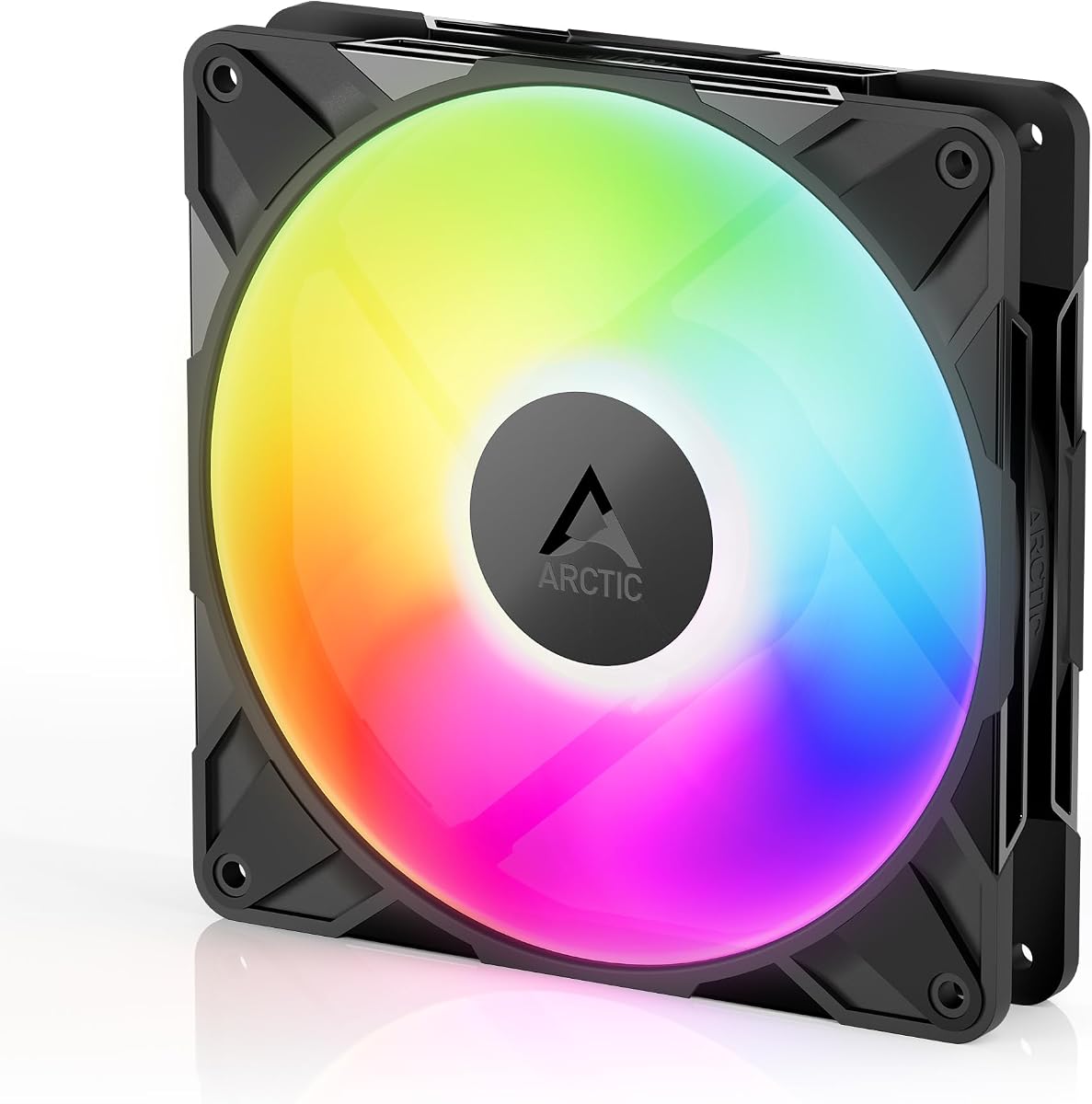
This single fan model boasts a near perfect rating thanks to its specialized reverse airflow design. It is ideal for glass front cases where aesthetics matter.
We may earn a commission when you buy through this link, at no additional cost to you.
The hydrodynamic bearing ensures quiet and reliable operation over time. High static pressure allows it to push air through resistive structures like radiators.
You can control speeds precisely via PWM to match thermal needs. The manufacturing precision reduces vibration ensuring a smooth performance experience.
Building a case with glass panels makes this fan a top choice. It solves the visibility issue of standard fans while delivering premium cooling.
Automatic balancing and tight tolerances minimize vibrations allowing for a smoother and quieter operation.
The specialized airflow direction ensures heat is moved efficiently without exposing internal components unnecessarily.
We may earn a commission when you buy through this link, at no additional cost to you.
This single unit option allows you to buy exactly what you need without extra costs. It brings the same quiet reliability as the packs in a smaller package.
We may earn a commission when you buy through this link, at no additional cost to you.
Silicone feet and a 7-blade design work together to reduce noise. The lighting effects are soft and blend well with other case components.
PWM control ensures speed adjusts automatically based on temperature. It works well as a case fan or on a water cooler radiator.
For those needing just one replacement or upgrade fan this is efficient. It offers strong cooling without breaking the bank for your system.
Whether for case or radiator use this fan adapts well to different cooling configurations effectively.
Buying single units saves money when you only need one fan for specific spot cooling needs.
We may earn a commission when you buy through this link, at no additional cost to you.
Selecting the right fans involves balancing airflow static pressure and lighting features to suit your specific case and cooling requirements.
Airflow measured in CFM indicates how much air moves through open space. Static pressure measured in mmH2O indicates how well it moves air through resistance like radiators. Choose high static pressure for radiators and high airflow for case exhaust.
If using fans on radiators prioritize static pressure. For simple ventilation prioritize airflow.
Sleeve bearings are cheap but wear out faster. Fluid Dynamic Bearings (FDB) and Hydrodynamic bearings are quieter and last longer. Magnetic bearings are also common in premium units for reduced friction.
Prioritize FDB or hydrodynamic for longevity and noise reduction.
Check if your motherboard supports 3-pin 5V ARGB or 4-pin 12V RGB. Most modern boards use 5V. Ensure your fan matches to avoid hardware damage.
Verify your motherboard headers before buying to ensure compatibility.
Daisy-chain connectors allow multiple fans to connect to one header. This reduces clutter. Standard setups need individual cables which can be messy.
Look for daisy-chain options if you want a cleaner build.
Noise is measured in dBA. Lower is quieter. Most fans range from 20 to 30 dBA. Vibration dampening helps reduce perceived noise.
Check noise ratings if you need a quiet environment.
Buying in packs of three is often cheaper per fan. Single units are useful for replacements. Consider how many slots you need in your case.
Buy packs if you need multiple fans to save money.
Reverse airflow fans look different on the back to hide the motor when installed on intake. This helps glass front builds look cleaner.
Choose reverse if aesthetics are a priority for glass cases.
Confirm your case or radiator has 140mm holes. Most mid-tower cases do. 120mm fans are smaller but 140mm usually moves more air efficiently.
Measure your mounting holes before buying to ensure fit.
Install fans so intake pulls cool air from the front or bottom and exhaust pushes hot air from the rear or top. This maintains proper airflow direction.
Connect the PWM cables to motherboard headers for automatic speed control. Connect ARGB to compatible headers only using 5V pins if your board supports it.
Clean dust from fan blades regularly using compressed air. Dust builds up over time and can increase noise or reduce cooling efficiency.
You can use them on most modern motherboards that have a 5V ARGB header. Older boards may only support 4-pin 12V RGB. If your board lacks a 5V header you might need a controller.
140mm refers to the square frame size of the fan. It is slightly larger than 120mm fans. They generally provide better airflow per RPM due to the larger blade size.
If you have more fans than motherboard headers you will need a hub. A hub allows multiple fans to connect to a single PWM header and one RGB header for control.
No. RGB typically uses 4-pin 12V. ARGB uses 3-pin 5V. They are not interchangeable. Plugging the wrong type can damage the LEDs or motherboard.
Most quality fans stay between 20 and 25 dBA at full speed. This is comparable to a quiet room. Some premium models go lower for silent environments.
You can set them to full speed via BIOS. However this increases noise. PWM allows them to slow down when cooling needs are low reducing noise.
We reviewed ten models ranging from budget packs to premium reverse airflow designs. The CORSAIR RS140 stands out for performance while Thermalright offers great value.
Prioritize static pressure for radiators and noise levels for bedroom builds. Ensure RGB compatibility with your motherboard headers before purchasing to avoid issues.
Prices change regularly so check current offers before buying. Your ideal fan depends on whether you value airflow noise or visual customization the most.