
ASUS ProArt PA32QCV
3.9Editor score
Factory calibrated accuracy
Dual Thunderbolt 4
5-year warranty
The market for high-resolution displays has evolved rapidly, bringing 6K technology to the mainstream professional segment. These screens offer immense workspace for multitasking and detailed visual work. Choosing the right one requires understanding resolution density and color accuracy needs.
We evaluated ten leading models based on panel quality, connectivity options, and ergonomic design. Our analysis focuses on real-world performance for video editing, design, and gaming. Each product brings unique strengths to the table for different user scenarios.
Every pick highlights key specifications and potential trade-offs to guide your decision. Prices fluctuate regularly so checking current listings is advised before purchase. This guide ensures you find the monitor that aligns with your specific workflow demands.
3.9Editor score

3.8Editor score

5.0Editor score
As an Amazon Associate we earn from qualifying purchases.
This side-by-side comparison highlights the critical specifications of each model to help you decide which display fits your needs best.


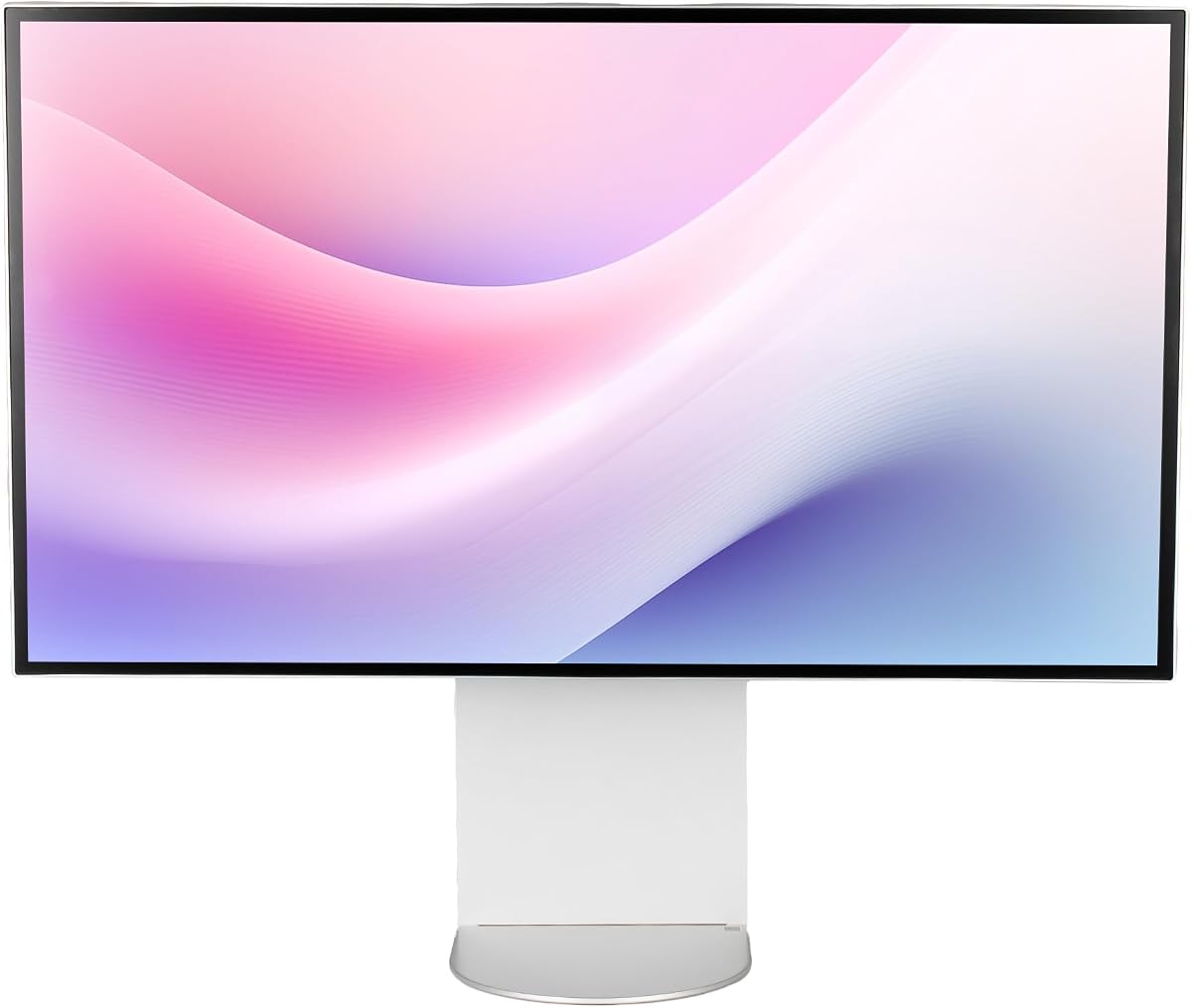
This LG model leads the category with its Thunderbolt 5 integration and Nano IPS Black technology. It delivers exceptional clarity for professional workflows needing precise color and contrast.
We may earn a commission when you buy through this link, at no additional cost to you.
The 6K resolution provides immense workspace while the 2000:1 contrast ratio ensures deep blacks. Color accuracy hits 99.5% Adobe RGB for true professional standards.
While expensive it justifies the cost with future proof connectivity. The lack of widespread Thunderbolt 5 devices is a minor trade-off for early adopters.
Ideal for video editors and designers seeking the highest fidelity. It sets the standard for what a premium 32 inch 6K monitor should be.
This panel type improves contrast significantly over standard IPS allowing for richer shadows and more detailed dark scenes.
With 80 Gbps speeds you can transfer massive files faster and drive multiple displays with a single cable.
We may earn a commission when you buy through this link, at no additional cost to you.
The ASUS ProArt series balances price and performance perfectly. It offers factory calibration right out of the box saving you time on setup.
We may earn a commission when you buy through this link, at no additional cost to you.
Thunderbolt 4 ports provide robust connectivity while the 5-year warranty adds peace of mind. The MacBook color preset simplifies workflows for Apple users.
It may not match the brightness of higher end models but accuracy is solid. The value proposition makes it a top contender for budget conscious pros.
Buy this if you need reliable color accuracy without breaking the bank. It is a safe investment for photography and graphic design tasks.
The dedicated preset ensures colors on this monitor align with your MacBook screen for a seamless workflow experience.
Ambient light sensors adjust the display to maintain consistent color performance regardless of your room lighting.
We may earn a commission when you buy through this link, at no additional cost to you.
This monitor redefines the category by offering touch input at 6K resolution. It acts as a massive digital canvas for artists and architects.
We may earn a commission when you buy through this link, at no additional cost to you.
The included stylus provides pressure sensitivity while the foldable stand allows it to lay flat like a drawing board. Color accuracy remains excellent.
The price is steep and the unit is heavy but the functionality is unmatched. It bridges the gap between a monitor and a large tablet.
Perfect for creative professionals who need direct interaction with their work. It is a transformative tool for sketching and annotating designs.
The low latency stylus offers 4096 pressure levels allowing for natural brush strokes and detailed annotations on screen.
The stand rotates 360 degrees and folds flat enabling the monitor to function as an ergonomic drafting table.
We may earn a commission when you buy through this link, at no additional cost to you.
Samsung brings 6K resolution to gaming with high refresh rates. It supports Dual Mode for 3K at 330Hz allowing for competitive play.
We may earn a commission when you buy through this link, at no additional cost to you.
The Fast IPS panel ensures vivid colors and wide viewing angles. Adaptive sync technologies reduce tearing for smoother gameplay.
Color accuracy lags behind professional panels but gaming performance is stellar. It is a unique choice for gamers wanting detailed visuals.
Buy this if you prioritize speed alongside resolution. It is ideal for titles where smooth motion matters more than color precision.
Switch between 6K for visuals and 3K for speed ensuring you get the best performance for your specific game needs.
Optimized brightness and contrast enhance depth in games making scenes feel more immersive and dynamic.
We may earn a commission when you buy through this link, at no additional cost to you.
Dell integrates a webcam directly into the bezel streamlining the remote work setup. This reduces cable clutter on your desk significantly.
We may earn a commission when you buy through this link, at no additional cost to you.
The USB-C hub handles data and power making it a true docking station replacement. The 6K display ensures sharp text and clear meetings.
It lacks gaming features but excels in office productivity. The webcam quality is decent though not a replacement for external cameras.
Choose this for office environments needing a tidy workstation. It simplifies video calls and file transfers effectively.
The built-in camera sits at eye level providing a natural frame for video calls without extra hardware.
A single cable powers your laptop and connects peripherals saving you from a tangled mess of wires.
We may earn a commission when you buy through this link, at no additional cost to you.
This bundle adds value with accessories like cable ties and cleaning tools. It offers KVM functionality to switch between computers easily.
We may earn a commission when you buy through this link, at no additional cost to you.
The display matches the standalone model with high contrast and color accuracy. It is a comprehensive solution for a multi system setup.
The extra items make it a good deal despite the higher price. It reduces the need to buy accessories separately.
Ideal for users who want a ready to use package. It simplifies setup and keeps your workspace organized efficiently.
Control two computers with one keyboard and mouse allowing seamless switching between workstations.
The bundle comes with essential tools to maintain and organize your display setup right out of the box.
We may earn a commission when you buy through this link, at no additional cost to you.
This model focuses on aesthetics and build quality with a CNC aluminum body. It offers 500 nits brightness for bright environments.
We may earn a commission when you buy through this link, at no additional cost to you.
The anti-glare screen reduces reflections while the stand supports ergonomic adjustments. Color accuracy is rated well for general use.
Support options may vary compared to major brands but the display performs well. It is a strong choice for modern desk setups.
Buy this if you value design and brightness. It fits seamlessly into minimalist workspaces without sacrificing visual quality.
The CNC-machined aluminum body ensures durability and a sleek look that complements high end desks.
Special coating minimizes glare from overhead lights ensuring a clear view during long working hours.
We may earn a commission when you buy through this link, at no additional cost to you.
The glossy finish makes colors pop more than matte panels. It includes a honeycomb cooling system to manage heat efficiently.
We may earn a commission when you buy through this link, at no additional cost to you.
Without a stand you can mount it directly for a clean look. The high PPI ensures sharp text and detailed graphics.
Glossy screens may reflect light in bright rooms so use it in controlled lighting. The cooling tech helps maintain performance over time.
Choose this for cinematic viewing or dark room editing. It offers a vivid picture for media enthusiasts.
Glossy finishes provide deeper blacks and richer colors making images look more lifelike and vibrant.
The unique body design aids heat dissipation keeping the panel cool during extended usage sessions.
We may earn a commission when you buy through this link, at no additional cost to you.
This bundle includes a premium protection plan for added security. It comes with all necessary cables to start immediately.
We may earn a commission when you buy through this link, at no additional cost to you.
The display offers high clarity for productivity tasks. The protection plan covers accidental damage which is useful for office use.
The added cost is worth it for peace of mind. It reduces risk for businesses or individuals needing reliability.
Buy this if you worry about potential damage. It ensures your investment is protected for years to come.
The extended service plan covers accidental damage ensuring you are protected against unforeseen events.
All necessary cables are included in the box so you do not need to purchase extras separately.
We may earn a commission when you buy through this link, at no additional cost to you.
This regional variant offers core LG features like HDR 600 and adjustable stand. It maintains the high resolution standard of the series.
We may earn a commission when you buy through this link, at no additional cost to you.
Multiple USB-C ports allow flexible connection options. It supports VESA mounting for custom setups easily.
Energy efficiency is average but the visual quality remains strong. It is a solid alternative when other models are out of stock.
Choose this for a reliable LG experience. It provides good value for standard professional workflows.
This certification ensures the display meets brightness and contrast standards for realistic HDR content.
Multiple ports allow you to connect multiple devices without needing additional hubs.
We may earn a commission when you buy through this link, at no additional cost to you.
Selecting the right 6K monitor involves balancing resolution density with connectivity needs and budget constraints.
IPS panels offer wide viewing angles and good color accuracy which is critical for professional work. Look for Nano IPS or similar variants to enhance contrast and black levels.
Prioritize panels with high contrast ratios to ensure deep blacks in mixed lighting environments.
32 inch 6K displays provide approximately 220 PPI offering sharper text than 4K. This reduces eye strain during long editing sessions.
Higher PPI ensures details remain crisp without needing scaling features in your operating system.
Professional workflows require specific gamut coverage like Adobe RGB or DCI-P3. Check factory calibration data to ensure Delta E values are low.
Aim for at least 98% DCI-P3 coverage for accurate color reproduction across media.
Thunderbolt 5 or 4 ports are essential for driving 6K signals efficiently. They also allow power delivery to charge laptops.
Ensure the monitor supports daisy chaining if you plan to use multiple displays in a workflow.
Adjustable stands with tilt and pivot capabilities help maintain a comfortable viewing angle. This is vital for reducing neck strain.
Look for VESA mount compatibility to use third party arms for better positioning flexibility.
Most 6K monitors run at 60Hz which is fine for productivity. Gamers should look for models offering dual modes for higher speeds at lower resolutions.
Prioritize refresh rates above 144Hz if gaming is a primary use case.
HDR 600 certification indicates peak brightness suitable for content creation. It improves contrast details in highlights and shadows.
Verify HDR support is consistent across input ports for best performance.
A strong warranty protects your investment against defects. Some brands offer five years of support which is a plus.
Check registration requirements to ensure you claim the full extended period correctly.
Begin by calibrating the monitor using built-in tools or external hardware to ensure color accuracy. Proper setup reduces eye strain and ensures consistency with printed materials.
Clean the screen regularly using a microfiber cloth to avoid scratches. Avoid harsh chemicals that could damage anti-glare coatings or the panel itself.
Manage cables carefully to maintain airflow and prevent overheating. Organize connections using provided clips to keep the workspace tidy and safe.
6K offers significantly more pixels allowing for larger workspace without scaling. This makes text sharper and allows you to view more details without zooming in.
Yes you need a graphics card capable of handling 6K resolution effectively. Ensure your system supports Thunderbolt 5 or 4 for the best connection speed.
They are great for immersive single player games but high refresh gaming may require dual mode to lower resolution. Check if the model supports high Hz at lower settings.
Yes many models support daisy chaining via Thunderbolt. This allows you to connect multiple displays with a single cable to your computer.
The cost reflects the panel technology and high bandwidth requirements. Early adopter features like Thunderbolt 5 also contribute to higher pricing.
Matte screens reduce reflections in bright rooms while glossy screens offer richer colors in dark environments. Choose based on your lighting setup.
Some models like certain Dell UltraSharp include built-in webcams. Others require external cameras so check the specs before buying.
Higher pixel density reduces eye strain caused by scaling. Look for flicker-free technology and low blue light modes for added comfort.
The LG 32U990A-S ASUS ProArt PA32QCV and ALOGIC Clarity Touch lead the field. Each excels in different areas from connectivity to design innovation.
Prioritize features that match your workflow such as color accuracy for design or refresh rates for gaming. Ensure your hardware can support the high resolution output.
Prices change frequently so compare current listings before making your decision. Investing in the right display will improve your productivity and visual experience.