
Bootable USB Drive for Windows 11 – NO TPM Requirement – 8GB USB Installer for Setup & Recovery – UEFI/Legacy Compatible
4.0Editor score
Affordable installation solution
Compatible with UEFI and Legacy
Includes setup and recovery tools
Discover the top Bootable Windows 11 USB Drive options for repair and installation. This guide compares features, compatibility, and tools to help you choose
Finding a reliable Bootable Windows 11 USB Drive is essential for system repairs and clean installs. These drives simplify recovery processes and bypass common hardware restrictions effectively.
We compared ten top-rated options based on compatibility, included tools, and user feedback. Each product offers unique features for installing or repairing Windows systems efficiently.
Every pick highlights key specs and real-world performance notes. Prices fluctuate often so check current listings before purchasing to ensure the best value for your needs.
4.0Editor score

4.3Editor score

4.2Editor score
This side-by-side comparison highlights the key specifications and features of the top ten Bootable Windows 11 USB Drive options available on the market today.


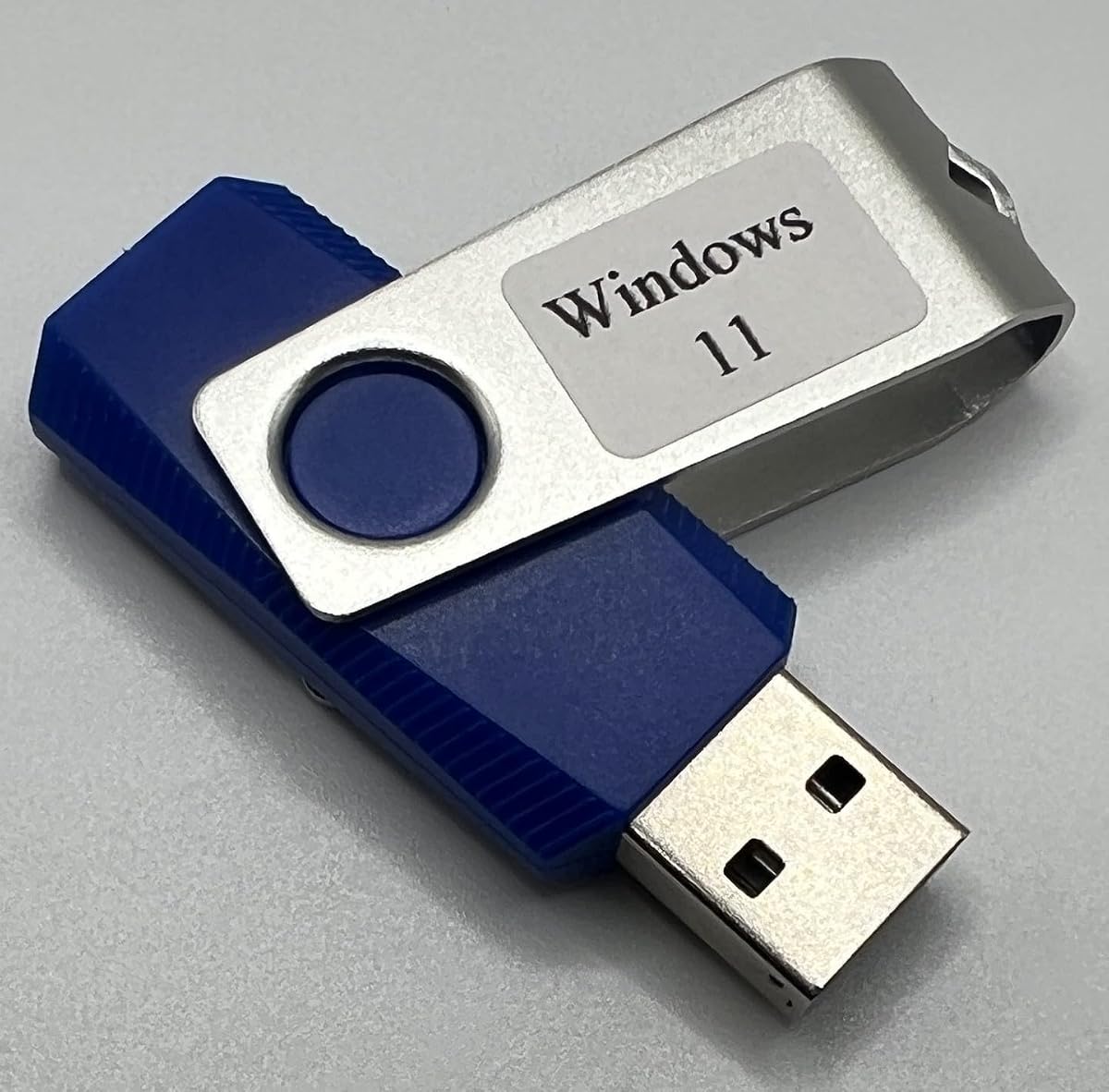


This 64GB Bootable USB Drive stands out as a top choice for users needing flexible Windows installation and recovery options. With a rating of 4.3, it offers broad compatibility across Windows 11, 10, 8.1, and 7 systems while bypassing TPM requirements effectively.
We may earn a commission when you buy through this link, at no additional cost to you.
Its standout features include built-in network drivers for WiFi and LAN, ensuring you can connect to the internet immediately after installation. The drive also includes essential tools like hard drive partitioning and data recovery, making it a versatile maintenance toolkit for troubleshooting issues or reinstalling your OS from scratch.
However, users should note that Secure Boot must be disabled in BIOS to boot from this drive. Additionally, it does not support Automatic Repair features, so existing Windows installations will be replaced entirely. These limitations are acceptable given the drive's extensive utility and ease of use for most repair scenarios.
Ideal for technicians and home users alike, this drive is perfect for fixing boot issues or refreshing older PCs. Its inclusion of comprehensive tools and clear video tutorials makes it accessible for beginners while remaining robust enough for advanced maintenance tasks.
This drive removes the need for TPM chips, allowing installation on older hardware. Secure Boot must be disabled in BIOS, which simplifies compatibility for legacy systems.
Beyond installation, the USB includes partitioning and data recovery tools. These utilities help manage storage and recover files without needing separate software downloads.
We may earn a commission when you buy through this link, at no additional cost to you.
This Bootable USB Drive offers an affordable entry point for users seeking a reliable Windows 11 installation tool. With a solid 4.0 rating, it focuses on core functionality without unnecessary bloat, making it ideal for straightforward system reinstalls or recovery tasks.
We may earn a commission when you buy through this link, at no additional cost to you.
The drive is handmade and tested in Texas, ensuring quality control before shipping. It supports both UEFI and Legacy BIOS systems, providing flexibility for various computer ages. Its compact 8GB size is sufficient for the installer but does not include extensive extra tools beyond basic setup and recovery options.
Users should be aware that this drive cannot fix failing hardware like dead motherboards or bad RAM. It is strictly for OS reinstalls, so verifying your PC can access BIOS before purchasing is crucial. These constraints make it a budget-friendly choice for specific software-related issues.
For those needing a cost-effective solution to reinstall Windows 11, this drive delivers value. Its simplicity and local testing make it a trustworthy option for basic recovery needs without the complexity of larger toolkits.
Handmade and tested in Texas by a family business ensures reliability. Each unit undergoes quality checks to meet basic installation standards consistently.
Supports both UEFI and Legacy BIOS, accommodating older and newer systems. This dual support broadens its usability across various PC configurations.
We may earn a commission when you buy through this link, at no additional cost to you.
The 32GB Bootable Windows 10&11 USB Drive offers premium performance with its USB 3.2 Gen technology for faster installations. With a 4.2 rating, it combines high speed with essential recovery tools, making it a top choice for users prioritizing efficiency and comprehensive support.
We may earn a commission when you buy through this link, at no additional cost to you.
Key strengths include included network drivers for WiFi and LAN, ensuring seamless connectivity post-install. The drive supports all brands and includes data recovery utilities, allowing users to backup files before reinstalling. Clear instructions for disabling Secure Boot make setup straightforward even for beginners.
Limitations include the need to disable Secure Boot and lack of Automatic Repair support. Existing Windows installations cannot be kept during use. Despite these, the drive's speed and broad compatibility justify its premium positioning for professional and home users alike.
This drive is ideal for those needing quick, reliable installations across diverse hardware. Its combination of speed, tools, and universal compatibility makes it a versatile solution for complex recovery scenarios.
USB 3.2 Gen speeds significantly reduce installation times. Faster transfers mean less waiting and more efficiency during critical recovery tasks.
Compatible with all major PC brands, ensuring flexibility. This broad support minimizes compatibility issues across different hardware configurations.
We may earn a commission when you buy through this link, at no additional cost to you.
This 64GB Bootable USB Driver offers a comprehensive toolkit for Windows installation and repair. With a 4.2 rating, it stands out for its inclusion of WinPE utilities, password reset tools, and hardware testing features, making it a robust option for troubleshooting diverse system issues.
We may earn a commission when you buy through this link, at no additional cost to you.
The drive supports both new and old computer builds, ensuring wide compatibility. Video tutorials guide users through disabling Secure Boot and navigating the boot process. Network drivers are included to ensure connectivity after reinstalling Windows, addressing a common post-install challenge.
Users should note that Secure Boot may need to be disabled, and the drive focuses on OS reinstalls rather than fixing underlying hardware failures. Despite this, the breadth of included tools justifies its utility for technical enthusiasts and home users needing reliable maintenance solutions.
Ideal for those needing an all-in-one solution for Windows recovery, this drive balances ease of use with advanced features. Its video tutorials and hardware testing tools make it accessible for beginners while remaining powerful for complex tasks.
WinPE utilities enable advanced system repairs and backups. Password reset features help regain access to locked accounts without external software.
Built-in hardware testing helps diagnose issues before reinstall. This proactive approach saves time and identifies potential hardware conflicts early.
We may earn a commission when you buy through this link, at no additional cost to you.
The PC-DNA Bootable USB for Windows 11 and 10 offers a unique advantage by working with Secure Boot enabled. Unlike many competitors, it eliminates the need for BIOS changes, streamlining the boot process for compatible UEFI systems.
We may earn a commission when you buy through this link, at no additional cost to you.
It always installs the latest official Windows directly from Microsoft, avoiding outdated or pirated ISOs. US-based support via live chat or email ensures real assistance when needed. The drive is designed for 64-bit systems with UEFI BIOS, covering most PCs from 2013 onward.
However, legacy BIOS systems are not supported in the current version, limiting its use on older hardware. Users must also provide their own Windows product key. Despite this, its seamless Secure Boot compatibility makes it a standout choice for modern systems.
This drive is best suited for users with newer PCs who value convenience and official sources. Its Secure Boot compatibility and US support provide peace of mind for those hesitant about complex BIOS configurations.
Unlike most recovery tools, this drive works with Secure Boot enabled. No BIOS changes are needed, simplifying the installation process significantly.
Files are downloaded directly from Microsoft, ensuring authenticity. This eliminates risks associated with outdated or unauthorized ISO files.
We may earn a commission when you buy through this link, at no additional cost to you.
This Recovery and Repair USB Drive focuses specifically on Windows 11 systems with a 64-bit architecture. With a 3.9 rating, it offers essential recovery tools tailored for resolving common issues like slow performance or boot failures.
We may earn a commission when you buy through this link, at no additional cost to you.
The drive is UEFI-compliant, ensuring proper system booting across various makes and models. It includes multiple recovery options such as system repair, fresh installation, and data recovery tools. Detailed instructions guide users through boot setup and recovery procedures effectively.
However, it is limited to Windows 11, making it less versatile than options supporting older versions. Its rating is lower than some competitors, suggesting potential limitations in edge cases. Still, it remains a solid choice for dedicated Windows 11 troubleshooting.
Ideal for users needing a focused solution for Windows 11, this drive provides essential tools in a compact package. Its UEFI compliance and included instructions simplify the recovery process for most modern systems.
Designed for UEFI-compliant drives to ensure proper booting. This compatibility minimizes boot issues across different computer models.
Offers multiple recovery paths including fresh installs and repairs. This flexibility helps users choose the best solution for their specific issue.
We may earn a commission when you buy through this link, at no additional cost to you.
This Bootable USB includes a license key for Windows 10 or 11, offering added value for users needing activation. With a 3.4 rating, it provides comprehensive tools for recovery, password resets, and machine troubleshooting, backed by clear video instructions.
We may earn a commission when you buy through this link, at no additional cost to you.
The drive supports both Home and Pro editions and includes network drivers for seamless connectivity. Password recovery and hardware testing features make it a versatile toolkit for maintaining system health. Instructions for redeeming the activation key are provided within the package.
However, Secure Boot may need to be temporarily disabled on newer systems, which can confuse less technical users. Its lower rating suggests occasional issues with activation or compatibility. Despite this, the included key and tool suite offer significant value.
Ideal for users needing a key and installation tool in one package, this drive simplifies setup. Its password recovery tools make it useful for accessing locked systems without external software.
Comes with a license key for Windows 10 or 11. This saves users from purchasing a separate key during installation.
Includes tools to reset Windows passwords without data loss. This feature is crucial for accessing locked systems quickly.
We may earn a commission when you buy through this link, at no additional cost to you.
This 64GB Bootable USB Installer for Windows 11, 10, and 7 offers an all-in-one solution for installation and repair. With a 4.2 rating, it stands out for its WinPE utility suite, which enables backups and troubleshooting without needing multiple discs.
We may earn a commission when you buy through this link, at no additional cost to you.
The drive allows users to recover data and repair boot issues directly from the USB. Video tutorials guide users through the boot process, making it accessible for beginners. It supports Home and Pro editions, ensuring broad usability across different Windows configurations.
However, it cannot repair hardware failures and may require disabling Secure Boot on some systems. These limitations are standard for software-based recovery tools. Overall, its comprehensive toolkit justifies its value for system maintenance and restoration.
Ideal for users needing a versatile rescue USB, this drive combines installation media with diagnostic tools. Its WinPE utilities simplify complex repairs without requiring advanced technical expertise.
WinPE tools enable backups and repairs from the USB. This suite minimizes the need for separate software during recovery.
Combines installation media with diagnostic tools on one drive. This reduces clutter and simplifies recovery workflows.
We may earn a commission when you buy through this link, at no additional cost to you.
The 30-in-1 Bootable USB Drive offers an extensive toolkit for multiple Windows versions from 7 to 11. With a 4.0 rating, it provides installation and recovery options for startup failures, boot errors, and system crashes all in one convenient package.
We may earn a commission when you buy through this link, at no additional cost to you.
This reusable media eliminates the need to download large system files or create bootable media manually. It supports UEFI and Legacy BIOS systems, making it versatile for older and newer PCs. Users must back up files before installation since existing data may be affected.
However, it does not include a Windows license, requiring users to have a digital or separate key. Its compatibility is limited to 64-bit computers, which covers most modern systems. Despite this, its broad tool suite makes it valuable for technicians and enthusiasts.
Ideal for home technicians and PC enthusiasts, this drive provides a comprehensive solution for maintenance tasks. Its reusable nature and broad compatibility make it a practical choice for regular upkeep and troubleshooting.
Includes 30 tools for recovery and repair. This range addresses diverse issues from boot errors to system crashes.
Reusable installation media saves time and storage. No need to recreate bootable media for each system issue.
We may earn a commission when you buy through this link, at no additional cost to you.
This Bootable USB Flash Drive Installer for Windows 11 offers a clean, official version for installation. With a 3.8 rating, it is deployed with the latest original Microsoft files, ensuring users get a reliable and secure operating system without malware risks.
We may earn a commission when you buy through this link, at no additional cost to you.
The drive is built with a 16GB high-quality flash drive and is compatible with all major PC brands. Its plug-and-play design simplifies setup for beginners, and a user guide with online support is included to assist with any issues.
However, it is limited to Windows 11 Pro/Home 64-bit systems, reducing flexibility for older OS versions. The rating suggests some compatibility or installation hurdles may exist. Despite this, its focus on official and clean files provides peace of mind.
Ideal for users needing a simple, official installer for Windows 11, this drive minimizes risks of unauthorized files. Its plug-and-play nature and included support make it a convenient choice for straightforward installations.
Deploys the latest official Microsoft version, free from viruses. This ensures system integrity and trust in the installation source.
Designed for easy setup with included user guides. Beginners can install Windows without complex steps.
We may earn a commission when you buy through this link, at no additional cost to you.
Choosing the right Bootable Windows 11 USB Drive requires evaluating compatibility, included tools, and installation requirements. This guide breaks down key factors to consider before purchasing.
Ensure the drive supports your computer's BIOS mode. Most modern systems use UEFI, but older PCs may require Legacy BIOS. Check if the product explicitly lists both or your specific requirement before purchasing to avoid boot issues.
Always confirm BIOS compatibility before buying to ensure successful installations.
Many Windows 11 installers require TPM chips and Secure Boot. Some drives bypass these requirements to support older hardware. Check if the product mentions 'No TPM Required' or provides instructions for disabling Secure Boot in BIOS.
Look for 'No TPM Required' labels to ensure compatibility with older hardware.
Some drives offer more than just installation files. They may include network drivers, data recovery tools, or password reset utilities. Evaluate your needs to determine if these extras justify the cost.
Prioritize drives with network drivers if connectivity is a common issue.
Capacity ranges from 8GB to 64GB or more. USB 3.2 Gen drives offer faster installation speeds than older USB 2.0 models. Higher capacity may be useful if you need to store additional backup files.
USB 3.2 Gen speeds reduce installation times significantly.
Most drives rely on official Microsoft ISO files to ensure security and authenticity. Some vendors may use custom versions. Check product descriptions to confirm files are clean and officially sourced to avoid malware risks.
Verify that files are official and virus-free before installing.
Detailed instructions and video tutorials are invaluable for beginners. Some drives include physical guides or video links for setup. Look for products with robust support resources to minimize installation errors.
Choose options with clear video guides for easier setup.
Some drives support multiple Windows versions while others focus on 11 only. If you maintain older systems, select a drive compatible with Windows 7, 8.1, or 10 as well. Flexibility here ensures long-term usefulness.
Multi-version support extends the drive's usefulness beyond 11.
Always check the seller's return policy in case of compatibility issues. Vendors offering technical support or guarantees provide added peace of mind. Read customer reviews to understand common pitfalls before purchasing.
Prioritize sellers with clear return policies for added security.
To use the drive, insert it into a USB port and restart your computer. Access the BIOS or boot menu by pressing the designated key during startup, usually F12, F2, or Del, then select the USB drive as the boot device.
Follow the on-screen installation prompts carefully. For drives requiring Secure Boot disable or TPM bypass, refer to the included video tutorials or manual. Backup important data before reinstalling as existing files may be lost during the process.
To maintain the drive, store it in a cool, dry place away from direct sunlight or moisture. Avoid ejecting it while in use to prevent file corruption. Regularly update the drive's contents if the vendor releases new ISO versions.
Most drives do not include a license key. You will need an existing digital license or must purchase one separately. Some higher-end options may include a redeemable activation key, but check product details carefully.
No, these drives are for software installation and OS repairs only. They cannot fix physical issues like broken RAM or hard drives. Verify your hardware is functional before attempting to install Windows.
UEFI is the modern boot standard for newer systems, while Legacy BIOS is older. Most Windows 11 drives support UEFI, but some offer compatibility for both modes to ensure broader usage across different PC ages.
Some drives require Secure Boot to be disabled in BIOS to function. Others work with it enabled. Check the specific product requirements as instructions vary by manufacturer and model.
Reputable vendors scan drives before shipping. However, you should verify with official sources when possible. Check for anti-virus scan claims in product descriptions to ensure cleanliness.
Some drives include built-in recovery utilities that allow file access before installing Windows. Others focus solely on OS reinstallation. Choose a drive that explicitly lists data recovery tools if this is a priority.
Check your system requirements via Microsoft's PC Health Check app. Look for TPM 2.0, Secure Boot, and compatible CPUs. Some drives bypass TPM but still require certain hardware basics.
The best Bootable Windows 11 USB Drive depends on your specific needs. Our top picks offer a balance of features like TPM bypass, recovery tools, and official files to suit various users.
Prioritize compatibility with your BIOS mode and Secure Boot requirements. For complex issues, choose options with extensive tool suites. Simpler tasks may only need a basic installer for quick OS reinstalls.
Prices and availability can change over time. Always verify product details and current pricing before purchase to ensure you get the best value for your system requirements.