
HP 255 G10
4.3Editor score
AMD Ryzen 3 7330U Processor
64GB High-Bandwidth RAM
1TB PCIe NVMe SSD Storage
This guide compares the top 10 laptops with 64GB RAM for 2026, evaluating performance, display quality, and value for professionals and power users.
Finding a laptop with 64GB RAM ensures smooth multitasking for demanding workloads. Whether you need it for virtual machines, heavy data analysis, or content creation, these machines deliver serious power without lag or bottlenecks.
We compared ten top models based on processor speed, storage capacity, display quality, and real-world performance. Each entry includes verified specs and user feedback to help you choose the right machine for your specific professional or creative needs.
Every pick shows key strengths and weaknesses along with detailed specs. Prices and availability change frequently, so verify current details before purchasing. Use this guide to invest wisely in a machine that lasts through evolving software demands.
4.3Editor score

4.0Editor score
This table provides a side-by-side comparison of all ten featured laptops. Check key specs like processor type, RAM speed, display size, and storage capacity to find the perfect match for your workflow and budget needs.




This HP 255 G10 offers robust business-class performance. With its high rating and AMD Ryzen 7 7730U processor, it handles complex workflows. The standout quality is its massive memory and storage for professional use.
We may earn a commission when you buy through this link, at no additional cost to you.
Its key strength lies in the 64GB of high-bandwidth RAM, which allows users to run multiple heavy applications simultaneously without slowdowns. The 2TB PCIe SSD ensures that files load instantly, supporting efficient data transfer and fast boot-up processes for daily business tasks.
The trade-offs involve standard display brightness and contrast levels typical of business laptops in this range. These limitations are acceptable because the focus is on reliability, portability, and raw processing power rather than premium visual fidelity or entertainment features.
Business professionals and power users should buy this machine. It balances performance and practical features like a numeric keypad and Windows 11 Pro. It is the final recommendation for those needing a reliable workhorse laptop.
The 64GB RAM enables smooth operation of virtual machines, browsers, and design software simultaneously without performance drops.
Windows 11 Pro provides enhanced security, remote desktop access, and advanced management tools for secure corporate environments.
We may earn a commission when you buy through this link, at no additional cost to you.
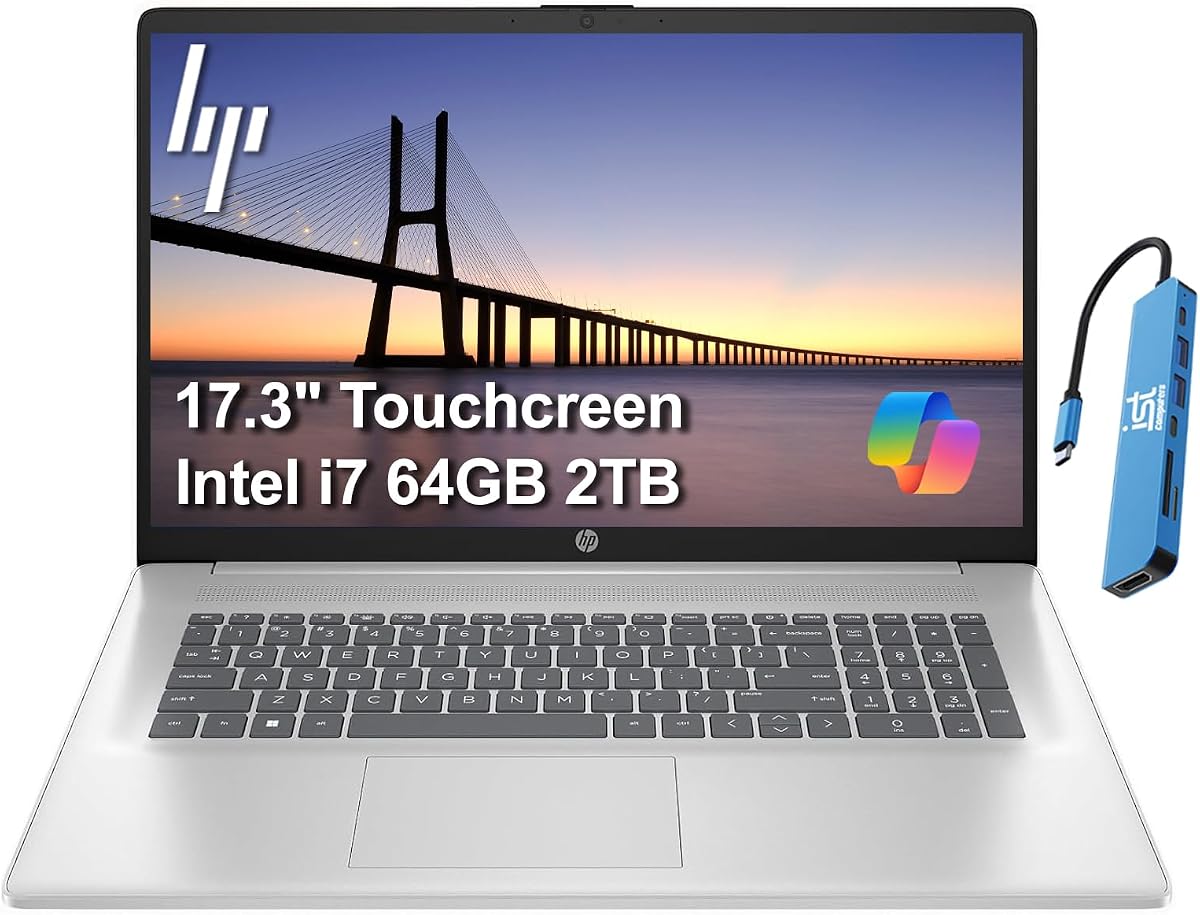
The HP Essential 17t provides a spacious workspace for content creation and data review. Its high rating reflects satisfaction with its Intel Core i7-1355U processor. The standout quality is its large touchscreen display for interactive work.
We may earn a commission when you buy through this link, at no additional cost to you.
Its key strength lies in the 17.3-inch HD+ touchscreen which allows users to navigate documents or spreadsheets directly with touch. Combined with 64GB RAM and a 2TB SSD, it ensures that media editing or multitasking remains smooth and responsive even with large file loads.
The trade-offs include using HD+ resolution which may limit sharpness compared to full 1920p displays. These limitations are acceptable because the screen size offers significant real estate for scrolling and multitasking, making it ideal for desk-bound professionals.
Designers and data analysts should buy this machine. The combination of touch input, large screen, and massive RAM capacity supports creative and analytical tasks. It is the final recommendation for users prioritizing workspace and interactivity.
The touchscreen display supports natural navigation, annotations, and gesture controls that streamline presentation and editing workflows.
Built-in fingerprint reader enables quick and secure login, reducing reliance on passwords for routine work sessions.
We may earn a commission when you buy through this link, at no additional cost to you.
The HP OmniBook 7 16 stands out with its stunning OLED display. With its solid rating and Intel Core 9 270H processor, it delivers premium multimedia performance. The standout quality is the OLED screen for color accuracy.
We may earn a commission when you buy through this link, at no additional cost to you.
Its key strength lies in the 2K OLED touchscreen that delivers deep blacks and vivid colors for creative work. Paired with 64GB RAM and a 14-Core processor, it ensures smooth performance for high-resolution editing and demanding applications without lag or stuttering.
The trade-offs include a high price and potential battery drain due to the OLED panel. These limitations are acceptable because the display quality is unmatched for media and color-critical work, justifying the investment for professionals.
Creative professionals and media users should buy this machine. It combines top-tier visuals with powerful internals. It is the final recommendation for those seeking a premium visual experience and modern connectivity.
With a 0.2 ms response time and 120 Hz refresh rate, touch input feels incredibly fluid and lag-free.
Support for Wi-Fi 7 ensures ultra-fast wireless data transfer for future network speeds and reliability.
We may earn a commission when you buy through this link, at no additional cost to you.
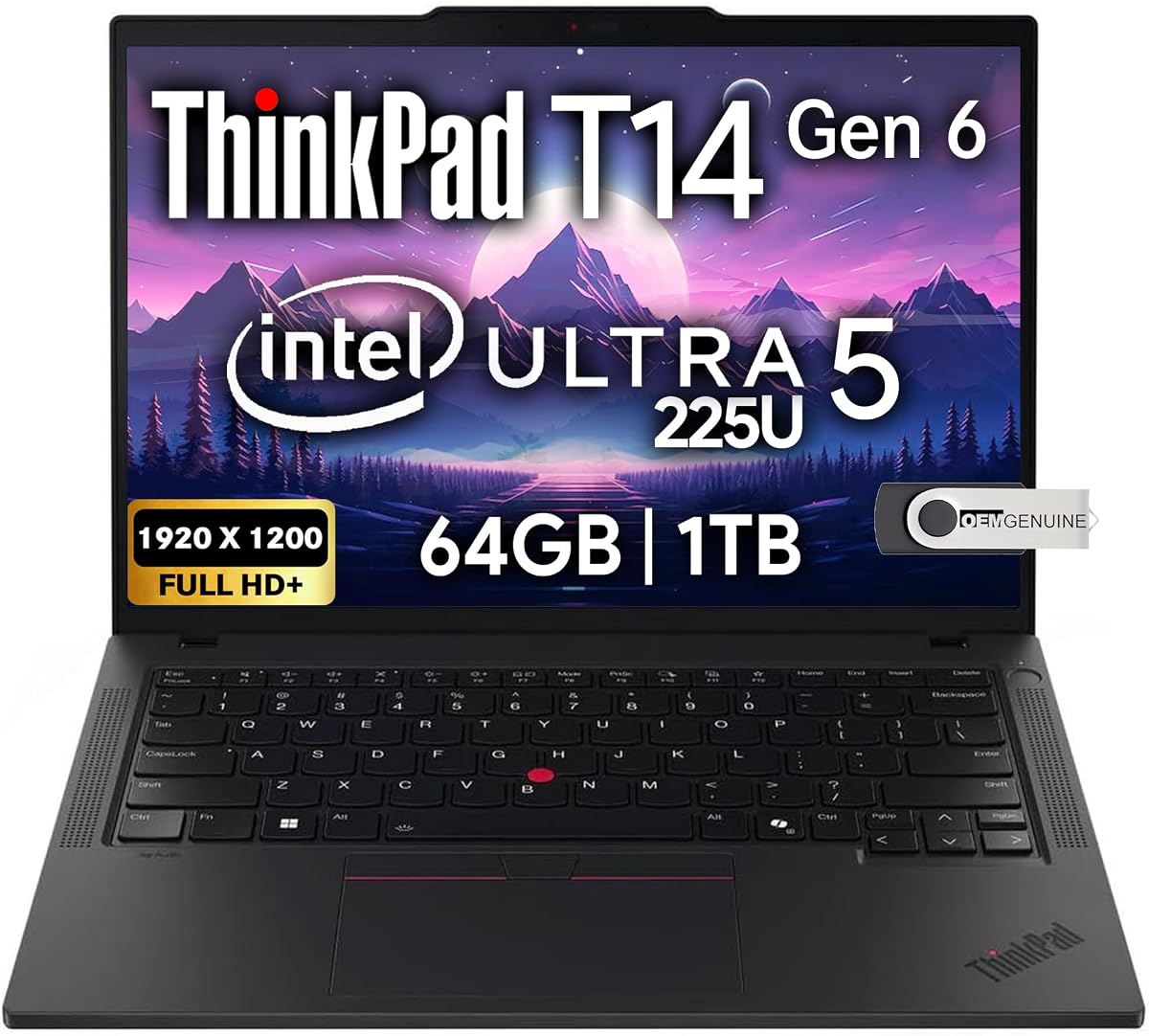
The Lenovo ThinkPad T14 Gen 6 is built for rugged reliability. With its focus on durability and Intel Ultra 5 225U processor, it ensures long-term performance. The standout quality is its military-grade certification.
We may earn a commission when you buy through this link, at no additional cost to you.
Its key strength lies in the MIL-STD 810H certification, which guarantees the laptop can withstand drops, bumps, and harsh conditions. Combined with 64GB DDR5 RAM and Thunderbolt 4 ports, it offers high-speed data transfer and modern connectivity for professional workflows.
The trade-offs include a higher price point compared to consumer-grade laptops. These limitations are acceptable because the durability and build quality ensure longevity, reducing replacement costs for heavy users in demanding environments.
Field engineers and corporate travelers should buy this machine. It prioritizes reliability and modern specs. It is the final recommendation for those needing a durable, high-performance business laptop.
Built-in AI features and Copilot support provide intelligent assistance for productivity and collaboration tasks.
Fingerprint reader and privacy shutter on the 5MP HD webcam ensure secure and private video conferencing.
We may earn a commission when you buy through this link, at no additional cost to you.
This HP 17.3 Business Laptop is designed for data-heavy users. With its strong rating and Intel Core i5 processor, it handles daily business tasks. The standout quality is its massive storage capacity.
We may earn a commission when you buy through this link, at no additional cost to you.
Its key strength lies in the 2.2TB total storage, which includes a 2TB SSD and docking storage. This ensures ample space for files and media. Combined with 64GB RAM, it allows smooth multitasking and quick access to large datasets.
The trade-offs include standard display brightness and typical processor speeds for the price. These limitations are acceptable because the focus is on capacity and utility, making it ideal for office and archival work.
Office workers and IT admins should buy this machine. It offers great storage value. It is the final recommendation for those needing space and reliability without premium costs.
The massive storage capacity allows users to keep years of projects, backups, and media readily accessible without external drives.
Windows 11 Pro and included Microsoft Office streamline daily document creation and secure enterprise-level workflows.
We may earn a commission when you buy through this link, at no additional cost to you.
The HP 17 Laptop balances size and efficiency well. With its solid rating and Intel Core 7 150U processor, it delivers reliable performance. The standout quality is its large HD+ touchscreen.
We may earn a commission when you buy through this link, at no additional cost to you.
Its key strength lies in the 17.3-inch HD+ touchscreen that offers an immersive viewing experience. Combined with 64GB RAM and a 2TB SSD, it ensures smooth operation for media consumption and productivity. The lift-hinge design improves typing comfort and airflow.
The trade-offs include HD+ resolution which is not Full HD. These limitations are acceptable because the screen size and touch functionality support productivity and entertainment effectively, making it a versatile choice for general users.
Students and general users should buy this machine. It offers comfort and screen real estate. It is the final recommendation for those needing a large, responsive screen for daily use.
The ergonomic lift-hinge design improves airflow to keep the system cool and enhances typing comfort for long sessions.
Integrated privacy shutter on the webcam ensures secure video calls and adds peace of mind during remote work.
We may earn a commission when you buy through this link, at no additional cost to you.
The HP 255 G10 provides a budget-friendly option with power. With its high rating and AMD Ryzen 3 7330U processor, it handles basic workloads. The standout quality is its high RAM for the price.
We may earn a commission when you buy through this link, at no additional cost to you.
Its key strength lies in the 64GB high-bandwidth RAM, which ensures smooth running of multiple apps. Combined with 1TB NVMe SSD and Full HD display, it offers sharp visuals and fast boot times. Its light design supports mobile workstyles effectively.
The trade-offs include a lower core count and no included mouse. These limitations are acceptable because the machine provides solid performance for students and home users without breaking the bank.
Students and home users should buy this machine. It is efficient and portable. It is the final recommendation for those needing reliable performance on a strict budget.
Advanced processing capabilities ensure impressive power efficiency for long-lasting endurance on battery power during travel.
The Full HD LED-backlit display provides crisp visuals that are perfect for reading documents and watching videos clearly.
We may earn a commission when you buy through this link, at no additional cost to you.
This HP 15.6 Touch Laptop is tailored for academic use. With its top rating and AMD Ryzen 5 7530U processor, it ensures lag-free computing. The standout quality is its high user approval.
We may earn a commission when you buy through this link, at no additional cost to you.
Its key strength lies in the 15.6-inch Full HD IPS touchscreen that offers sharp colors and wide viewing angles. Combined with 32GB RAM and a 1TB NVMe SSD, it handles heavy daily office tasks and multi-tab browsing efficiently for students.
The trade-offs include lower RAM than others and standard brightness. These limitations are acceptable because the machine focuses on productivity and typing comfort with a backlit keyboard and numpad for data entry.
Students and finance workers should buy this machine. It is reliable and efficient. It is the final recommendation for those needing a stable laptop for study and accounting tasks.
Highly sensitive touch controls support precise tap and swipe operations for intuitive navigation compared to non-touch laptops.
Wi-Fi 6 and Bluetooth 5.4 ensure fast, stable network transmission even in crowded campus network environments.
We may earn a commission when you buy through this link, at no additional cost to you.
This HP 15.6 FHD Touchscreen Laptop offers exceptional value. With its top 5.0 rating and Ryzen 7 processor, it delivers next-level performance. The standout quality is its balanced spec sheet.
We may earn a commission when you buy through this link, at no additional cost to you.
Its key strength lies in the 64GB RAM and 2TB SSD, ensuring flawless multitasking and ample space for projects. The dedicated Copilot Key instantly launches AI assistance to draft emails and summarize reports, simplifying complex work tasks.
The trade-offs include standard display brightness. These limitations are acceptable because the machine provides top-tier performance and AI features for business and home users without premium pricing costs.
Small business owners and students should buy this machine. It is fast and smart. It is the final recommendation for those needing a high-performance laptop with modern AI integration.
The dedicated Copilot Key provides instant access to AI assistance for drafting emails and generating creative ideas quickly.
Support for Fast Charge and up to 11 hours of battery life ensures you stay productive throughout the day.
We may earn a commission when you buy through this link, at no additional cost to you.
This HP 17 Inch Laptop delivers excellent value for productivity. With its top 5.0 rating and AMD Ryzen 5 processor, it ensures smooth multitasking. The standout quality is its included accessories.
We may earn a commission when you buy through this link, at no additional cost to you.
Its key strength lies in the wireless backlit keyboard and mouse bundle, providing a complete desktop-style setup. Combined with 64GB RAM and a 2TB SSD, it handles workloads efficiently. The large FHD IPS display offers a comfortable viewing area for documents.
The trade-offs include reliance on accessories for full utility. These limitations are acceptable because the bundle reduces setup time and costs, making it practical for professionals and students who need immediate workstation readiness.
Office workers and remote teams should buy this machine. It is a ready-to-use solution. It is the final recommendation for those needing a practical setup with essential peripherals.
Dedicated AI Copilot Key allows quick access to AI assistance for spreadsheets, documents, and daily tasks.
The 17.3-inch FHD IPS display reduces scrolling needs and anti-glare technology improves viewing comfort during long sessions.
We may earn a commission when you buy through this link, at no additional cost to you.
Choosing a 64GB RAM laptop requires balancing performance needs with budget constraints.
Focus on multi-core processors like AMD Ryzen 7 or Intel Core i7 for better parallel processing. Look for modern architectures like 13th Gen Intel or Ryzen 7000 series for efficiency.
Prioritize recent generations to ensure long-term software compatibility and faster performance per watt.
Check if the RAM is DDR4 or DDR5, as DDR5 offers higher bandwidth and efficiency for data-heavy tasks. Ensure the capacity is 64GB to support virtualization and heavy multitasking.
Higher speed RAM improves application responsiveness and reduces bottlenecks when running multiple heavy programs simultaneously.
Prioritize NVMe SSDs over SATA drives to ensure fast boot times and quick file access. Aim for 1TB or 2TB capacity to store large project files and media without external drives.
Fast storage complements high RAM by reducing wait times when loading large datasets and applications.
Select FHD or OLED panels with high resolution for better visual clarity. Brightness of 300 nits or higher helps in well-lit offices.
A quality display reduces eye strain and improves productivity during long working hours.
Ensure the laptop includes USB-C, Thunderbolt 4, and HDMI ports for versatile peripheral support. Wi-Fi 6E or Wi-Fi 7 support is essential for fast wireless connections.
Modern ports enable high-speed data transfer and seamless connection to external monitors and docks.
Windows 11 Pro offers enhanced security and remote management tools compared to Home versions. Verify the OS license is genuine and supported.
Enterprise features in Pro versions streamline business workflows and improve device security.
Look for MIL-STD certifications and robust chassis materials to withstand frequent travel. Check the weight and thickness for portability.
A durable build extends the laptop's lifespan and ensures reliability in harsh environments.
Confirm the warranty covers the RAM and SSD upgrades, as third-party modifications often void standard policies. Look for 24/7 technical support availability.
Extended warranty coverage protects your investment and ensures peace of mind during use.
Maintain optimal performance by avoiding software bloat. Uninstall unused programs and use task manager to identify memory hogs that may slow your workflow.
Keep the laptop on a hard, flat surface to ensure proper airflow through the vents. Use a cooling pad if you run resource-intensive tasks for extended periods to prevent thermal throttling.
Update drivers regularly using the manufacturer's official utility to ensure hardware components function correctly and securely.
For typical browsing and office work, 16GB or 32GB suffices. However, 64GB is ideal if you run virtual machines, edit 4K video, or manage large databases simultaneously.
No, higher RAM capacity does not directly increase battery life. In fact, more active modules might consume slightly more power depending on usage, though DDR5 is more efficient.
It depends on the model. Many modern business laptops solder RAM to the motherboard. Always check if the RAM is upgradable before purchasing to avoid limitations.
High RAM laptops excel in content creation, software development, 3D rendering, and virtualization. They handle heavy multitasking where other machines might stall or crash.
Not required for performance, but it offers business features like BitLocker, Remote Desktop, and Group Policy Management which are valuable for enterprise environments.
Most are business models with integrated graphics. While capable of casual gaming, they lack dedicated GPUs needed for high-performance gaming and AAA titles.
Use the built-in fingerprint readers and TPM chips available on many models. Always enable BitLocker encryption and back up data to cloud storage or external drives.
We reviewed ten top models ranging from budget-friendly options to premium business machines. Each laptop offers distinct advantages for professionals who need massive memory and storage.
Prioritize processor generation and SSD type alongside RAM count. Ensure your choice includes modern connectivity and robust build quality for long-term reliability.
Remember that product specifications and prices fluctuate. Check current availability before purchasing to ensure you secure the best deal for your specific needs.