
Cosmo Mini 100 Copy Stand
4.3Editor score
Compact portable design for travel
Under one minute assembly time
Compatible with most smartphones
Compare the top copy stands for film scanning and photo digitizing to find the perfect stand for your photography needs.
Finding the right copy stand is essential for anyone looking to digitize photos, documents, or film with precision. A good stand ensures stability, proper alignment, and consistent results across all your scanning projects.
We evaluated ten top models based on build quality, compatibility, and ease of use. Our list covers everything from budget-friendly options to professional-grade stands for serious collectors.
Each pick highlights key features, pros, and cons to help you decide. Keep in mind that availability and pricing can change frequently, so check current listings before buying.
4.3Editor score
4.8Editor score

4.2Editor score
Here is a side-by-side look at all ten models to help you quickly compare specs, features, and compatibility for your specific digitizing needs.




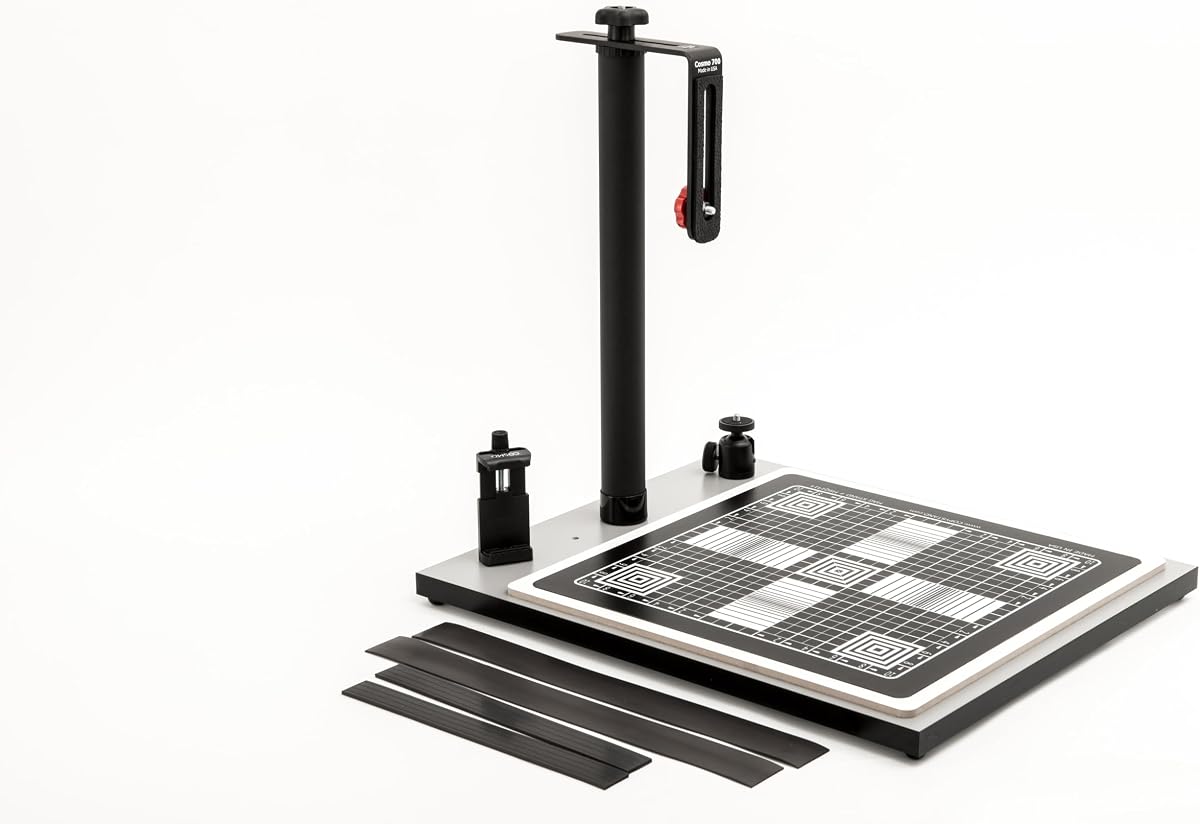
The Cosmo Mini 700 Copy Stand stands out as a versatile tool for anyone needing to digitize larger items like documents, food plates, or 3D objects. With its robust build and large floating magnet board, it delivers consistent overhead photography results.
We may earn a commission when you buy through this link, at no additional cost to you.
Its standout feature is the 15 by 15 inch magnetic board, which ensures originals stay flat and aligned. The included ball head lets you tweak angles smoothly, while the sturdy steel column minimizes shake during long shutter releases.
While it weighs 14 pounds and needs ample desk space, these trade-offs are worth it for the stability it provides. It is not a professional stand but excels for hobbyists and online sellers needing reliable results.
Buy this if you handle diverse objects and value precision. It combines user-friendly setup with professional-grade rigidity, making it our top pick for general digitizing tasks in 2026.
The 1/2 inch grid lines on the magnetic board help you focus and size subjects accurately without guesswork.
Supports DSLRs under 3 lbs and most smartphones, letting you upgrade gear without replacing the stand.
We may earn a commission when you buy through this link, at no additional cost to you.
The Cosmo Mini 100 is an entry-level copy stand designed for casual users who need to digitize photos, checks, or small collectibles. Its lightweight frame and quick assembly make it ideal for students or hobbyists on a budget.
We may earn a commission when you buy through this link, at no additional cost to you.
It features a simple adjustable column and a side hole for smartphone alignment, ensuring your phone sits directly over the center. The 9 by 7 inch magnetic board keeps small items flat, while the grid lines aid in framing.
While it cannot support heavy cameras and has a smaller base, it delivers excellent value for mobile scanning. The durable melamine finish resists wear, and its portability means you can store it easily when not in use.
Choose this if you scan mostly with a phone and want an affordable, reliable tool. It offers the essentials without unnecessary features, making it the best budget option on our list.
Assemble in under one minute and transport easily for scanning on the go or in different rooms.
The side hole and included holder ensure your phone camera aligns perfectly for consistent overhead shots.
We may earn a commission when you buy through this link, at no additional cost to you.
The Kaiser RS1 Copy Stand is engineered for professional work where stability and precision are non-negotiable. Its extra-wide column and roll-off spring mechanism eliminate camera shake, ensuring sharp images even with heavy lenses.
We may earn a commission when you buy through this link, at no additional cost to you.
The stand includes interchangeable bushings for 1/4 and 3/8 inch mounts, providing flexibility across different camera systems. The matte gray base board reduces glare, and the height-adjustable arm lets you frame subjects without moving the stand.
While it costs more and does not come with a magnetic board, its durability justifies the investment for serious users. The vibration-resistant design is rare in this category and makes it ideal for fine art digitization.
Buy this if you need professional reliability and plan to use heavy gear. It outperforms budget models in stability, making it the best premium choice for demanding digitizing projects.
The extra-wide column and spring mechanism absorb micro-movements that could blur high-resolution captures.
Interchangeable bushings allow you to mount various camera types securely without adapters.
We may earn a commission when you buy through this link, at no additional cost to you.
The Cosmo Mini 300 offers a balanced design for users who need more height range than mini models provide. It supports DSLRs up to 3 lbs and features a sturdy steel column that minimizes wobble during use.
We may earn a commission when you buy through this link, at no additional cost to you.
The baseboard measures 12 by 9.5 inches, providing ample space for standard photos. The included 10 by 7.5 inch magnetic board has precision grid lines, ensuring your subjects stay flat and aligned. shots.
While it lacks the ball head of the 700, its simple bracket design is reliable for fixed overhead shooting. At 8 pounds, it is stable yet portable enough for home studios or office use.
Choose this if you need extra height without stepping up to the larger 700 model. It is a dependable middle ground for hobbyists who want more flexibility than the entry-level options.
The column adjusts from 7 to 17 inches, letting you customize framing for different subject sizes.
A 1.5 inch steel tube column offers rigidity to prevent bending under camera weight.
We may earn a commission when you buy through this link, at no additional cost to you.
This film copy stand is built specifically for digitizing 135 and 120 negatives with a DSLR or mirrorless camera. Its aluminum frame and adjustable leveling feet ensure rock-solid stability to prevent camera shake.
We may earn a commission when you buy through this link, at no additional cost to you.
The 240 by 200mm base provides a large enough footprint for negative holders. The quick-release plate lets you mount and remove cameras rapidly, while the bubble level guarantees your lens stays perfectly vertical.
While the price is higher than general stands, the precision engineering pays off for film enthusiasts. The locking knobs and bubble level prevent tilt, which is critical for maintaining even focus across the film frame.
Buy this if film digitization is your primary goal. It removes the guesswork of framing and leveling, saving time and ensuring high-quality digital copies every time you shoot.
Built-in bubble levels and leveling feet ensure the camera lens is perfectly parallel to the film surface.
The base and column height are optimized for common film formats like 35mm and medium format.
We may earn a commission when you buy through this link, at no additional cost to you.
The Kaiser 205411 Copy Stand is a classic design known for reliability and versatility. Its rotatable column allows you to position the camera arm at different angles, making it easy to work in tight spaces.
We may earn a commission when you buy through this link, at no additional cost to you.
The matte black anodized aluminum column features inch and cm scales, letting you adjust height with precision. The non-reflective base minimizes glare during shooting, and the 3.3 pound load capacity supports most DSLRs comfortably.
While it lacks a magnetic board, the base board has a printed grid for alignment. The build quality is excellent, and the limited one-year warranty gives confidence in its durability for long-term studio use.
Choose this if you need a professional stand with a flexible column. It offers proven performance and a sturdy platform for digitizing photos, documents, or artwork with high precision.
Rotate the column 180 degrees to adjust camera position without moving the entire stand base.
Inch and cm scales on the column help you replicate exact setups across multiple shoots.
We may earn a commission when you buy through this link, at no additional cost to you.
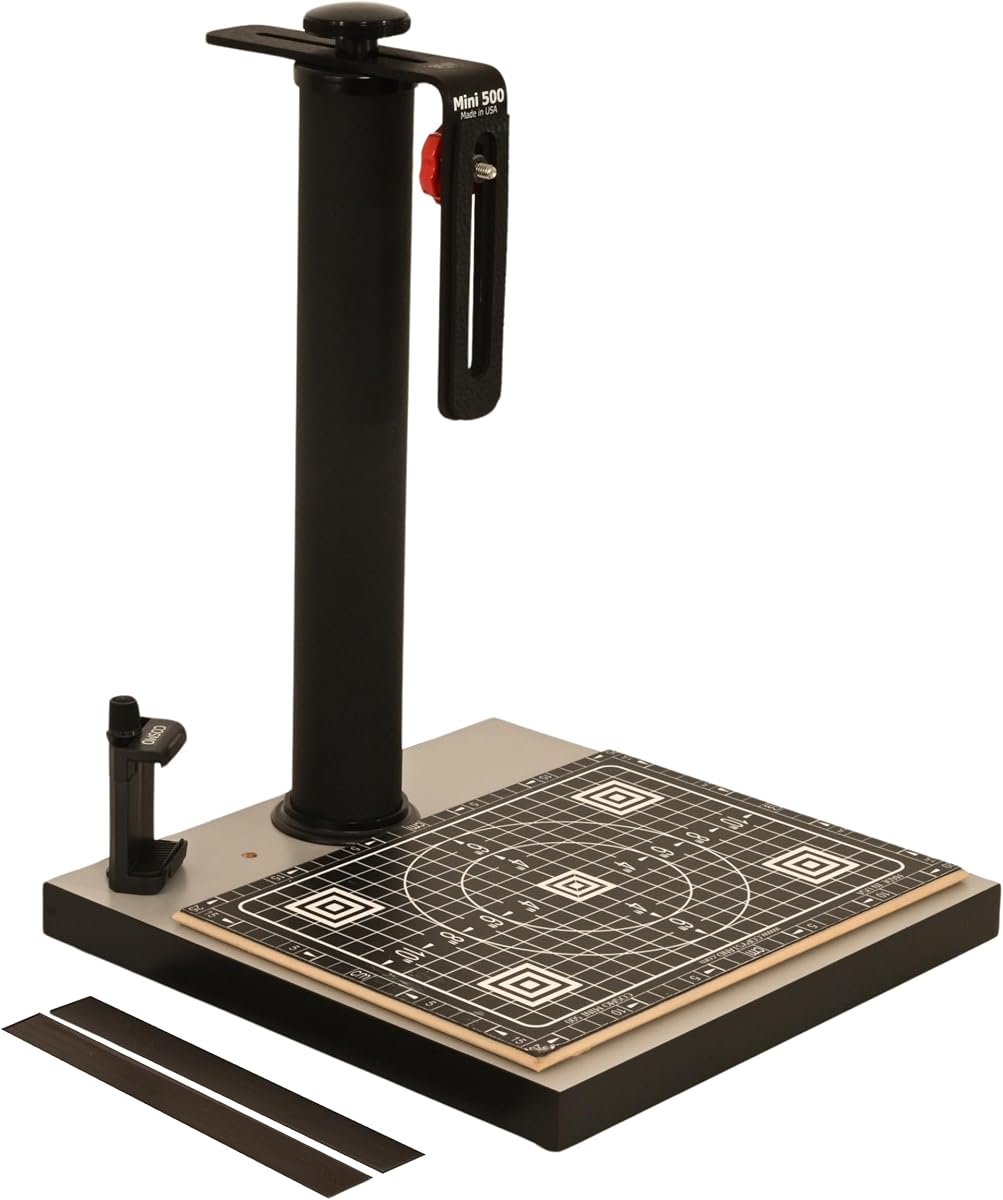
The Cosmo Mini 500 features a 12 by 12 inch square baseboard, providing symmetrical support for square or rectangular originals. This design is especially helpful when framing photos that need equal margins on all sides.
We may earn a commission when you buy through this link, at no additional cost to you.
Its fixed 2 inch steel column ensures maximum rigidity, preventing any sway during long exposures. The adjustable L-bracket offers 9 to 19 inches of height, and includes a phone holder for smartphone users.
The 8.5 by 11.5 inch magnetic board helps you keep documents flat. While the stand is heavier than some models, the added weight contributes to its stability and robust feel on any desk.
Choose this if you prefer a square work area or need extra rigidity. It is a strong choice for those who prioritize stability over portability in their digitizing workflow.
A 12 by 12 inch baseboard offers symmetrical framing for photos and documents needing even margins.
The 2 inch fixed steel column minimizes movement, ensuring sharp focus in every shot.
We may earn a commission when you buy through this link, at no additional cost to you.
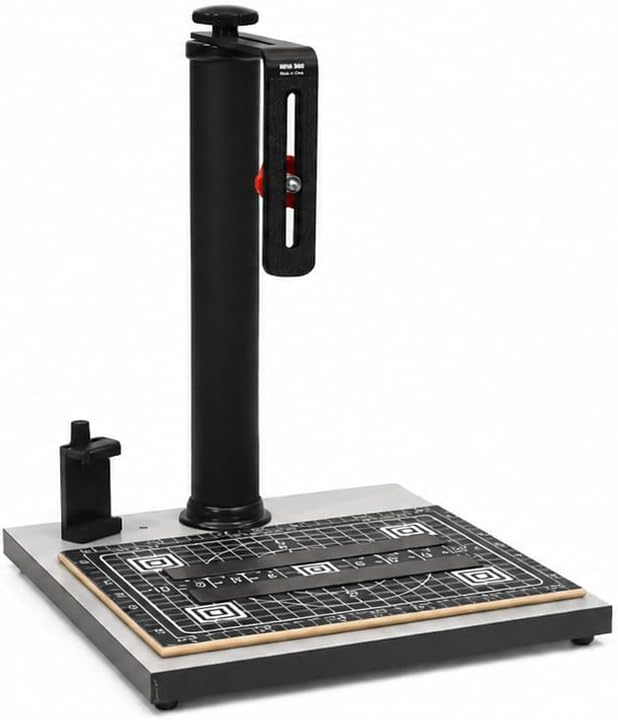
This variant of the Cosmo Mini 500 offers a baseboard measuring 13 by 12.5 inches, providing a bit more room for larger items. It maintains the same rigid 2 inch fixed column for reliable stability.
We may earn a commission when you buy through this link, at no additional cost to you.
The adjustable bracket allows height settings from 9 to 19 inches, accommodating various camera sizes and lenses. The included 8.5 by 11.5 inch magnetic board keeps originals flat and aligned with grid lines for precision.
While similar to the standard 500, the larger base makes it better for documents or small 3D objects. It is a sturdy option for users who need consistent results without paying for premium accessories.
Choose this if you need a bit more surface area. It delivers reliable performance for everyday digitizing tasks and is ideal for home offices or creative studios.
The 13 by 12.5 inch baseboard offers extra space for larger photos or document scanning.
The fixed steel column ensures your camera stays level and steady during shooting sessions.
We may earn a commission when you buy through this link, at no additional cost to you.
This mag stand is a unique option because it can sit directly on a desk or on top of a copy stand base. Its 16 by 12 inch size provides ample room for documents, and the two magnetic strips secure originals firmly.
We may earn a commission when you buy through this link, at no additional cost to you.
The surface has printed 1/2 inch precision grids, helping you align and focus your camera accurately. It is lightweight enough to carry in a bag, making it perfect for on-the-go digitizing or scanning on the fly.
Since it lacks a column, you need a separate support or tripod. However, its magnetic strength and grid lines make it a valuable accessory to pair with your existing camera setup for fast results.
Buy this if you already have a stand or prefer tabletop shooting. It enhances your current gear by keeping your subjects flat and aligned without adding bulk to your workspace.
Place it on a desk for quick scans or attach it to a copy stand base for overhead work.
The two included magnetic strips keep documents flat without clips that might cast shadows.
We may earn a commission when you buy through this link, at no additional cost to you.
This variant of the Cosmo Mini 700 is specifically marketed for digitizing food plates and large 3D objects. Its 15.5 by 18.5 inch baseboard handles chef plates and oversized documents easily without crowding the frame.
We may earn a commission when you buy through this link, at no additional cost to you.
The 15 by 15 inch magnetic board ensures large items stay flat and aligned. The included ball head lets you tweak angles for dramatic food shots, and the phone holder fits most modern devices for quick social media uploads.
At 14 pounds, it is heavy enough to remain stable during shooting. While it is not for heavy DSLR rigs, it supports most consumer cameras and smartphones, making it a great choice for e-commerce and food bloggers.
Choose this if you focus on food or large object photography. It offers the workspace and flexibility needed to capture detailed images of complex subjects with precision and ease.
The 15.5 by 18.5 inch baseboard accommodates chef plates and large dishes without cutting off edges.
The included ball head lets you adjust angles for perfect lighting and composition on food shots.
We may earn a commission when you buy through this link, at no additional cost to you.
Selecting the right copy stand involves considering build quality, size, and compatibility. These factors determine how well the stand will handle your specific scanning needs and camera gear.
Look for stands made with steel or aluminum columns to minimize wobble. Heavy bases and locking knobs ensure your camera stays still during long exposures.
A stable stand prevents motion blur and keeps your shots sharp, especially when using slower shutter speeds in low light.
Choose a baseboard large enough for your biggest originals. Models range from 10 by 8 inches to 18 by 15 inches, affecting what you can scan without moving items.
Ensure the base size fits your workspace while providing enough room for alignment and framing.
Check the column height range to match your lens needs. Some adjust from 7 to 17 inches, while others offer 11 to 16 inches.
A wider range gives you flexibility for macro work and standard scanning tasks.
Many stands include a floating magnet board to keep originals flat and aligned. Look for boards with grid lines for precise framing and sizing.
This accessory saves time and reduces setup effort, especially for multiple scanning sessions.
Ensure the stand supports your camera or smartphone weight. Most consumer models handle up to 3 pounds, which covers most DSLRs and mirrorless cameras.
If using a smartphone, check that the holder fits your device width.
Fixed steel columns offer maximum rigidity, while adjustable ones provide versatility. Ball heads allow angle adjustments, which is helpful for creative angles or uneven surfaces.
Choose fixed for stability and adjustable for flexibility based on your workflow.
Non-reflective matte finishes reduce glare from lighting. Durable melamine or wood bases resist scratches and wear over time.
High-quality materials extend the stand's lifespan and improve shot clarity.
If you need to move the stand between rooms or to different locations, look for lighter models with compact footprints.
Balance portability with stability, as heavier stands generally offer better results.
Set up the stand on a level surface to avoid tilting. Extend the column to the desired height and tighten the locking knob before mounting your camera or phone.
Place your original on the baseboard or magnetic board, ensuring it is flat and aligned with the grid lines. Use a remote shutter or timer to prevent camera shake during capture.
Clean the stand regularly with a dry cloth to remove dust and keep the magnetic strips effective. Store it in a dry area to prevent rust or damage to moving parts.
Yes, many copy stands support negative scanning when paired with a backlight box. Look for models with adjustable height and rigid columns to keep your camera steady.
Most stands include a phone holder or side hole to align your smartphone perfectly. Ensure your device fits the width range specified by the manufacturer.
Most models support up to 3 pounds, suitable for standard DSLRs and mirrorless cameras. Avoid mounting heavier video or cinema cameras without additional support.
Most models come with a floating magnet board included. If not, you can purchase one separately to keep your originals flat and aligned during shooting.
Use a remote shutter, timer, or sturdy column to minimize movement. A heavier base and locking knobs also help ensure your camera stays steady.
While some are built for hobbyists, high-end models like the Kaiser RS1 offer professional-grade stability. Check specs for load capacity and vibration resistance.
Our top picks offer options for every budget and need. The Cosmo Mini 700 is ideal for versatility, while the Kaiser RS1 delivers professional stability.
Prioritize stability and size based on your primary use. A rigid column and large baseboard will serve you better for most digitizing tasks.
Remember to check current listings before buying, as availability and prices can change. Pick the model that fits your workflow best today.