
Hprosper 2K Webcam with Microphone
4.2Editor score
2K 1440p Resolution
Auto Light Correction
Privacy Cover Included
This guide compares the top 2K Hd Webcam under 50 for clarity and audio, helping you choose the best budget-friendly option for your needs.
Finding the right video camera for your setup is crucial for clear communication. A good 2K Hd Webcam under 50 delivers sharp visuals without breaking the bank. These models offer high resolution and reliable performance for work or streaming.
We evaluated ten top-rated cameras based on image quality, audio features, and ease of use. Each product was analyzed for compatibility and design. This list covers the most affordable options that still provide premium 2K resolution.
Each pick shows specific strengths like privacy covers or auto light correction. Prices can change frequently due to sales or stock. Always check the current offer before purchasing to ensure you get the best value for your budget.
4.2Editor score

4.5Editor score

4.4Editor score
This side-by-side comparison highlights the key specifications and features of all ten selected cameras. Use this table to quickly identify which model fits your specific requirements for video calls or content creation.
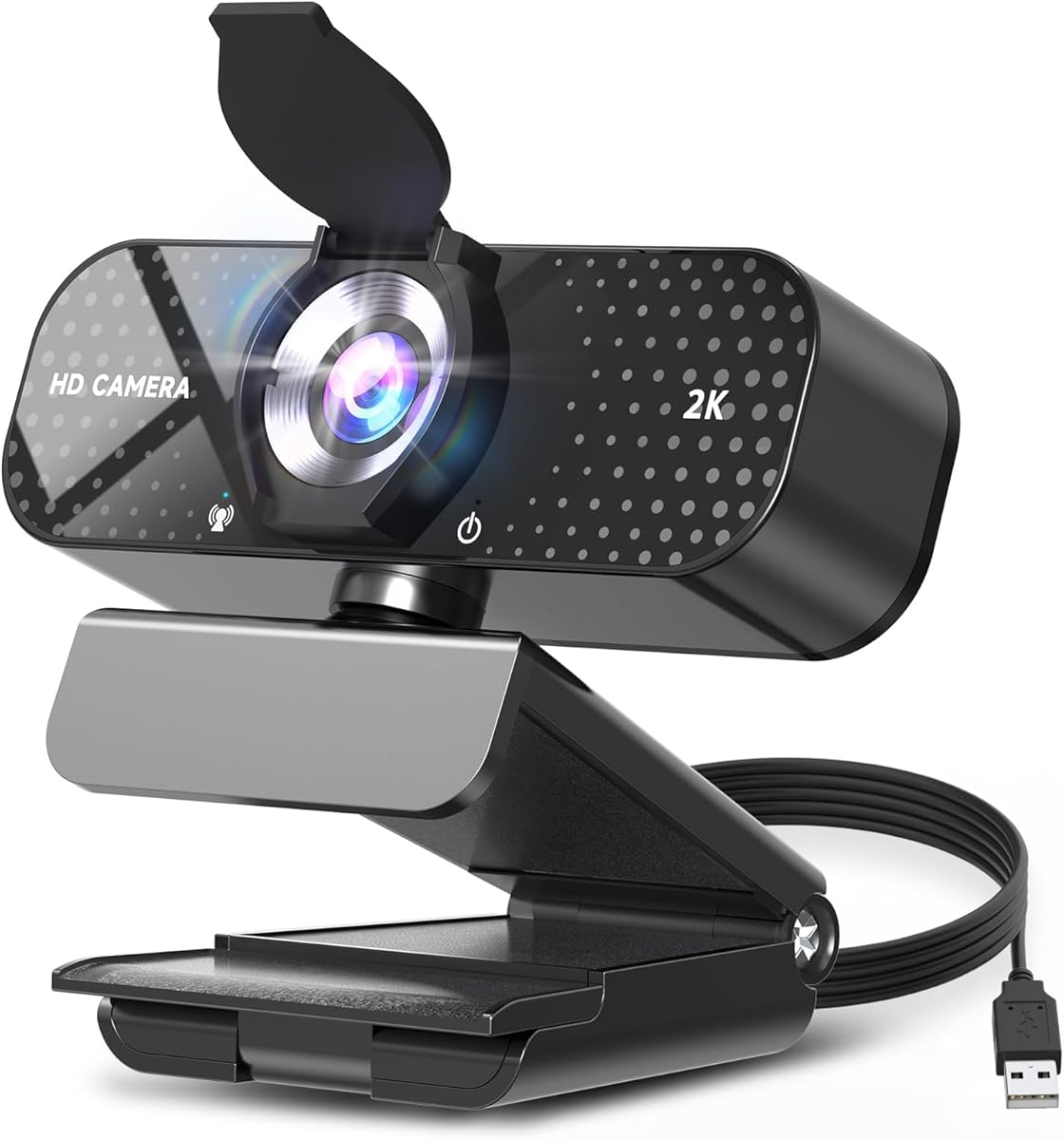

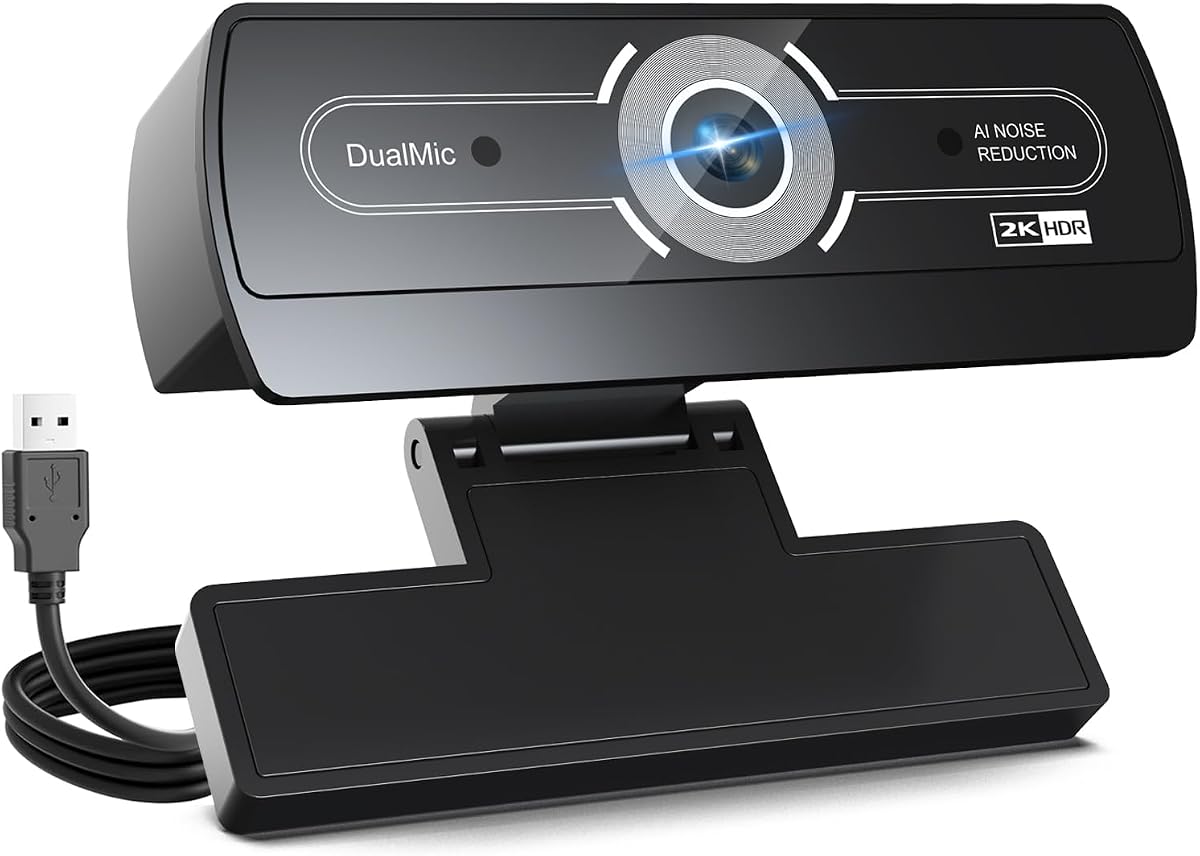
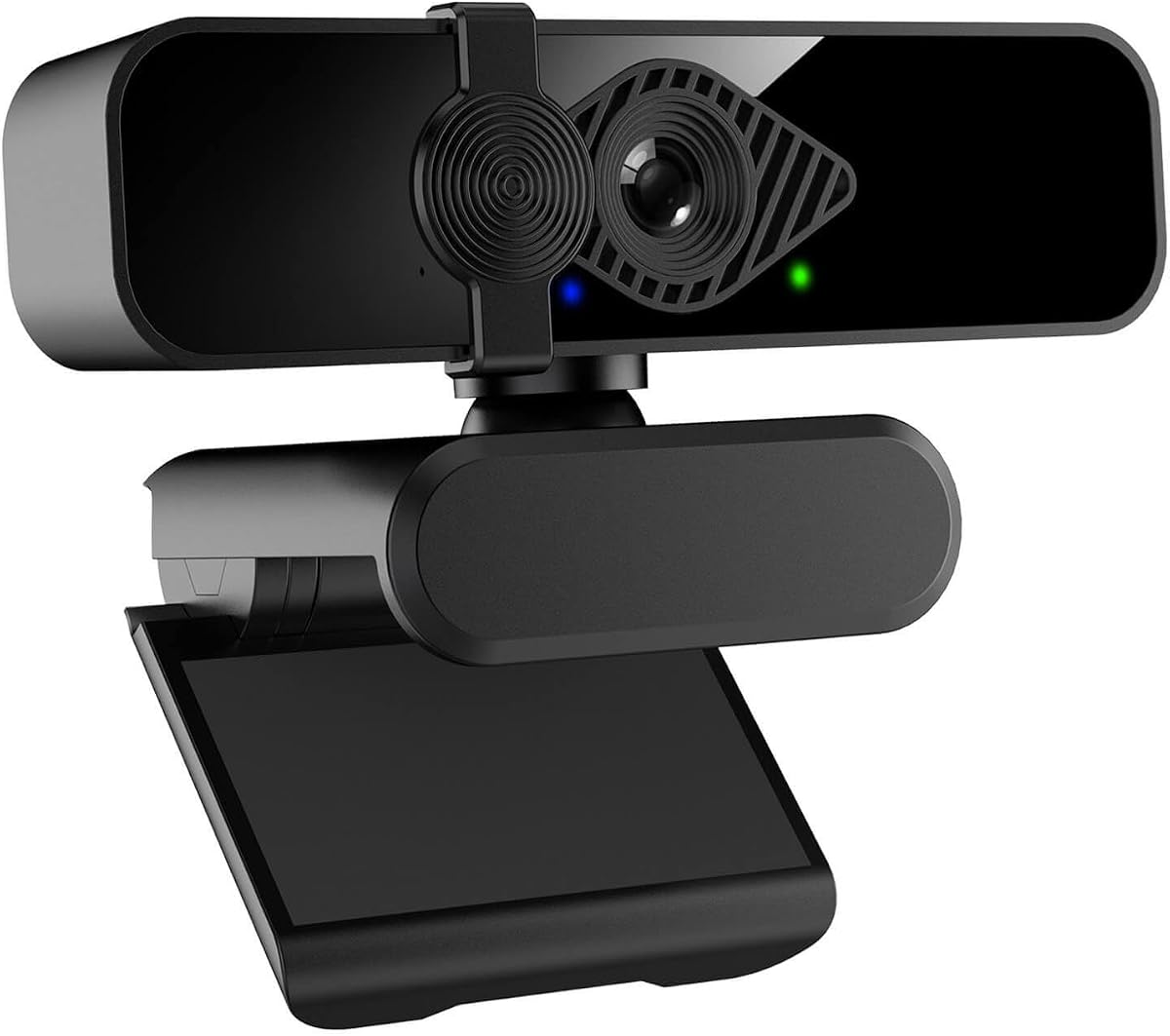


The UGREEN 2K Webcam stands out with a 4MP CMOS sensor that delivers sharp visuals. It holds a high rating due to its reliable performance and clear audio. This model is ideal for those seeking a balance of features and quality.
We may earn a commission when you buy through this link, at no additional cost to you.
Its dual microphones effectively minimize background noise during calls. The 95 degree field of view allows you to show more of your surroundings without distortion. The auto-adjust light feature ensures you look good in various lighting conditions.
While the fixed focus limits close-up adjustments, it keeps the image steady during use. This is acceptable for most users who stay at a standard distance. The privacy cover adds a necessary layer of security when not filming.
This webcam is perfect for professionals needing clear video for meetings. It supports Windows Mac and Linux easily. If you want a reliable camera that just works, this is a top choice.
The 4MP sensor captures more light for better image clarity than standard webcams.
The 95 degree lens is great for showing products or small group interactions.
We may earn a commission when you buy through this link, at no additional cost to you.
The Hprosper 2K Webcam offers genuine 2K resolution at a very competitive price point. It is highly rated for users who need clear video without spending much. The automatic light correction is a standout feature for home offices.
We may earn a commission when you buy through this link, at no additional cost to you.
Its automatic light correction adjusts brightness and color to ensure you look natural. The wide angle lens captures enough detail for solo streams or small meetings. The noise canceling microphone helps filter out distractions effectively.
The build is simple but functional. The cable is standard length but might need an extension for desktops far from the PC. However, the cost savings make this a viable option for budget conscious buyers.
Buy this if you need a reliable camera for Zoom or classes. It works well with most operating systems. For the price, the video quality is excellent and meets most basic needs.
Delivers 1440p clarity which is rare at this price point for external webcams.
Physical privacy cover ensures security without needing software toggles.
We may earn a commission when you buy through this link, at no additional cost to you.
This 2K webcam includes Phase Detection Autofocus for sharp images even when moving. It ranks high for its ability to lock focus instantly without hunting. The noise canceling chip ensures audio is clear even in busy rooms.
We may earn a commission when you buy through this link, at no additional cost to you.
The PDAF technology keeps your face sharp whether you lean in or gesture. Dual microphones with a dedicated chip capture voice from up to 16 feet away. The 6.6ft cable provides freedom to position the camera optimally.
It is pricier than others but justifies the cost with advanced features. The USB C adapter ensures it works with modern laptops. Some users might find it slightly heavier but the stability is worth it.
This is the best choice for streamers or presenters who move around. It offers a professional touch that fixed focus cameras cannot match. If you need top performance, this model delivers.
PDAF tech mimics high end cameras for consistent sharp focus during motion.
Dedicated hardware chip filters noise better than standard software solutions.
We may earn a commission when you buy through this link, at no additional cost to you.
The TRAUSI 2K Full HD Webcam produces sharp and vibrant images for streaming. It is designed to capture details clearly with a wide angle lens. The eco-friendly build adds an extra value for sustainability conscious users.
We may earn a commission when you buy through this link, at no additional cost to you.
Its wide angle lens offers smooth video at 30 frames per second which is good for gaming. The automatic light correction handles dim rooms or bright windows well. Noise canceling ensures your voice remains clear during chats.
The camera is lightweight and easy to set up. The privacy cover slides easily for protection. While it lacks advanced autofocus, the fixed focus is stable enough for most static setups.
Buy this for content creation or video calls. It works well with major platforms like Zoom. The color balance is strong making you look natural on screen.
Uses energy efficient tech and eco-conscious materials to reduce waste.
Ideal for teaching gaming and streaming due to wide angle and clarity.
We may earn a commission when you buy through this link, at no additional cost to you.
The EMEET C100 2K Webcam delivers a stable video experience with its metal clip. It has a rotating privacy cover for secure access control. This model is great for daily office use or online classes.
We may earn a commission when you buy through this link, at no additional cost to you.
Its fixed focus avoids hunting keeping images sharp within 12 to 40 inches. The software allows you to adjust exposure and saturation for better color balance. The metal clip holds securely without slipping compared to plastic mounts.
The integrated cable keeps your workspace tidy. It works seamlessly with Linux Mac and Windows systems. While it does not have autofocus, the stability is a major plus for stationary setups.
This camera is perfect for users who need reliability. It supports tripod setups for standing use. The privacy features are well integrated into the design.
Metal base clip prevents slipping better than standard plastic options.
Software allows adjustment of brightness and saturation for better image quality.
We may earn a commission when you buy through this link, at no additional cost to you.
The XOCLON 2K Webcam uses a 4MP sensor for genuine high definition video. It features PDAF autofocus for clear focus during meetings. The wide angle lens helps frame your workspace without background blur.
We may earn a commission when you buy through this link, at no additional cost to you.
Its autofocus ensures stable focus even if you move slightly. The 92 degree field of view captures enough room for small groups. The noise canceling microphones help with clear communication in loud environments.
While rated lower than competitors it still offers solid performance. The cable length is generous for desktop setups. It does not require drivers for easy connection.
Choose this for virtual classrooms or remote meetings. It bridges distances well with clear visuals. The design is compact and unobtrusive on any screen.
Delivers true 2560×1440 without false interpolation for detail.
Requires no drivers making setup instant on any USB port.
We may earn a commission when you buy through this link, at no additional cost to you.
This 2K webcam features an 85 degree lens perfect for focused shots. It includes an extendable base that opens to 180 degrees for flexible placement. The noise canceling microphone ensures clear audio during calls.
We may earn a commission when you buy through this link, at no additional cost to you.
The 360 degree rotation allows you to find the perfect angle easily. It works with Windows and Mac without drivers. The privacy cover provides necessary security when not in use.
The cable is standard length but sufficient for most desks. While the field of view is smaller it reduces background distractions. This is ideal for professional one on one meetings.
Buy this for small home offices. It fits well on monitors or laptops. The flexibility of the base makes it easy to position correctly.
Extendable base allows clamping on screens or standing on desks.
85 degree view keeps attention on you without too much background.
We may earn a commission when you buy through this link, at no additional cost to you.
This webcam stands out with a USB C interface for modern laptops. It offers high pixel density for incredibly detailed visuals. The dual noise reduction filters out ambient light and pixel noise effectively.
We may earn a commission when you buy through this link, at no additional cost to you.
The detachable privacy cover secures the lens when not in use. It supports Windows and Mac seamlessly. The design is minimalist and blends well with any workspace setup.
Image quality is sharp with natural colors. The sliding cover is convenient for quick privacy. While it is small it is sturdy enough for regular use.
Perfect for Mac users or those with USB C ports. It is great for streaming or work calls. The design ensures you look professional in every session.
USB C plug ensures direct connection to latest laptops and tablets.
High pixel count removes jagged edges for smooth lifelike imagery.
We may earn a commission when you buy through this link, at no additional cost to you.
This 2K webcam features manual focus for precise adjustments. It includes a flexible gooseneck stand for easy angle positioning. This model is unique for its document camera capabilities during calls.
We may earn a commission when you buy through this link, at no additional cost to you.
The gooseneck allows you to point the camera downwards easily. Image flipping makes showing documents or drawings simple. Noise canceling ensures voice stays clear in noisy environments.
While manual focus takes practice it offers control over sharpness. The privacy cover protects the lens well. The stand is larger but provides stability for various setups.
Ideal for teachers or users needing to share physical items. It works well on desktops or laptops. The document mode is a key feature for remote work.
Supports image flipping and detailed shots of hand-drawn materials.
40 cm gooseneck allows unique angles for overhead viewing.
We may earn a commission when you buy through this link, at no additional cost to you.
This 2K webcam includes a physical privacy slider for total security. It offers high pixel density for lifelike video. The noise reduction filters ambient light interference effectively.
We may earn a commission when you buy through this link, at no additional cost to you.
The slider provides a physical barrier preventing unauthorized access. It works seamlessly with Windows and Mac. The compact design is unobtrusive on any monitor.
Image quality is sharp for daily calls. The noise reduction helps with clarity in backlit rooms. It is easy to use without driver installations.
Perfect for shared offices or security conscious users. It is reliable for virtual meetings and gaming. The privacy slider ensures peace of mind.
Physical barrier blocks lens against malware or hacked systems.
Dual noise reduction keeps footage pristine in challenging lighting.
We may earn a commission when you buy through this link, at no additional cost to you.
Selecting the right webcam involves checking several technical factors. This guide outlines the most important features to consider for video quality.
Look for true 2K resolution which offers more detail than 1080P. A larger CMOS sensor captures better light and reduces grain in dark rooms. This ensures your image stays clear and detailed during calls.
Prioritize cameras with 2K specs and 4MP sensors for best clarity.
Autofocus keeps your face sharp when you move during a video call. Manual or fixed focus is acceptable if you stay in one spot. Phase detection autofocus is the fastest and most reliable option available.
Choose PDAF autofocus for active presentations or streaming.
Clear audio is just as important as video. Built-in microphones with noise canceling chips filter out keyboard clicks and background chatter. Dual mics provide better sound direction and quality.
Ensure the webcam has a dedicated noise canceling feature.
Auto light correction adjusts exposure and color based on the room. This prevents you from looking washed out by bright windows or too dark in low light. It saves time by removing manual tweaking.
Opt for models with automatic brightness adjustment.
A wider lens allows you to show more of your workspace or small groups. Standard webcams offer around 75 to 90 degrees. Select a FOV that fits your background needs.
Choose 90 degrees or wider for shared spaces.
A physical privacy cover or slider adds a layer of security. It blocks the lens when not in use to prevent unauthorized access. This is essential for home offices and remote workers.
Always check for a physical privacy cover.
Ensure the webcam supports your operating system like Windows or Mac. Plug and play models require no drivers which saves time. Check for USB C support if you use modern laptops.
Look for plug and play drivers and multi OS support.
A strong clip ensures the camera stays steady on your monitor. Longer cables give flexibility in positioning. Tripod threads allow for standing setups if needed.
Check for a sturdy clip and sufficient cable length.
Start by plugging the USB cable into your computer and securing the clip on your monitor. Open your video app and select the new camera in settings. If needed adjust brightness or audio levels for optimal quality.
Clean the lens gently with a microfiber cloth to remove dust and smudges. This prevents blurry spots and keeps the image sharp. Avoid harsh chemicals that could damage the coating.
Use the privacy cover whenever you are not in a meeting to protect your privacy. Regular updates to your video software ensure compatibility. Store the webcam in a safe place when not in use to avoid damage.
Yes 2K provides more pixels which leads to sharper details. This helps when sharing documents or close-up shots. Even if the call is 1080p the extra data helps the camera process images better.
Most models in this list are plug and play. They work immediately when connected without installing software. Some brands offer optional apps for advanced settings but they are not required for basic use.
Check if your manual focus is adjusted correctly. Ensure you are within the recommended focus distance. Cleaning the lens can also improve clarity if dust is present.
Yes many of these webcams support 30fps which is standard for live video. They capture clear colors and details. For higher frame rates check if the specific model supports 60fps.
Soft front lighting is ideal for natural skin tones. Avoid strong backlighting from windows which creates silhouettes. Auto correction helps but positioning a light in front of you works better.
Yes these webcams are universally compatible with major apps. They follow standard USB protocols which allows easy connection. Just select the external camera in the app settings.
Most webcams listed support macOS versions from 10.6 upwards. USB C models are perfect for newer MacBooks. Always check specific OS requirements before purchasing to be sure.
Background noise is common but noise canceling mics help reduce it. Ensure the mic is set to the default device. Some software has settings to lower microphone sensitivity further.
We found that the UGREEN and Hprosper models offer the best balance of price and quality. They provide sharp 2K visuals and reliable audio for daily tasks. Whether you need autofocus or privacy features there is a choice for everyone.
Prioritize features that match your environment such as lighting and noise levels. A camera with auto correction or a strong mic can make a huge difference. Consider the mounting options for a stable setup.
Remember to check the current price before buying as deals change often. Investing in a good webcam improves your digital presence significantly. You deserve clear and professional video for all your calls.