
EooCoo Ergonomic Mouse Pad
4.6Editor score
Memory foam support
Durable double-layer design
Non-slip PU base
Finding the right Armrest Mouse Pad can transform your daily workflow by reducing strain on your wrists and elbows. Whether you work long hours or game intensely, proper support is essential for maintaining comfort and preventing repetitive motion injuries during extended sessions.
This guide compares ten highly rated Armrest Mouse Pad models based on ergonomic design, material quality, and user feedback. We evaluated each product for stability, cushioning, and ease of installation to ensure you find the perfect fit for your workspace.
Each pick highlights unique features, pros, and cons to help you make an informed decision. Note that prices and availability may change over time, so check current listings before purchasing to ensure you get the best value for your needs.
4.6Editor score
4.1Editor score

4.5Editor score
As an Amazon Associate we earn from qualifying purchases.
This side-by-side comparison highlights key specifications and features across all ten Armrest Mouse Pad models to help you identify the best option for your specific ergonomic needs and workspace setup.



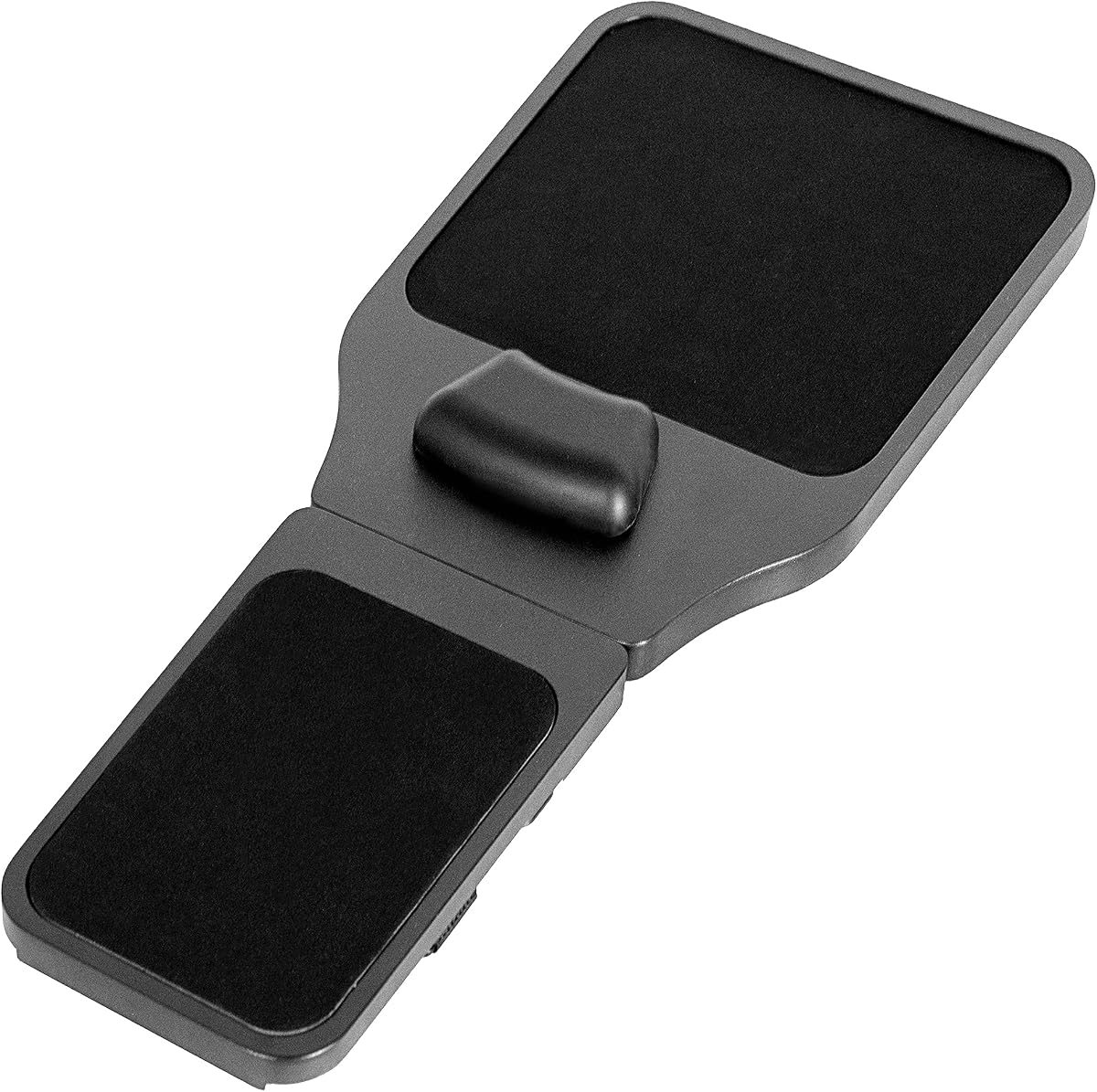
The VIVO Black Wooden Arm Rest Mouse Pad stands out as a top pick for those needing extended support. With a rating of 4.1, it offers a unique platform that attaches to chair armrests for ergonomic comfort.
We may earn a commission when you buy through this link, at no additional cost to you.
Its standout quality is the adjustable design ranging from 19 to 21.8 inches, fitting various arm lengths. Memory foam padding ensures your wrist stays supported while the Velcro straps secure the tray firmly to your chair.
Some users note it works only with chairs that have suitable armrests. This limitation is acceptable given the high comfort level it provides for long sessions at a desk or workstation.
Buyers should choose this if they want a sturdy platform to rest their arm. It is ideal for professionals who need reliable ergonomic support throughout the workday.
The tray can also hold pens, keys, and phones to reduce clutter on your desk.
Three Velcro straps ensure the platform stays fixed to chair arms up to 11.8 inches in circumference.
We may earn a commission when you buy through this link, at no additional cost to you.
The MROCO Ergonomic Mouse Pad offers excellent gel cushioning for wrist support. Rated 4.6, it is designed to reduce strain during long work or gaming sessions with a silky smooth surface.
We may earn a commission when you buy through this link, at no additional cost to you.
Its Lycra fabric ensures precise cursor control while the soft gel remains non-sticky. The non-skid PU base keeps the pad firmly in place on desktops preventing accidental shifts.
The size is compact which may not suit larger mice setups. This trade-off is acceptable for users prioritizing comfort and stability over extra surface area.
Choose this model if you want effective relief from wrist fatigue. It is a solid choice for office workers needing reliable ergonomic support.
The gel pad remains smooth and non-sticky for consistent comfort across all devices.
Reinforced edges prevent fraying and wear ensuring long-lasting durability during daily use.
We may earn a commission when you buy through this link, at no additional cost to you.
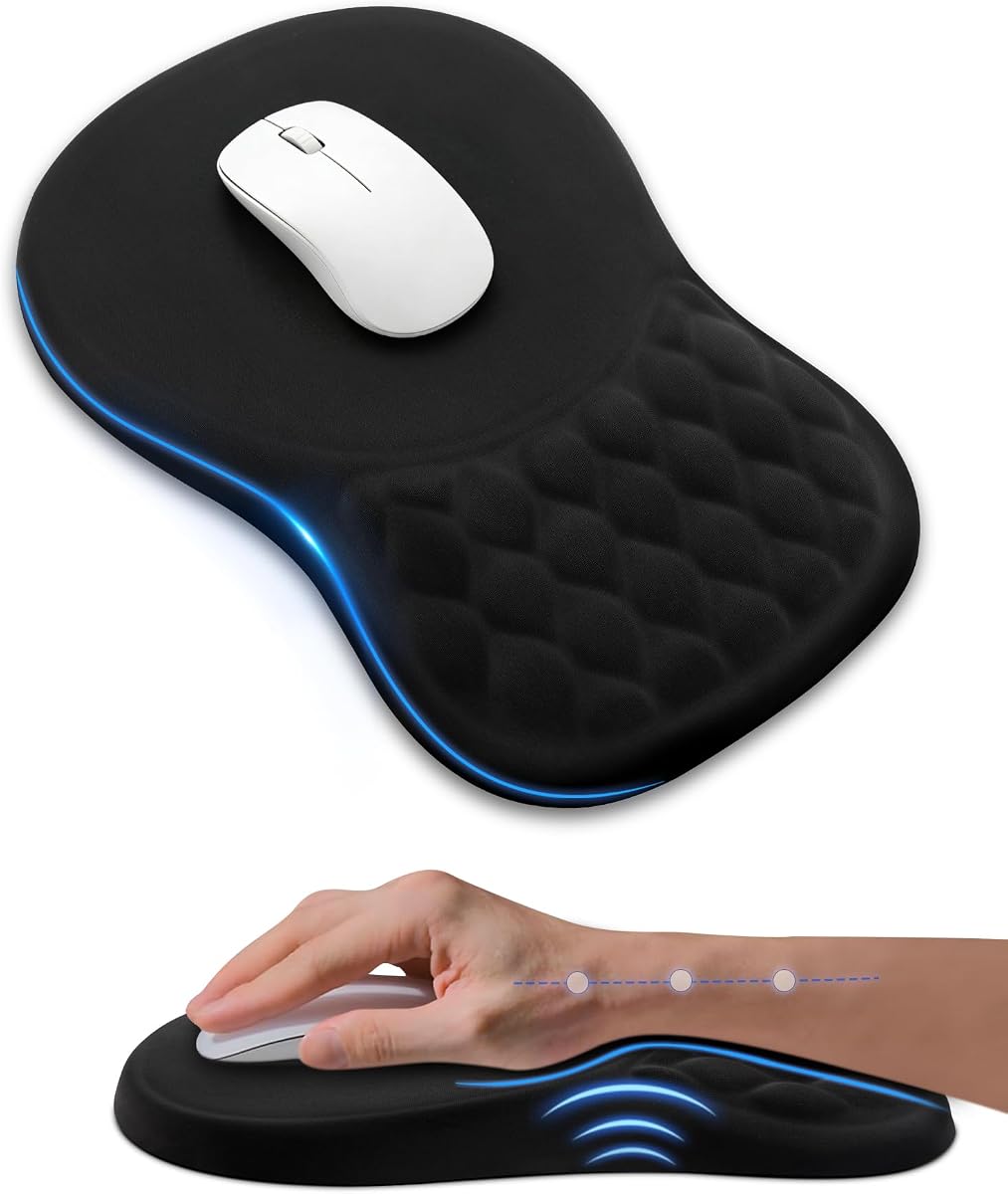
This Ergonomic Mouse Pad features a sloped memory foam wrist rest for natural hand positioning. With a 4.5 rating it helps keep your hand at an angle for smoother movement.
We may earn a commission when you buy through this link, at no additional cost to you.
The premium memory foam molds to your wrist shape providing stable support that rebounds quickly. The Lycra top enhances tracking accuracy for a faster response.
The base provides secure positioning on glossy desks but the size limits space for large movements. This is acceptable for users focusing on comfort rather than expansive mouse travel.
Opt for this if you need a practical upgrade for home or office desks. It enhances comfort efficiently for daily tasks and gaming.
The foam quickly rebounds after each use maintaining its form to deliver consistent comfort.
The 11.14×7.6 inch layout fits easily into most desk setups while offering ample space for movement.
We may earn a commission when you buy through this link, at no additional cost to you.
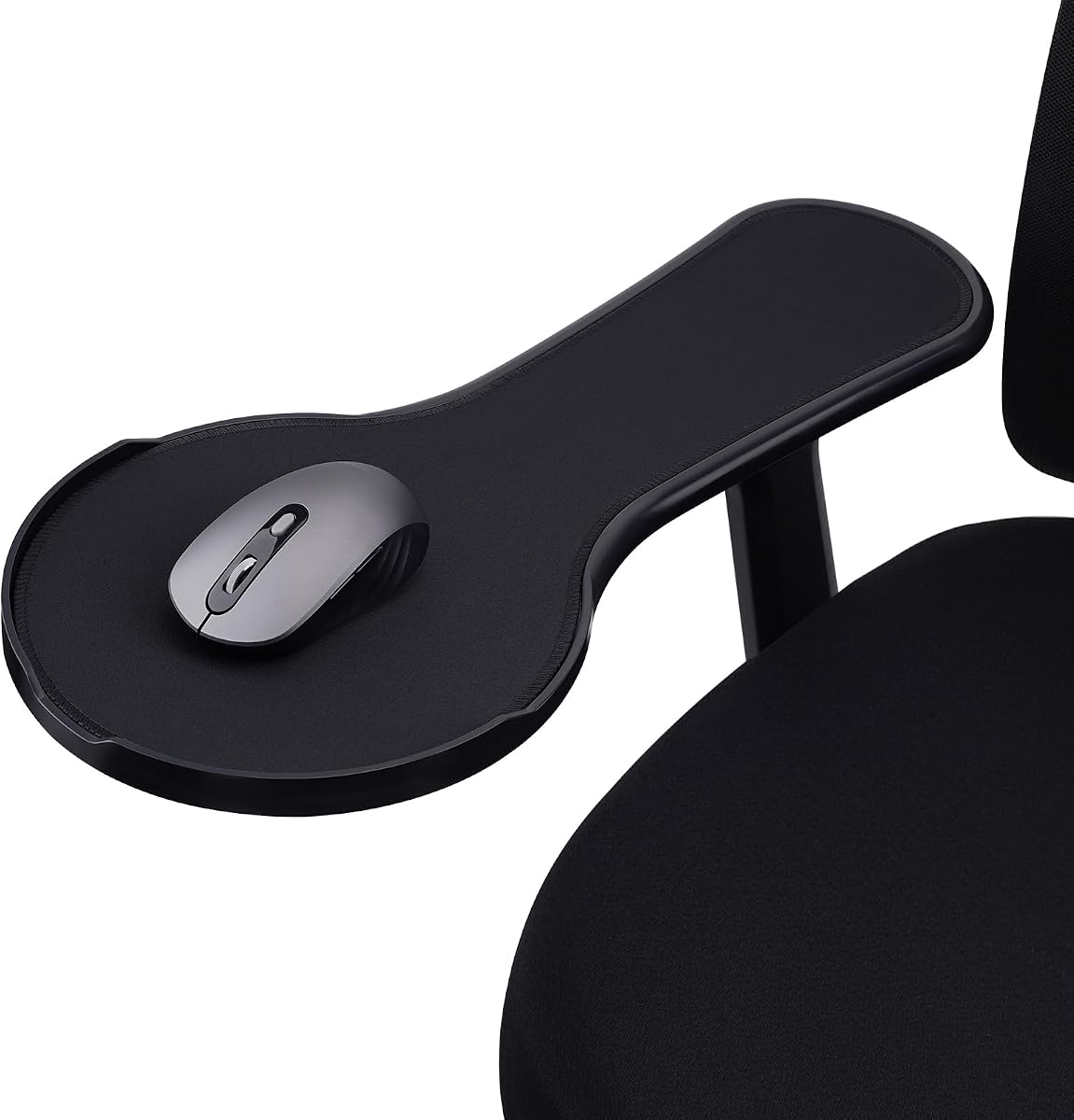
The Ergonomic Adjustable Chair Arm Rest transforms your chair into an efficient workstation. Rated 4.3 it includes a sturdy ABS tray with an anti-fall baffle to prevent mice from dropping.
We may earn a commission when you buy through this link, at no additional cost to you.
Memory foam wrist cushion relieves pressure and the platform fits most armrests using Velcro and zip ties. This setup boosts comfort for both work and entertainment.
It is exclusively for chairs which limits desk flexibility. The trade-off is worth it for users who spend long hours seated and need reliable arm support.
Choose this to upgrade your seating setup for better ergonomics. It provides ample space for standard gaming mice and daily tasks.
2-size Velcro and zip ties allow tool-free install fitting most armrests easily.
Sturdy ABS construction ensures the tray remains stable during mouse movements.
We may earn a commission when you buy through this link, at no additional cost to you.
This Ergonomic armrest Mouse pad simplifies installation with included straps and zip ties. With a 4.4 rating it fully supports your arms to relax upper limbs and improve working conditions.
We may earn a commission when you buy through this link, at no additional cost to you.
The ABS material ensures durability while the adjustable tray fits various chair armrests. You only need to pass the strap through the base and fasten it firmly.
It is designed solely for chair use which may limit versatility. This is acceptable for home office setups prioritizing arm rest over desk space.
Select this for a quick ergonomic upgrade to your chair. It is a practical option for users needing straightforward setup and support.
Zip ties included as backup ensure the tray stays fixed to different sizes of chair armrests.
Instructions are included making easy installation accessible for any user.
We may earn a commission when you buy through this link, at no additional cost to you.
The Ergonomic Mouse Pad with Gel Support features a contoured wrist cushion for steady support. Rated 4.7 it provides a comfortable resting area during extended work or gaming sessions.
We may earn a commission when you buy through this link, at no additional cost to you.
Soft gel conforms to your wrist returning to shape after use. The fabric top creates a smooth surface for consistent tracking and controlled navigation.
Its compact size may limit movement space for some users. This trade-off is acceptable for those needing a lightweight solution that fits into any workspace.
Choose this for reliable comfort in home or office setups. It balances ergonomic support with a neat footprint effectively.
The rubber base grips flat surfaces reducing unwanted sliding and shifting for a steadier setup.
Choose from a variety of colors and patterns to match your desk aesthetic.
We may earn a commission when you buy through this link, at no additional cost to you.
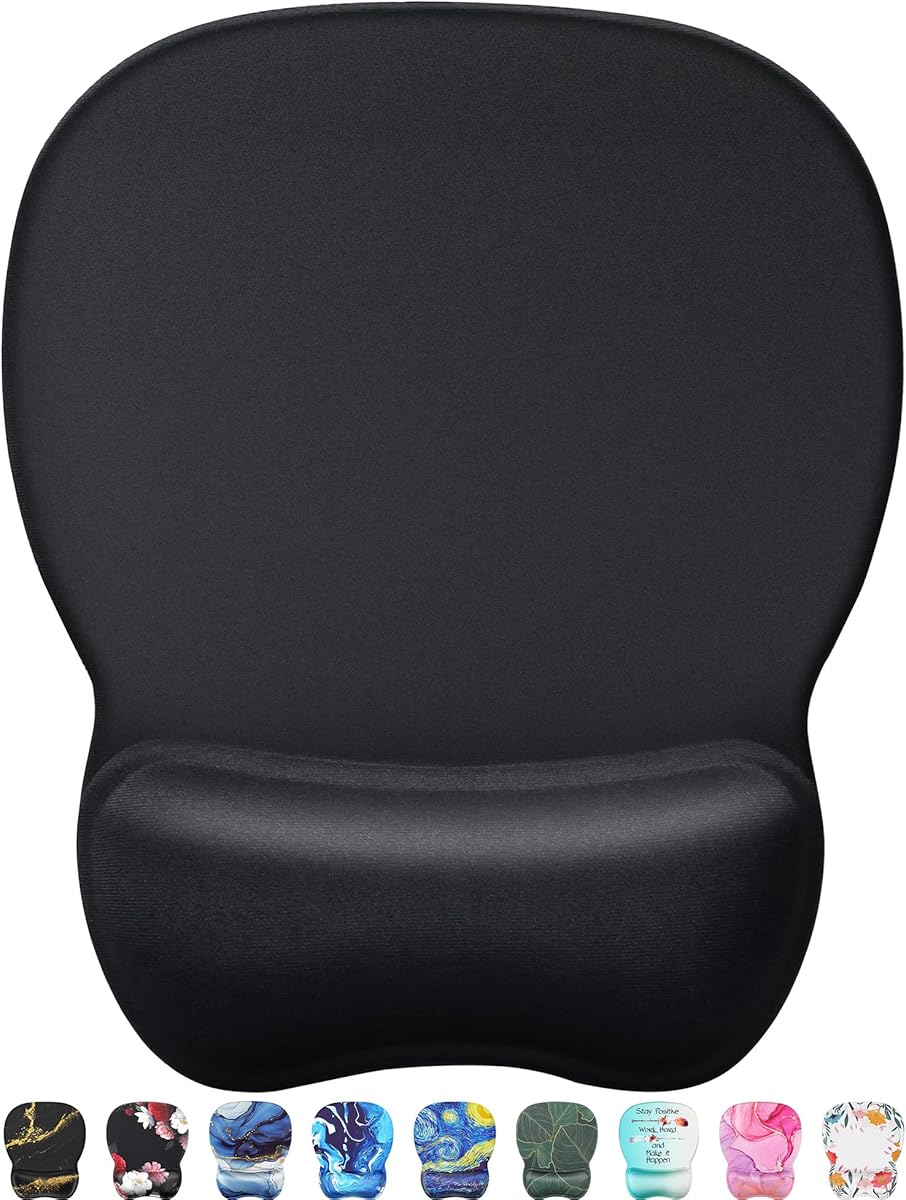
The EooCoo Ergonomic Mouse Pad offers exceptional value with its memory foam support. Rated 4.6 it relieves wrist pressure and fatigue for comfortable work and gaming sessions.
We may earn a commission when you buy through this link, at no additional cost to you.
Its dense texture ensures accurate mouse tracking while the double-layer design prevents wear. The non-slip PU base offers stable operation allowing free movement without interruptions.
The foam cushion is not as thick as premium options. This is acceptable for budget-conscious users prioritizing durability and effective wrist rest.
Buy this if you seek reliable support at a low cost. It is perfect for everyday use with wireless or wired mice.
Made of environmentally friendly materials with ROHS certificate ensuring safety for all users.
Texture is denser to make the pad track the mouse more accurately during tasks.
We may earn a commission when you buy through this link, at no additional cost to you.
The TECKNET Ergonomic Mouse Pad stands out with built-in massage beads for fatigue relief. Rated 4.5 it features an 8-degree tilt scientifically tested for optimal palm support.
We may earn a commission when you buy through this link, at no additional cost to you.
Premium memory foam ensures durability while the beads reduce arm fatigue and improve air circulation. The spacious 12×8 inch design offers ample room for movement.
Individual comfort may vary depending on hand shape and posture. This is a minor issue as the design aims to reduce stress significantly.
Opt for this if you want advanced comfort features like massage. It suits gamers and professionals seeking ergonomic relief.
Built-in massage beads reduce arm fatigue and improve air circulation during long sessions.
The 8-degree tilt is scientifically tested to provide optimal support for your palm and wrist.
We may earn a commission when you buy through this link, at no additional cost to you.
This TECKNET model provides effective support with memory foam and a waterproof surface. Rated 4.6 it reduces pain and prevents against RSL syndrome for office and gaming.
We may earn a commission when you buy through this link, at no additional cost to you.
The silk processed surface helps accurate tracking while the wave design base enhances grip by 70%. Reinforced edges prevent deformation ensuring long-term durability.
Its size is more portable offering less space for large movements. This is acceptable for users prioritizing support and warranty over extra surface area.
Choose this for a durable solution with strong warranty support. It is ideal for professionals needing reliable wrist rest.
Unique wave design on the rubber underside lets the mouse pad grip the desktop firmly with friction enhanced by 70%.
Waterproof coating prevents accidental damage from spilled liquids ensuring easy to clean.
We may earn a commission when you buy through this link, at no additional cost to you.
The Kensington Duo Gel Mouse Pad matches the natural curve of the wrist for comfortable scrolling. Rated 4.5 it includes a ventilation channel to keep hands cool and dry.
We may earn a commission when you buy through this link, at no additional cost to you.
Its soft finish is easy to wipe clean while the non-skid gel pad offers reliable comfort. The duo-tone color adds a stylish touch to your desk.
It comes at a higher price point than some others. This is acceptable for users valuing brand reputation and specific ventilation features.
Select this if you need reliable ergonomic support with cooling features. It suits office and home users seeking quality comfort.
Ventilation channel helps keep hands cool and dry during extended use.
Soft finish that is easy to wipe clean maintains hygiene and look.
We may earn a commission when you buy through this link, at no additional cost to you.
Selecting the right Armrest Mouse Pad depends on your workspace needs, ergonomic goals, and budget.
Look for memory foam or gel cushioning that molds to your wrist shape. This ensures long-term comfort and reduces strain during extended sessions.
Prioritize high-quality materials that are soft yet supportive to prevent hand fatigue.
Ensure the pad offers enough surface area for your mouse movements. A larger surface prevents accidental lifts and improves tracking.
Choose a smooth Lycra or silk surface for accurate cursor control.
A non-slip base is essential to prevent sliding during quick movements. This ensures stable operation whether on wood or glass desks.
Opt for rubber or PU backing to secure the pad firmly in place.
Decide if you need a chair-attached platform or a desk mat. Chair attachments offer broader arm support while desk mats focus on wrist rest.
Check installation methods like Velcro straps or simple placement for ease of use.
Reinforced edges prevent fraying and extend the product lifespan. Water resistance is also valuable for protecting against spills.
Invest in durable options that withstand daily wear and tear effectively.
Consider models with tilted or sloped designs to maintain natural hand angles. This alignment reduces the risk of repetitive strain injuries over time.
Select ergonomic shapes that align with your hand position for better posture.
Choose colors or patterns that complement your workspace decor. Many options come in neutral tones or artistic designs.
Visual appeal can enhance your overall workspace satisfaction and style.
Set a budget based on your needs. Basic gel pads offer affordable comfort while premium models include advanced features like massage.
Balance cost with required features to ensure you get the best value.
Place the pad on a flat desk or secure it to your chair armrest. Ensure the cushioning aligns with your wrist or forearm for optimal support during use.
Keep the surface clean by wiping it gently with a damp cloth. Avoid harsh chemicals that might damage the fabric or gel cushioning material.
Store the pad in a dry area when not in use to preserve its shape. Rotate usage positions occasionally to maintain even wear on the cushioning.
An Armrest Mouse Pad provides ergonomic support for your wrist or forearm. This reduces strain and fatigue during long computing sessions helping prevent repetitive motion injuries.
Yes many models are designed to support gamers by keeping hands steady. The smooth surface allows precise cursor control while cushioning reduces wrist fatigue.
Use a mild damp cloth to wipe the surface gently. Avoid soaking it especially for gel models to prevent damage to internal materials.
Most pads are compatible with wired wireless optical and mechanical mice. The fabric surface ensures smooth tracking regardless of the mouse technology used.
Chair attachments require armrests within specific size ranges. Check the strap dimensions to ensure a secure fit on your specific chair model.
Quality pads typically last several years with regular use. Durability depends on material and maintenance so choose reinforced options for longer life.
The top picks like the VIVO Adjustable and EooCoo Budget offer reliable comfort for various needs. Each provides unique features suited to different ergonomic requirements.
Prioritize materials and stability to ensure lasting support for your wrists. Look for models that match your workspace size and usage habits.
Prices and availability change frequently so verify current listings before purchasing. This ensures you get the best value for your ergonomic upgrade.