
Amazon Basics HDMI to DVI Adapter Cable, Bi-Directional 1080P, Gold-Plated Connectors, 3 ft/0.9 m, Black
4.7Editor score
Compact 3 ft length for easy storage
Bi-directional signal transmission support
Net jacket offers extra protection layer
This guide compares the top HDMI to DVI adapters cables for reliable video connections, featuring detailed reviews of ten highly rated models for your setup.
Finding the right HDMI to DVI adapter cable ensures your devices connect seamlessly without signal loss. A quality adapter supports high resolutions and offers durable connectors for long-term use in any environment.
We evaluated ten top-rated models based on build quality, signal integrity, and customer feedback. Each product was analyzed for compatibility with common devices like consoles, PCs, and monitors to help you choose wisely.
Each pick highlights key strengths and ideal use cases for different setups. Prices and availability change frequently so check current listings before purchasing to ensure you get the best value for your needs.
4.7Editor score

4.7Editor score
4.7Editor score
The following table provides a side-by-side comparison of all ten selected products highlighting their core specifications and key features to help you quickly identify the best match for your specific connectivity requirements.


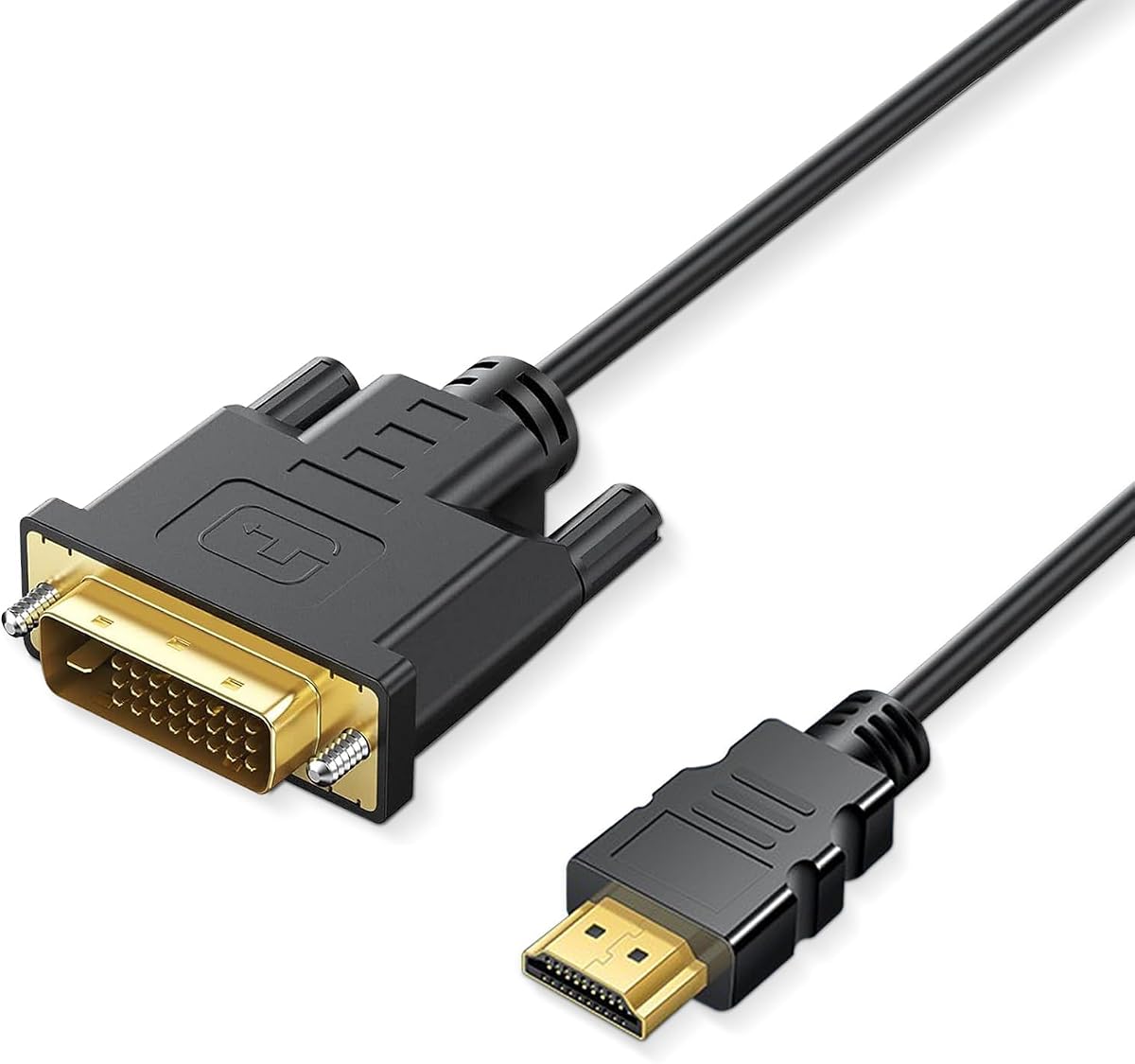


This Capshi HDMI to DVI-D adapter cable stands out for its robust construction and reliable performance. It carries a strong 4.7 rating from users who praise its durability and signal clarity over time.
We may earn a commission when you buy through this link, at no additional cost to you.
The 24K gold-plated connectors ensure excellent conductivity while the reinforced nylon braid protects against wear and tear. It supports resolutions up to 1080P making it ideal for HD monitors and TVs.
One trade-off is that it only transmits digital signals so DVI-I analog interfaces will not work for audio or mixed signals. However for most digital setups this limitation is negligible given the price.
If you need a dependable 6ft cable for connecting gaming consoles or PCs to DVI monitors this is a top recommendation. It offers a great balance of quality and value for everyday use.
The oxygen-free copper lines and aluminum foil shielding minimize interference for a clean picture.
Molded strain relief and finger-tightened screws ensure secure connections that withstand frequent use.
We may earn a commission when you buy through this link, at no additional cost to you.
Amazon Basics delivers a straightforward solution for connecting HDMI and DVI devices at an entry-level price. With a 4.7 rating it proves that budget options can still offer solid reliability for basic setups.
We may earn a commission when you buy through this link, at no additional cost to you.
The 3 ft length is perfect for tight spaces where a long cable would clutter the area. Gold-plated connectors provide decent conductivity and the net jacket adds a layer of protection against bending.
While it lacks the heavy shielding of premium models it handles standard 1080P video without issues. The main constraint is length which might require extension cords if your monitor is far from your PC.
This cable is ideal for office users or students needing a simple link between laptop and monitor. It delivers essential functionality without unnecessary features keeping costs low.
The short 3ft cable keeps your desk organized and reduces tangling in compact workspaces.
Works with all HDMI and DVI-D equipped devices ensuring broad support for common hardware.
We may earn a commission when you buy through this link, at no additional cost to you.
BENFEI offers a well-rounded adapter that balances performance and protection effectively. Its 4.7 rating reflects user satisfaction with its signal stability and build quality across various device types.
We may earn a commission when you buy through this link, at no additional cost to you.
The double shielding with aluminum foil and braid ensures minimal electromagnetic interference even in noisy environments. Finger-tightened screws add a secure mechanical lock preventing accidental disconnections during use.
While it does not carry audio signals which is common for DVI adapters it handles video resolutions up to 1080P flawlessly. The lifetime warranty provides peace of mind for long-term investment.
This cable suits users who prioritize signal stability over compact design. It is a great fit for gaming setups where reliable video transmission matters most without extra cost.
Double aluminum foil and braid layers protect data integrity against EMI and RFI.
Screw-in DVI ports ensure the cable stays firmly attached during active use.
We may earn a commission when you buy through this link, at no additional cost to you.
This HDMI to DVI adapter provides a longer cable length for flexible device placement. With a 4.7 rating it meets expectations for stable video transmission across typical home or office setups.
We may earn a commission when you buy through this link, at no additional cost to you.
The 24K gold-plated connectors resist corrosion ensuring consistent contact quality over time. A 6ft cable gives you ample slack to route wires neatly without strain on the ports.
Like many DVI adapters it transmits video only so you will need a separate audio solution if your setup requires sound. The PVC jacket is functional but may not last as long as braided covers.
Ideal for users needing reach beyond standard cable lengths this option delivers dependable performance. It is a straightforward choice for extending video signals to distant monitors or projectors.
The 6ft length allows for flexible routing in larger rooms or under desk setups.
Gold plated connectors maintain signal quality by resisting oxidation and wear.
We may earn a commission when you buy through this link, at no additional cost to you.
CableCreation offers a compact adapter perfect for situations where space is limited. Its 4.7 rating highlights user satisfaction with its robust build and reliable video performance in tight environments.
We may earn a commission when you buy through this link, at no additional cost to you.
The 15cm length is short but ideal for close connections like laptops to monitors without excess cable clutter. Full metal connectors add strength and corrosion resistance for long-lasting use.
While it supports 3D video and up to 1080P resolution audio is not included meaning you need separate cables for sound. This limitation is typical for DVI but worth noting for all-in-one setups.
This adapter is best suited for travelers or users needing a small converter. It provides high quality signal conversion in a package that fits easily into any gear bag.
The 15cm compact size makes it easy to carry and store for travel needs.
Full metal construction ensures the connector withstands frequent plugging and unplugging.
We may earn a commission when you buy through this link, at no additional cost to you.
This adapter stands out with a high 4.9 rating indicating strong customer satisfaction across various uses. It offers a straightforward male to male connection for quick video setup without extra adapters.
We may earn a commission when you buy through this link, at no additional cost to you.
Supporting DVI-I Dual Link it ensures resolutions up to 1080P are transmitted with clarity. Bi-directional support allows flexibility whether you are sending signal from HDMI to DVI or vice versa.
The main limitation is the lack of audio transmission which requires a separate connection for sound. However for visual tasks this does not detract from its excellent performance and reliability.
For users seeking a highly rated cable that just works this is a top contender. It simplifies connectivity for consoles and PCs without compromising on video quality.
A 4.9 rating reflects excellent performance and reliability reported by many buyers.
Bi-directional capability allows connection flexibility between different device types easily.
We may earn a commission when you buy through this link, at no additional cost to you.
This 5ft HDMI to DVI cable offers a balanced length for typical home theater or desk setups. With a 4.5 rating it delivers consistent performance for most users seeking reliable video links.
We may earn a commission when you buy through this link, at no additional cost to you.
The doubled shielded PVC coat provides robust protection against signal loss and wear. Gold-plated connectors ensure stable conductivity while the 5ft length accommodates moderate distance between devices.
It does not carry audio signals so you will need an external speaker or audio cable for sound. The lower rating compared to some competitors suggests minor user concerns but overall it performs well.
Ideal for mid-range setups this cable offers good value and flexibility. It connects consoles and computers to monitors efficiently making it a practical choice for everyday use.
A 5ft cable provides enough slack for routing without excessive clutter in rooms.
Doubled shielded PVC coating protects against interference and physical damage.
We may earn a commission when you buy through this link, at no additional cost to you.
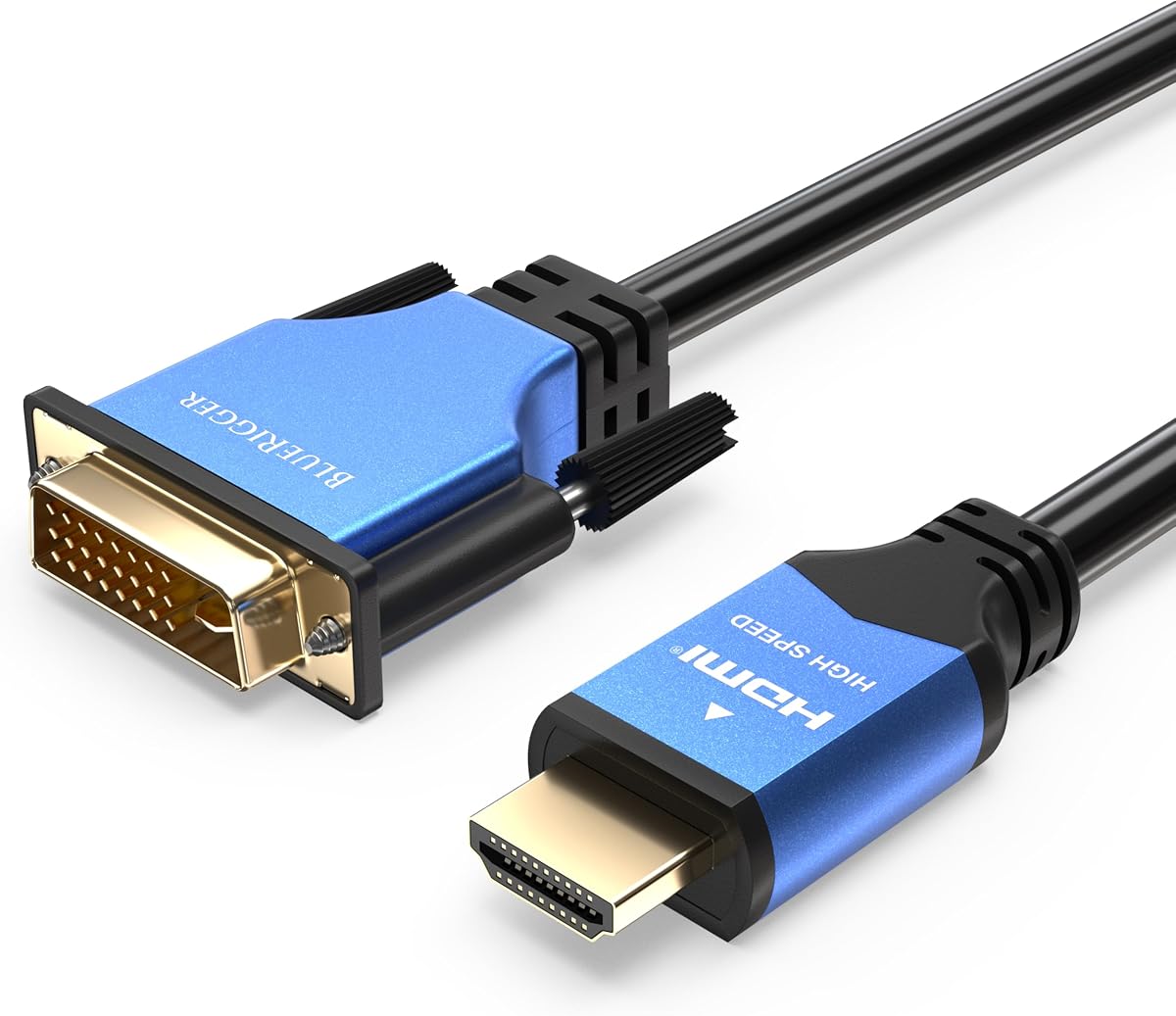
BlueRigger sets a premium standard with its durable aluminum alloy shell and comprehensive lifetime warranty. A 4.7 rating confirms that this cable delivers exceptional build quality and reliable signal transmission over time.
We may earn a commission when you buy through this link, at no additional cost to you.
The 6ft length allows for flexible placement while the non-slip screws secure the connection tightly to the monitor. Oxygen-free copper wires ensure optimal conductivity for clear video without dropouts.
Although it is priced higher than budget options the added durability and warranty support justify the cost for professional use. Audio still requires a separate cable as is typical for DVI links.
For users wanting long-term reliability and top-tier support this is an excellent choice. It is ideal for studios or offices where consistent performance and robust construction are critical.
A lifetime warranty and US-based support ensure long-term reliability and customer care.
Aluminum alloy shells and oxygen free copper wires maximize durability and signal quality.
We may earn a commission when you buy through this link, at no additional cost to you.
This 2-pack adapter set offers great value for users needing multiple connections. With a 4.6 rating it proves that these compact converters deliver reliable performance for various video tasks.
We may earn a commission when you buy through this link, at no additional cost to you.
Each adapter is short and portable allowing for easy storage in bags or drawers. Gold-plated connectors resist oxidation and maintain stable connections over time without degradation.
Unlike cables these adapters require an HDMI cable separately which may add to setup complexity. However for connecting laptops to monitors on the go they save space and keep things tidy.
Ideal for home offices with multiple screens this set provides flexible connectivity. It ensures you have backup adapters ready so your setup stays functional whenever you need it.
Getting two adapters in one pack ensures you have a backup for multiple setups.
The compact design makes it easy to store and carry without bulk in your gear.
We may earn a commission when you buy through this link, at no additional cost to you.
DTECH delivers a versatile adapter capable of handling high resolutions including 4K at 30Hz. With a 4.6 rating it offers solid performance for users who want future-proof connectivity options.
We may earn a commission when you buy through this link, at no additional cost to you.
The compact design includes grip treads and screws for easy and secure hookups. Bi-directional support allows flexibility whether you are linking a DVI source to an HDMI monitor or vice versa.
As a converter it requires a separate HDMI cable which adds to cost but keeps the adapter small. While audio must be handled separately its video handling remains robust across different devices.
Best for tech-savvy users needing higher resolution support this adapter offers strong value. It connects modern sources to older displays effectively making it a practical addition to any setup.
Supporting 4K at 30Hz ensures compatibility with high-definition displays beyond standard HD.
Grip treads and screws allow for an easy and stable connection to the monitor.
We may earn a commission when you buy through this link, at no additional cost to you.
Selecting the right HDMI to DVI adapter requires understanding connector types, cable length, and signal quality to ensure compatibility and reliable performance for your devices.
DVI connectors come in DVI-D digital only and DVI-I digital plus analog. Ensure your source and display match the adapter type to avoid signal issues since analog signals require specific ports.
Always check your device port labels to confirm whether you need DVI-D or DVI-I support before purchasing.
Choose a length that suits your setup without excess slack or tension. Shorter cables reduce clutter while longer ones offer flexibility for reaching distant monitors across a room.
Measure your space before buying to ensure the adapter reaches comfortably without stretching.
Verify that the adapter supports your desired resolution such as 1080P or 4K. Some adapters cap at lower resolutions which may limit display quality on high definition screens.
Look for explicit resolution specs to guarantee your display performs at its best.
Gold-plated connectors and shielding like aluminum foil or nylon braiding improve signal stability and durability. Strong materials resist corrosion and physical wear over time.
Prioritize cables with reinforced joints and protective jackets for longer lifespan.
A bi-directional adapter allows signals to travel both ways between HDMI and DVI devices. This flexibility ensures you can connect laptops to monitors or consoles to displays interchangeably.
Confirm bi-directional support if you need to switch connection directions frequently.
Most DVI adapters do not carry audio signals meaning you need a separate cable for sound. Check if your device supports audio over DVI which is rare in older models.
Plan for separate audio wiring if your setup requires sound from your monitor.
Manufacturers offering warranties or reliable customer support provide added assurance against defects. This is especially useful for long-term installations where replacement may be inconvenient.
Check warranty terms to ensure peace of mind for your purchase.
Ensure the adapter works with your specific gaming consoles or PCs. Some adapters may have limitations with newer hardware so verifying compatibility lists is crucial.
Review supported device lists to avoid buying incompatible adapters.
Connect the adapter by aligning the HDMI end with your source device and the DVI end with your monitor. Tighten any screws gently to secure the connection without over-tightening.
Inspect connectors regularly for dust or debris that may affect signal quality. Use a dry cloth to clean surfaces and avoid using liquids directly on the ports.
Store adapters loosely coiled or in a protective case to prevent bending or fraying. Avoid placing heavy objects on the cable to maintain its integrity over time.
Most HDMI to DVI adapters do not carry audio signals because DVI standards typically transmit video only. You will need to connect audio separately using speakers or an external audio cable for sound output.
Yes a DVI-I adapter works with a DVI-D port since the digital pins align correctly. However you cannot transmit analog signals which is rarely needed for modern digital displays.
Many adapters support up to 1080P Full HD resolution reliably. Some high-quality models can handle 4K at 30Hz but always check the product specs to confirm maximum supported resolution.
Yes most HDMI to DVI adapters work plug and play without needing drivers. Simply connect the cable and the devices will recognize the signal automatically on most systems.
Check your device port for 24+1 (digital) or 24+5 (digital and analog) pins. Most modern displays use 24+1 so a 24+1 adapter is usually sufficient for standard setups.
Yes adapters are compatible with consoles like PS3, PS4, and Xbox models with HDMI outputs. Ensure your display has a DVI input and you have separate audio for a full experience.
Look for visible fraying or bent connectors and test with another known working cable. Flickering images or no signal at all may indicate internal damage requiring replacement.
Shorter cables generally experience less signal loss and interference than longer runs. However a properly shielded longer cable can still perform well if it uses quality materials and connectors.
These ten models offer reliable solutions for connecting HDMI sources to DVI displays with varying features and prices. Capshi, Amazon Basics, and BlueRigger lead in different categories to suit diverse needs.
Prioritize connectors, build quality, and resolution support based on your setup requirements. Ensure compatibility with your devices and consider audio needs when selecting the right adapter.
Always verify current availability and compatibility before purchasing to ensure you get the best value. Prices may change so check listings directly for the most accurate and up to date information.