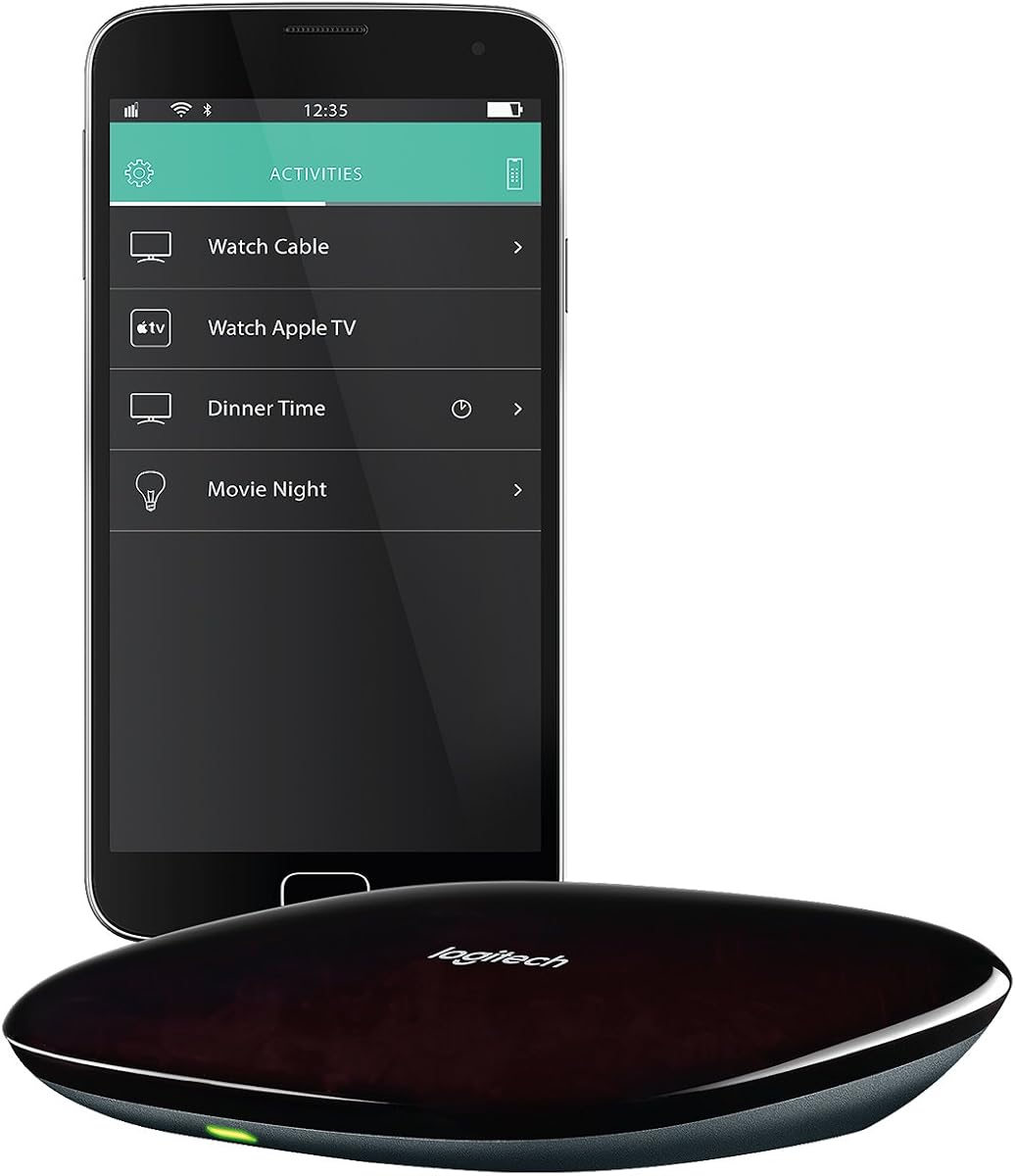
Logitech Harmony Hub for Control
3.9Editor score
Control eight devices
Centralized app management
Compact design
This guide compares the top Logitech Harmony Home Hub models for 2026 to help you choose the best remote control system for your smart home setup.
Finding the right control solution for your entertainment system can be challenging. A good hub simplifies your daily routine by consolidating multiple devices into one interface. It allows seamless interaction with your TV, audio, and smart home products.
We evaluated ten models based on compatibility, ease of use, and integration capabilities. Our analysis focuses on features like touchscreen quality, voice control support, and device range. This ensures you get a system that fits your specific needs.
Each pick highlights key strengths and potential limitations for various user types. You will see detailed breakdowns of what makes each unit unique. Please note that availability and pricing may fluctuate over time.
3.9Editor score

3.7Editor score

3.8Editor score
The following table provides a side-by-side comparison of all ten models we reviewed. It highlights essential specifications to help you differentiate between the various tiers and capabilities available in the current market.


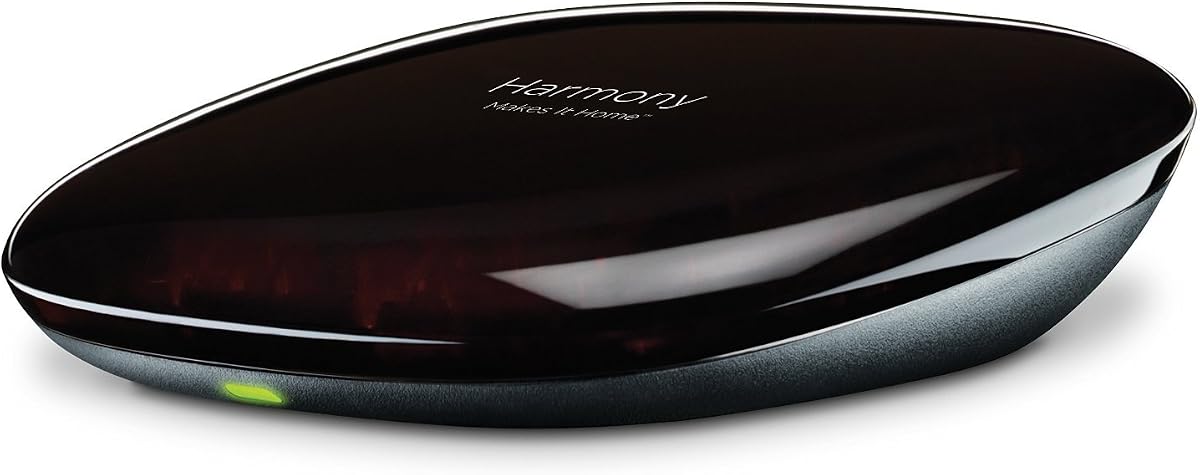


This hub serves as a foundational component for home automation. It holds a solid rating for its ability to manage eight devices. The standout quality is its simplicity and cost effectiveness for basic setups.
We may earn a commission when you buy through this link, at no additional cost to you.
The primary strength lies in its app-centric control. You can manage your entertainment system entirely from a smartphone. This reduces clutter and provides a modern interface for daily operations.
A trade-off is the lack of a physical remote. Some users may prefer tactile buttons for quick access. However, the app is responsive and covers most standard functions effectively.
This model is ideal for users on a budget. It offers a way to unify devices without a large investment. It remains a viable choice for simple entertainment setups.
Connects easily to most standard entertainment devices via IR signals.
Uses your existing smartphone as the primary control interface.
We may earn a commission when you buy through this link, at no additional cost to you.
The Elite model is a top contender for advanced users. It features a vibrant touchscreen and supports voice commands. Its rating reflects its robust functionality and extensive device support.
We may earn a commission when you buy through this link, at no additional cost to you.
Key strengths include the one touch activities feature. You can start a movie night with a single tap. It also supports smart home devices like lights and locks seamlessly.
The complexity of setup can be a drawback. Configuring all devices requires patience and a stable internet connection. However, the result is a highly customized control experience.
This unit is best for tech enthusiasts. If you want complete control and voice integration, this model delivers. It justifies the investment with its extensive feature set.
Allows quick navigation through channels and smart home settings.
Works with Alexa for convenient hands-free operation.
We may earn a commission when you buy through this link, at no additional cost to you.
This kit combines a simple remote with advanced app features. It offers a balanced approach for those who want both tactile and digital control. The rating indicates high satisfaction with its dual functionality.
We may earn a commission when you buy through this link, at no additional cost to you.
The ability to control devices in cabinets is a major benefit. It uses RF and IR signals to reach hidden hardware. This solves the problem of line-of-sight limitations in home theaters.
One limitation is the device count compared to the Elite. It caps at eight devices which may not suit large setups. However, for average households, it is often sufficient.
It is a great choice for families needing a physical remote. The app provides flexibility while the remote offers reliability. It bridges the gap between traditional and modern control systems.
Uses hub technology to control consoles behind closed doors.
Supports both physical buttons and touchscreen app navigation.
We may earn a commission when you buy through this link, at no additional cost to you.
This hub focuses on managing hidden entertainment gear. It includes a mini blaster to send signals into cabinets. The high rating shows users appreciate this practical design feature.
We may earn a commission when you buy through this link, at no additional cost to you.
Its strength is in streaming media control. You can launch Netflix or YouTube directly from the app. It simplifies navigation on devices that often have clunky remote interfaces.
Lacking a physical remote might disappoint traditionalists. You must rely on your phone for all interactions. This can be inconvenient if your phone battery is low.
It suits users with hidden AV equipment. The blaster solves visibility issues effectively. It is a strong option for modern living rooms with minimal hardware.
Uses IR blaster to control devices inside closed cabinets.
Provides direct access to apps on TV and streaming boxes.
We may earn a commission when you buy through this link, at no additional cost to you.
This renewed model offers a way to access Harmony features affordably. It includes full support for voice and home automation. The rating remains high despite being refurbished due to strict testing standards.
We may earn a commission when you buy through this link, at no additional cost to you.
It excels in creating custom activities. You can program scenarios like Date Night to adjust lights and media. This automation feature makes daily routines significantly more convenient.
Buying renewed means accepting potential cosmetic wear. It may not look brand new but functions correctly. Checking return policies is essential when purchasing refurbished items.
It is best for budget-conscious buyers. It provides the core functionality without the premium price. It is a smart choice for those comfortable with refurbished electronics.
Allows creation of tailored scenarios for multiple devices.
Compatible with Alexa for voice command activation.
We may earn a commission when you buy through this link, at no additional cost to you.
This remote provides a handheld touchscreen solution. It is a renewed unit which lowers the cost significantly. The rating suggests it performs well for those seeking a physical device.
We may earn a commission when you buy through this link, at no additional cost to you.
Its interface allows direct control without a phone. It works alongside the Harmony Hub for full automation. This is useful for elderly users who prefer a dedicated remote.
Refurbished items often have limited warranty options. You should check the seller terms carefully. Physical buttons on older models might be less responsive.
It suits users needing a dedicated remote. It bridges the gap between smart tech and traditional control. It is a practical choice for simpler home setups.
Offers a physical device for quick access to controls.
Connects to the Harmony Hub for expanded functionality.
We may earn a commission when you buy through this link, at no additional cost to you.
This premium renewed option brings high-end features to a lower price. It includes the full suite of Harmony capabilities. The rating reflects mixed experiences with refurbished electronics quality.
We may earn a commission when you buy through this link, at no additional cost to you.
The touchscreen and voice integration remain powerful tools. It supports up to fifteen devices for comprehensive control. This makes it a strong alternative to buying brand new.
Batteries in renewed units may degrade faster. You might need to replace them sooner than expected. Inspecting the unit upon arrival is critical.
It is best for value seekers wanting high performance. It offers flagship features without the flagship price. It is a viable path for those who accept some risk.
Includes full activity automation and voice capabilities.
Offers premium hardware at a refurbished cost level.
We may earn a commission when you buy through this link, at no additional cost to you.
This kit includes both the hub and the remote. It provides a ready-to-use solution for home theaters. The high rating indicates strong performance despite being renewed.
We may earn a commission when you buy through this link, at no additional cost to you.
It covers all entertainment needs with its hub. You get full integration with mobile apps and voice assistants. This setup is robust and scalable for future devices.
Packaging for renewed items is often generic. It may not include original manuals or accessories. Checking the item description is necessary before buying.
It suits buyers needing a complete system. It removes the guesswork of separate purchases. It is a solid choice for quick installation.
Includes both the central hub and handheld remote.
Supports full integration with mobile and voice apps.
We may earn a commission when you buy through this link, at no additional cost to you.
This remote is perfect for replacing a lost unit. It retains all the functionality of the original. The rating shows it is reliable for users with existing hubs.
We may earn a commission when you buy through this link, at no additional cost to you.
It supports a vast range of smart home devices. You can control lights and thermostats from the screen. This extends the utility of your existing entertainment system.
Without a hub you lack hidden device control. You must rely on IR line of sight. This limits its use in certain cabinet setups.
It is ideal for existing Harmony users. It restores control without buying a new system. It is a practical choice for replacements.
Provides full functionality for existing hub setups.
Controls lights and sensors via Bluetooth or IR.
We may earn a commission when you buy through this link, at no additional cost to you.
This classic model uses RF to control hidden devices. It is a legacy unit but holds strong ratings for build quality. It is often sought after for its reliable hardware.
We may earn a commission when you buy through this link, at no additional cost to you.
RF technology allows control without line of sight. This is a major advantage over standard IR remotes. It works seamlessly with the activity based interface.
Software support may be limited compared to newer versions. You might face challenges with new device pairing. It is best for stable setups.
It is best for RF enthusiasts. It offers a durable and independent control method. It remains a favorite for those who prioritize hardware reliability.
Uses radio frequency to bypass line of sight barriers.
One touch control for multiple device scenarios.
We may earn a commission when you buy through this link, at no additional cost to you.
Selecting the right Harmony model depends on your device count and control preferences.
Consider how many devices you need to control simultaneously. Some hubs support up to fifteen devices while others are limited to eight. This factor determines if the system will scale with your setup.
Choose a higher capacity model if you have multiple consoles and smart home gear.
Decide between a physical remote and app-only control. Physical remotes offer tactile feedback and quick access for family members. App control offers a modern interface but depends on phone availability.
A hybrid approach with both remote and app provides maximum flexibility.
Look for models compatible with Alexa or Google Assistant. Voice control allows for hands-free operation which is great for accessibility. Not all versions include this feature equally.
Prioritize models that explicitly state voice command support for convenience.
Check if the unit supports RF or just IR signals. RF allows control of devices hidden in cabinets or behind walls. IR requires line of sight which can be a limitation in large rooms.
Select RF capability if your equipment is not easily accessible.
Ensure the hub can integrate with smart lights and locks. This feature transforms your entertainment remote into a home controller. Compatibility varies by version and software updates.
Verify specific device lists before buying to ensure your smart home gear works.
Decide between new and renewed products. Renewed items are cheaper but may lack full warranty coverage. New units ensure longevity and full support from the manufacturer.
Buy new if you want long-term security and peace of mind.
Start by connecting the hub to your home Wi-Fi network. This allows it to communicate with your devices and the mobile app. Follow the setup wizard on the screen or in the app to pair each device.
Keep the remote and hub away from direct sunlight and extreme heat. Overheating can reduce battery life and cause hardware malfunctions. Clean the touchscreen with a soft dry cloth to prevent scratches and maintain visibility.
Update the software regularly to ensure compatibility with new devices. This helps maintain a smooth experience over time. Use the app to manage activities and customize commands to fit your daily routine.
Yes most Harmony hubs support Apple TV. You can control streaming services and navigation through the app. Make sure the device is connected to your network for best results.
One hub can manage devices in multiple rooms. You can configure different activity sets for each location. The app allows you to switch between room controls easily.
Check that the IR signal is not blocked. Restart the hub and the device to reset the connection. Updating the software can also resolve communication issues.
The Harmony Elite primarily supports Amazon Alexa. There are limited options for Google Assistant integration. Check current compatibility charts for any updates.
The Elite remote has a replaceable battery pack. You can purchase a new pack from the manufacturer or third-party sellers. The battery is located under the back cover of the remote.
Yes you can control most projectors with IR codes. Ensure your projector has an IR receiver. Add it as a device in the app during setup.
We reviewed ten models ranging from budget hubs to premium remotes. The Elite offers the best features while the standard Hub provides value. Each unit serves different needs based on device count and interface preference.
Focus on your specific device count and desired interface type. Decide if you need a physical remote or if app control is enough. These choices will narrow down your options significantly.
Always check current availability and pricing before buying. The market changes quickly and models may be discontinued. This guide helps you compare options for an informed decision.